Fast integration
Speed
Clear API documentation and pre-built components will help you build faster. With our plug-and-play SDK, you can build simple chats in hours.

Add real-time messaging to your React app in minutes. Ethora’s React chat component is open-source, fully customizable, and scales from startups to enterprise — with AI chatbots, file sharing, and group chat built in.

We built Ethora with developers in mind, that’s why it has everything the best web chat SDK should have. Ethora ticks every box - developer-friendly, flexible, and full-featured.
Speed
Clear API documentation and pre-built components will help you build faster. With our plug-and-play SDK, you can build simple chats in hours.
Modular
Build the app you need by adding components that fit your vision - from simple emojis and read reports to AI-powered functions.

Enterprise
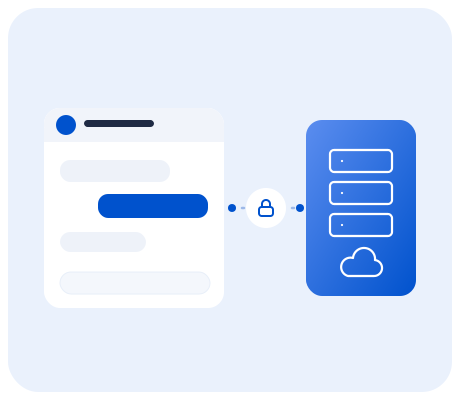
Designed to handle any number of users, Ethora is a secure web chat SDK with end-to-end encryption, custom auth, and on-premise options.

Customizable
Modify any component to match your design and meet UX requirements. Tailor layouts, colors, and features to meet your unique needs.
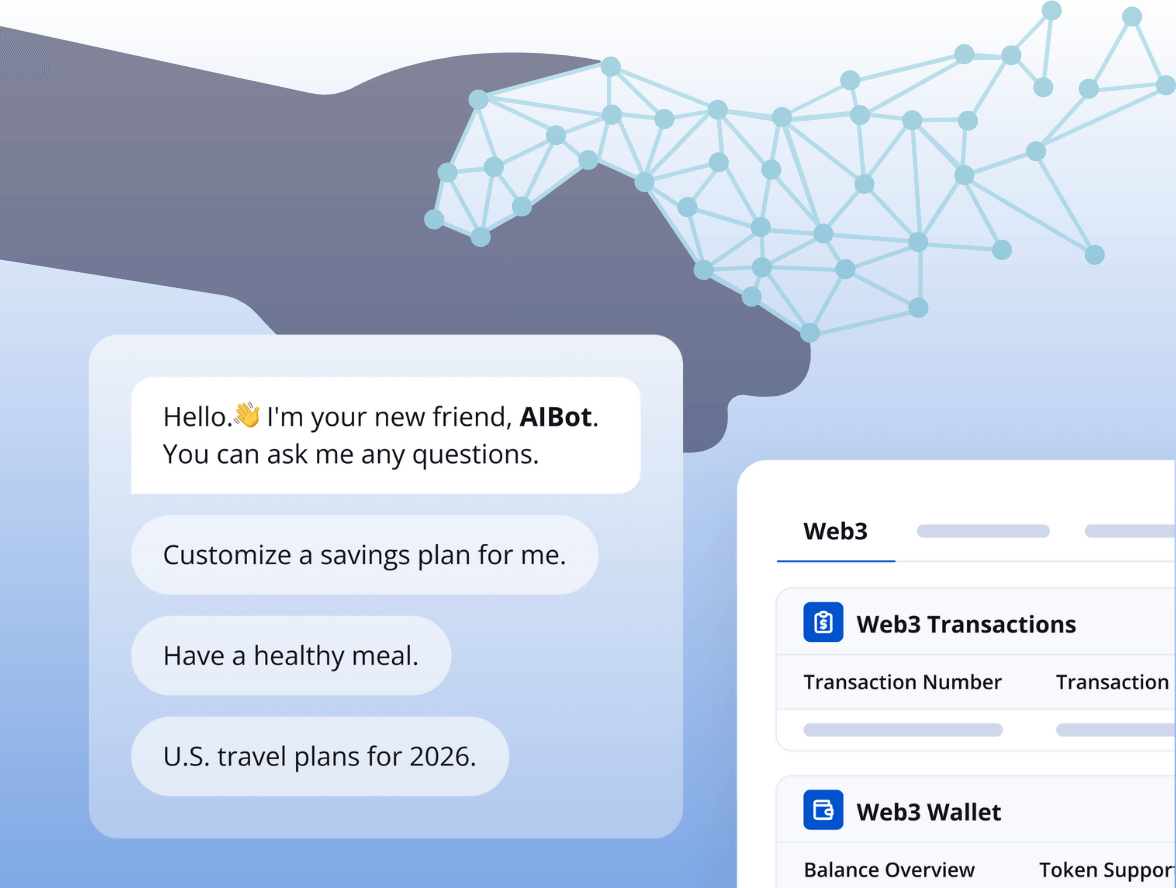
Scale
Ethora SDK makes web chat integration effortless, and it’s ideal for startups. You can start small - build your MVP and add features as your project and the number of users grow.
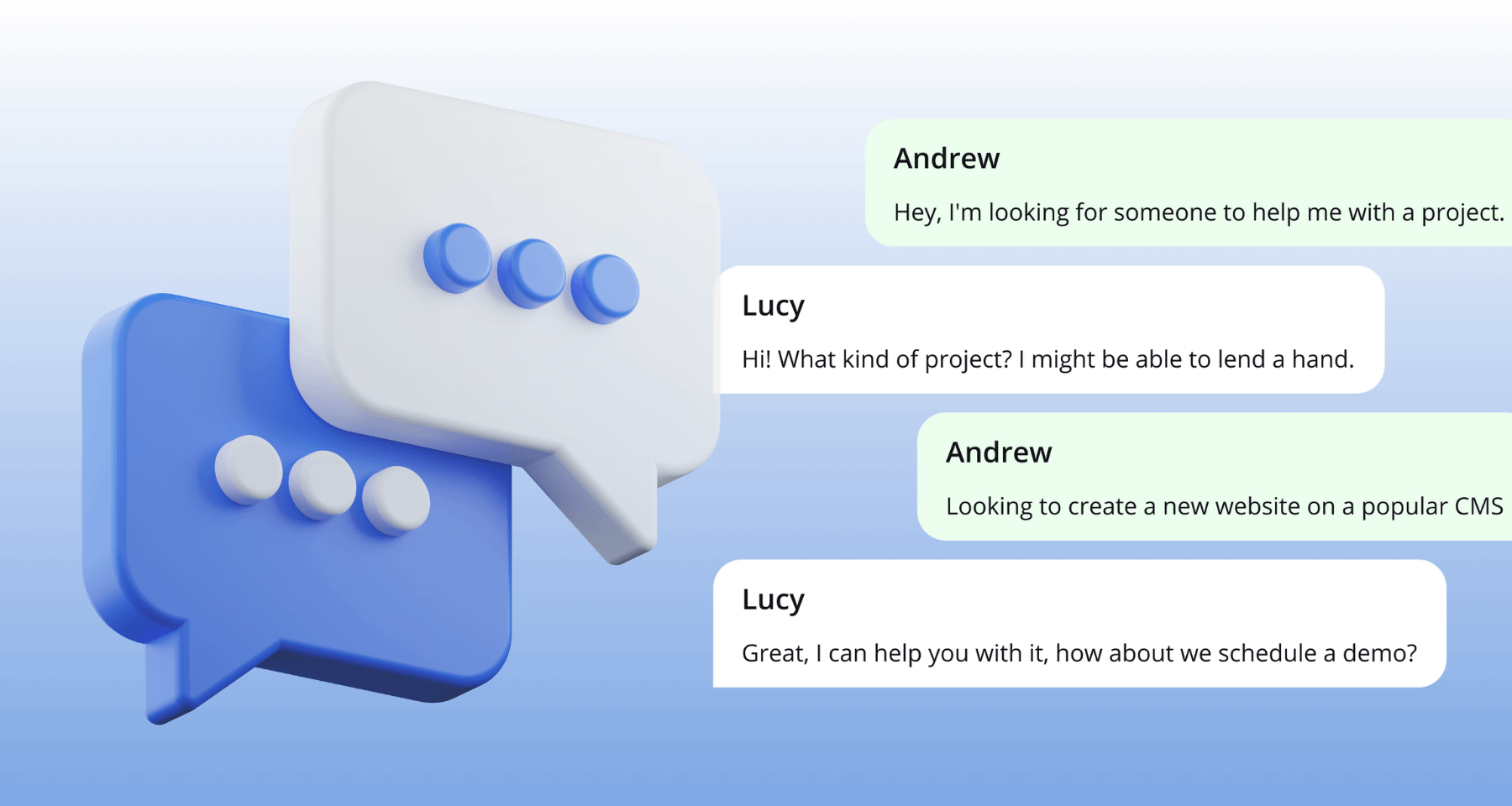
Compatible
Ethora fits naturally into your existing tech stack. No need for workarounds, it’s compatible with React.js, Node.js, and other popular web stacks.

Six highlights that work in the React chat SDK today. The features page lists all 86, with the SDKs that support each one.
Optional end-to-end encryption on OMEMO 2, the XMPP standard with a Signal-style double ratchet. Messages are encrypted on the sender’s device for each of the recipient’s devices, and the server stores only ciphertext. An encrypted chat stays encrypted for life.
Peer-to-peer WebRTC with TURN relays, or a LiveKit media server, with ringing, busy and reconnect handling and a call entry in the chat.
Agents join 1:1 and group chats and reply to every message, only when @mentioned, or when an AI gate decides a reply helps. Every SDK shows their messages like any other member’s.
Server-side full-text search in one chat or across all of a user’s chats, with sender and date filters and a jump to the result. People only find messages from chats they belong to.
Restyle colours, fonts and layout in the admin panel and running chats update without a redeploy.
Browser notifications through Firebase Cloud Messaging, with a soft-ask banner before the browser prompt; a click opens the message.
Ethora’s web chat integration SDK comes packed with flexible, ready-to-use React components. You can launch fast while keeping all the control. Each component is fully extendable, so you can create a unique chat solution according to your requirements and design.
Complete chat interface with messages, input, and tools. Extend chat windows with custom layouts or theming, and add additional features, like pinned messages, mentions, threads, and more.
Real-time stream of messages. Easily integrated into any front-end architecture and can be fully customized to meet your needs.
A flexible input field for mentions, attachments, slash commands, etc. You can extend its capabilities by adding quick actions, commands, polls, voice messages, or other custom options.
Provides users with a richer messaging experience by allowing them to easily switch between chats. You can add filters, folders, or whatever fits your use case.
Real-time indicators of user’s status: who’s online, offline, away from the keyboard, in a meeting, busy, or any other status you’ll want to integrate.
Ethora's React chat component is available as an npm package. You can go from zero to a working chat room in under five minutes. Here's how:
Working in Cursor, Claude Code or VS Code? Add the Ethora MCP server to your assistant (no account needed) and ask “How do I add Ethora chat to this React app?”. It reads this quickstart and the component docs and writes the integration with you.
npm create vite@latest my-chat-app -- --template react-ts
cd my-chat-app
npm installnpm install @ethora/chat-componentReplace the contents of src/App.tsx with:
import { Chat } from "@ethora/chat-component";
import "./App.css";

function App() {
  return (
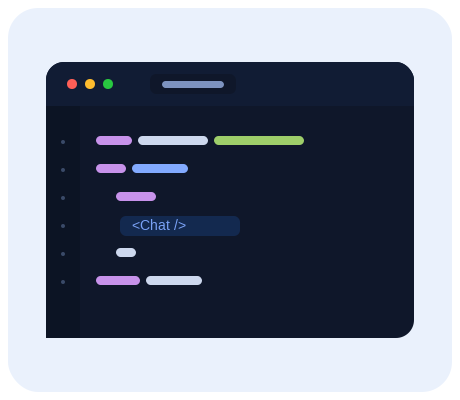
    <Chat />
  );
}

export default App;npm run devOpen http://localhost:5173/ in your browser — your chat app is live. The component ships with a built-in demo mode so you can test messaging immediately without any backend setup.
When you're ready to go beyond the demo, sign up at app.chat.ethora.com to get your own App ID and App Secret. Pass them as props to the <Chat /> component to connect to your own private chat server with your own users, rooms, and data.
For enterprise deployments requiring full data ownership, you can deploy Ethora on your own infrastructure (AWS, Azure, GCP, or on-premises).
Every aspect of the Ethora React chat component is configurable. Pass props to control colors, layout, fonts and behavior — or override individual sub-components for full design control.
import { Chat } from "@ethora/chat-component";
import { config } from "./chat.config";

function App() {
  return (
    <Chat
      config={{
        colors: {
          primary:   "#0052CD",
          secondary: "#E7EAF9",
        },
        ...config,   // everything else lives here
      }}
    />
  );
}
The full IConfig exposes 60+ options across these areas — keep them in a separate chat.config.ts and spread it in, so your JSX stays clean. See the full config reference for every prop.
What config covers
Brand colors, bubble & input backgrounds, icons, font family, sizes and weights.
Google, JWT, custom or default login, token refresh and fallback screens.
Toggle header, room list, menus, custom rooms and hidden rooms.
In-app toasts and web push — position, duration, icons and click handlers.
Typing indicators, message filters, translations and onMessage event hooks.
Ethora’s React chat SDK includes everything you need to build production-ready messaging. Here’s the full feature breakdown by plan:
| Feature | Free $0/mo | Most popular Business $149/mo | Enterprise Custom |
|---|---|---|---|
| 1:1 and group messaging | Included | Included | Included |
| File & image sharing | Included | Included | Included |
| Typing indicators & read receipts | Included | Included | Included |
| Emoji reactions | Included | Included | Included |
| Message history & sync | Included | Included | Included |
| Push notifications | Included | Included | Included |
| User authentication & roles | Included | Included | Included |
| AI chatbot integration | Included | Included | Included |
| Monthly active users (MAU) | 1,000 | 5,000 | Unlimited |
| Tech support | Community | Email & chat | 24/7 phone |
| SLA guarantee | Not available | 99.9% | 99.99% |
| Custom domain | Not available | Included | Included |
| Self-hosted / on-premises | Not available | Not available | Included |
| End-to-end encryption | Not available | Not available | Included |
| HIPAA / SOC2 compliance | Not available | Not available | Included |
Choosing a React chat component for your project? Here’s how Ethora stacks up against popular alternatives:
 Ethora
Stream is cloud-only, and CometChat and TalkJS offer on-premises only as an Enterprise add-on. Ethora gives you full source-code access and the option to deploy on your own servers on every plan, including Free. Essential for healthcare, finance and government teams that need data sovereignty.
A built-in AI chatbot builder and support for self-hosted LLM agents (GPT-4, Llama, Mistral) ship in the box. With other SDKs, AI means separate third-party integrations.
Ethora runs on XMPP with ejabberd — a battle-tested server powering billions of messages for the likes of WhatsApp. Proven reliability, federation and an open standard instead of vendor lock-in.
The free tier includes 1,000 MAU with every feature — no gating. The $149/mo Business plan covers 5,000 MAU, less than Sendbird ($349/mo for 5,000 MAU) or CometChat ($239/mo for 1,000 MAU), both billed annually.


VITALL is a Canadian digital health platform used by hospitals, clinics and private practices.
Ethora runs as a self-hosted chat server in VITALL’s own AWS account in Canada, with one isolated tenant per clinic, chat in the practitioner portal and in native iOS, Android and React Native patient apps.
Users, rooms and clinics are provisioned by VITALL’s backend through the Ethora API.
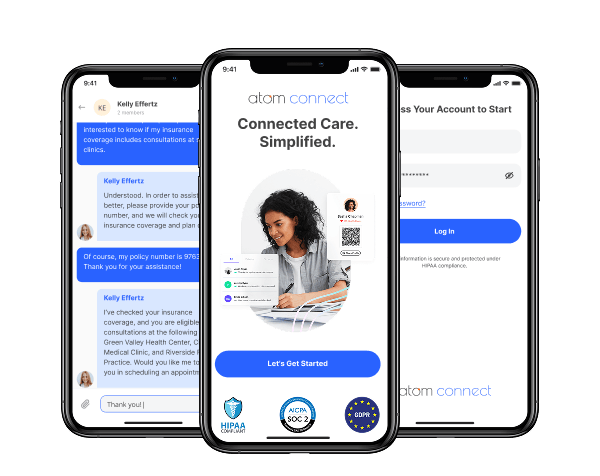

Atom Advantage provides workers’ compensation and health insurance solutions in the United States.
On Ethora they built Atom Connect: secure, case-based chat between injured workers, nurses and case managers, embedded in their claims portal and a white-label mobile app. HIPAA and SOC 2 compatible.
Less manual work for case managers and a better experience for injured workers.
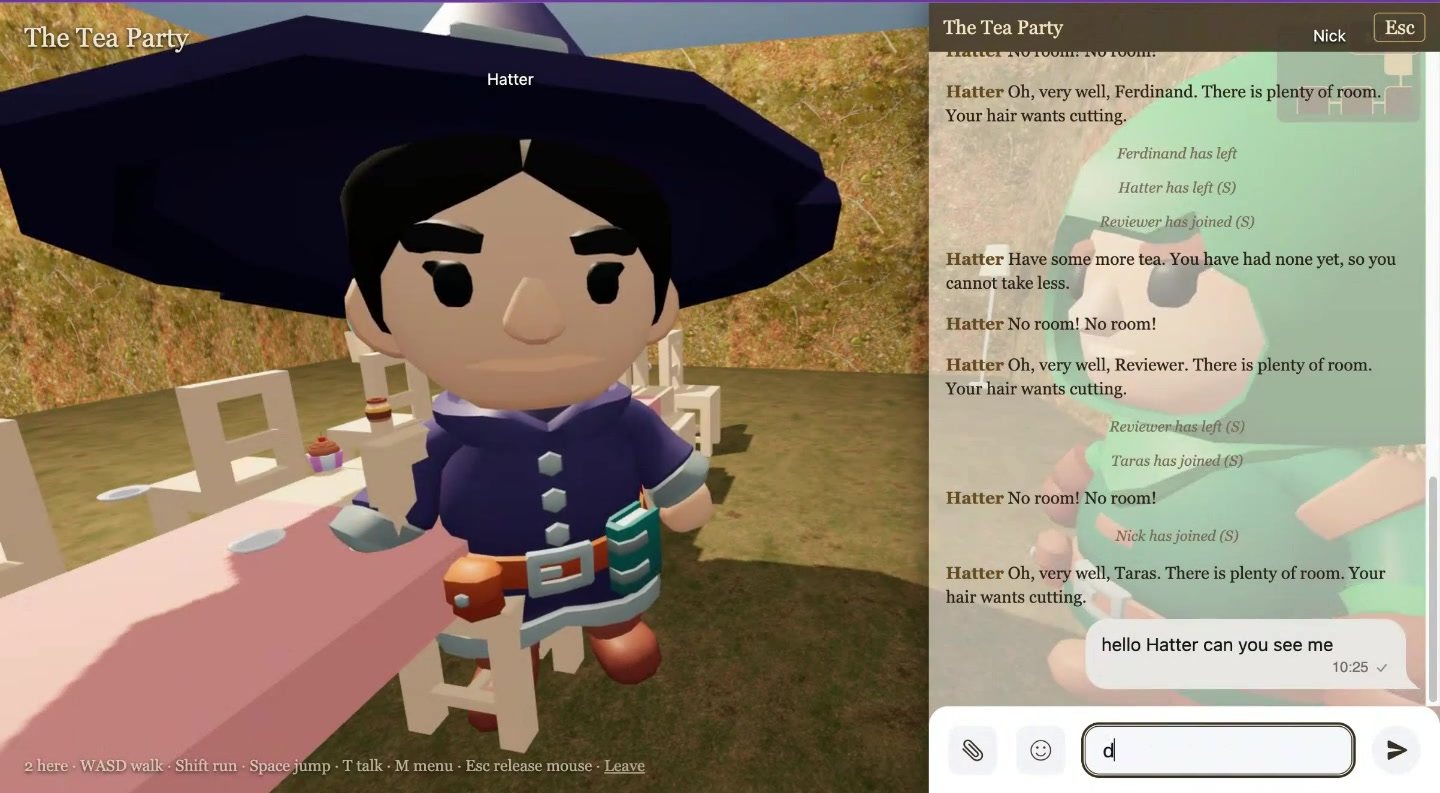
An internal R&D showcase by Ethora’s founder: Alice in Wonderland, The Tempest and A Christmas Carol as 3D worlds you walk through in first person.
Each room is an Ethora chat, each character an Ethora AI agent with the book as its knowledge; a generator and the hosted MCP server build a new world from any book in about four minutes.
Ethora’s React chat SDK is used across industries wherever real-time communication adds value to a web application.
HIPAA-compliant patient-provider messaging, telehealth chat, care coordination between clinical teams.
Explore healthcareSecure advisor-client communication, compliance-ready messaging with audit trails.
Explore financeBuyer-seller messaging, order-related conversations, dispute resolution.
Explore marketplacesLive chat widgets, AI-assisted responses, agent assignment and routing.
Explore supportEthora’s React chat component connects to a robust backend built on proven open-source technologies. The component is published as @ethora/chat-component on npm (current version: 25.12.2, license: AGPL). The source code is available on GitHub.
XMPP (via ejabberd) — the same protocol used by WhatsApp and Google Talk, providing real-time message delivery with presence, typing indicators, and message receipts.
Node.js API server handling authentication, user management, file storage (MinIO/S3), and push notifications.
React component library with TypeScript support, compatible with Vite, Next.js, Create React App, and other build tools.
Optional AI chatbot integration supporting OpenAI GPT-4, Meta Llama, Mistral, and custom models via RAG pipeline.
MongoDB for message persistence, user profiles, and app configuration.
Build a complete messaging experience with Ethora’s full product suite.
Install our React chat component via npm for quick integration.
Read morePre-built UI components for faster development.
Read moreExtend your chat to mobile with a shared codebase.
Read moreNative Swift messaging for iOS apps.
Read moreKotlin & Java library for Android.
Read moreDeploy on AWS, Azure, GCP or on-premises for full data control.
Read moreEmbed an AI-powered assistant alongside your chat.
Read moreSee pricing plans to get started.
Yes. Every UI component in the Ethora React chat SDK is fully customizable. You can override colors, fonts, and layouts via configuration props, or replace individual sub-components entirely with your own React components. The SDK works with CSS Modules, Tailwind CSS, styled-components, and any other styling approach. You can also hide or show specific UI elements (header, media attachments, login screens) using boolean config flags.
Yes. Ethora's backend is built on ejabberd (XMPP), which powers messaging for billions of users at companies like WhatsApp. The architecture supports horizontal scaling, load balancing, and high-availability deployments. Enterprise customers can deploy on dedicated infrastructure with custom SLAs, 99.99% uptime guarantees, and 24/7 phone support. The platform handles tens of thousands of concurrent connections per server node.
Security is paramount for Ethora. End-to-end encryption, anonymized authentication, and support for self-hosted options - these measures enable the highest level of protection, making Ethora perfect for industries working with sensitive information (e.g., legal, healthcare).
Yes, Ethora supports private and group chats, and broadcast channels, where admins can share news or other information. Whether you're creating a chat or sending updates to a large audience, our web chat service SDK enables you to manage conversations, enable/disable reactions and comments, set member roles, and moderate chat.
Ethora is designed as a true real-time chat SDK web solution and supports functions necessary for live-chat experiences, like built-in push notifications. Users will always stay informed about new messages, mentions, and other updates.
No. The Ethora React chat component works out of the box with just front-end skills. Install via npm install @ethora/chat-component, import the <Chat /> component, and you have a working chat room. Ethora handles the backend (messaging server, user management, file storage, push notifications) so you can focus on your application logic. If you need deeper customization later, full API access and backend documentation are available.
Yes. For businesses that need maximum control over their infrastructure, Ethora offers full on-premise options. Companies that need to meet strict security and legal requirements can self-host chat servers.
Ready to build your app?