

Your chat. Your AI agents.
Your servers. In-App Chat & AI Messaging SDK for Web, iOS & Android
In-app chat SDKs, an admin panel, a white-label mobile app, a self-hosted chat server and an AI widget for your website, on one platform you control.
- Free up to 1,000 MAU
- No credit card
- HIPAA · GDPR

Trusted by












Everything runs on one chat backend
Start with the piece you need today. Users, rooms and the admin panel are shared, so adding the next one takes minutes.

Add chat to your app, or use it on ours
Building a product? Add Ethora chat to your website or mobile app with a few lines of code. No app yet? Your users can chat right away in the ready Ethora app on the web, iOS and Android, with your name and logo.
- In your app: ready chat screens for React, React Native, iOS and Android
- On our platform: a web, iOS and Android app with your branding, no code
- Built in: group chats, files, audio and video calls, reactions
 Profile



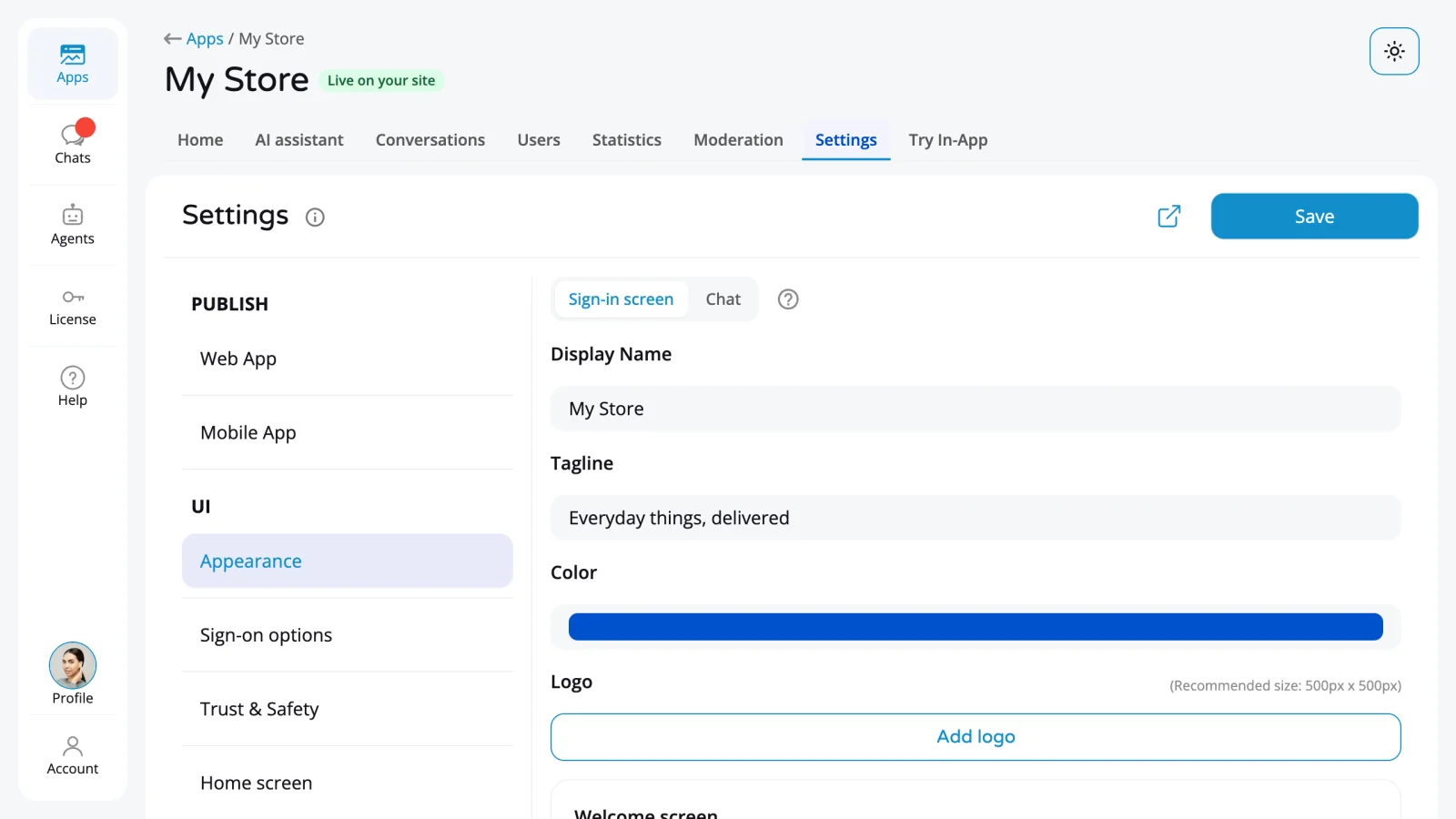
Run every chat app from one admin panel
Sign up and you get a working web chat plus the console behind it. Configure once, then publish as a web app, a mobile app or an AI widget.
- Users, chats and statistics in one place
- Branding: appearance, sign-on, home screen and menu
- AI agents and bots added to any chat room
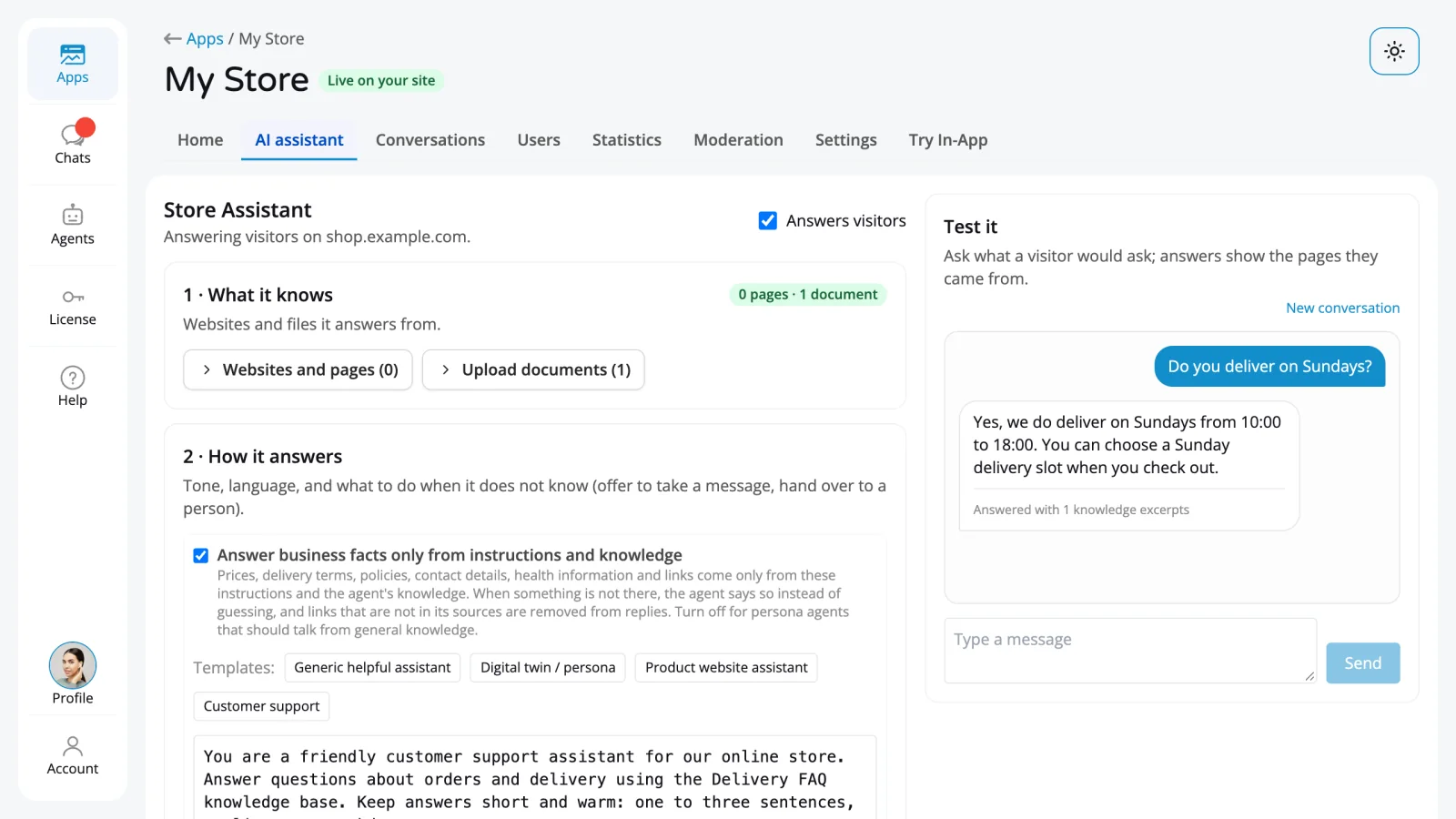
An AI agent on your website in under half an hour
Crawl your site, upload documents and paste one line. The agent answers from your own content and hands over to your team when needed.
- Answers from your pages and documents (RAG)
- Flows for leads, intake and appointment requests
- WordPress plugin or one line of code
<script
  src="https://widget.chat.ethora.com/assistant.js"
  data-app-id="YOUR_APP_ID"
></script>Keep every message inside your own perimeter
Deploy the Ethora server in your cloud account or data centre. You control data residency, access and audit; we enter into a BAA where you need one.
- 100% data ownership, no vendor lock-in
- Your own LLM for AI agents
- Docker, Helm or cloud marketplaces
Included in every plan
Everything a modern chat needs, already built
Free, Small Business and Enterprise plans get the same chat and AI features. Plans differ in users, support and hosting.
End-to-end encrypted chats
Switch it on per app and 1-to-1 messages are encrypted on the device. Neither the server nor you can read them.
Audio and video calls
Calls, voice messages and call history inside the same conversation.
AI that knows your business
Agents answer from your crawled pages and uploaded documents, not guesses.
Choose your model
Pick a model in the admin panel, or connect your own OpenAI-compatible LLM on a self-hosted server.
Flows and lead capture
Opening menus, intake forms and appointment requests run next to AI answers.
Open-source front end
React, React Native, the web widget and the WordPress plugin are on GitHub.
Installable web app (PWA)
Open pwa.chat.ethora.com and add the chat to any phone or desktop home screen. No app store needed.
Apps Created
Minutes to Launch an App
Github stars
NPM Downloads
See it live
Two devices, one conversation. Send a message on either side and watch it land on the other.

 AI chat widget
Add an AI chat widget to your website
An AI agent that answers your visitors from your own pages and documents, day and night, and keeps every conversation for your team. Start on the free plan, no credit card. The assistant in the corner of this page runs on Ethora too: ask it anything.
01 · For your website
Answers visitors around the clock, from your own content
Visitors ask in their own words and get answers drawn from your website and documents. Flows collect leads, intake details and appointment requests, and when someone needs a person, a member of your team joins the same conversation.
Live in three steps
Add your website and upload documents, check the answers in the admin panel, then paste one script tag or install the WordPress plugin.
Looks like your site
Start from one of seven themes, then set colours, font, launcher, name and avatar. Visitors can switch the widget between English, Spanish and French.
Every conversation saved
Read each chat in the admin panel with the visitor’s country, browser and device, and see what people really ask. See how clinics, schools and small businesses use it in these case studies.
Solutions
No Matter Your Chat Use Case: We've Got You Covered
Build chat features tailored to any industry or need, ensuring seamless communication, enhanced user engagement, and top-tier security.
AI, LLM and agents
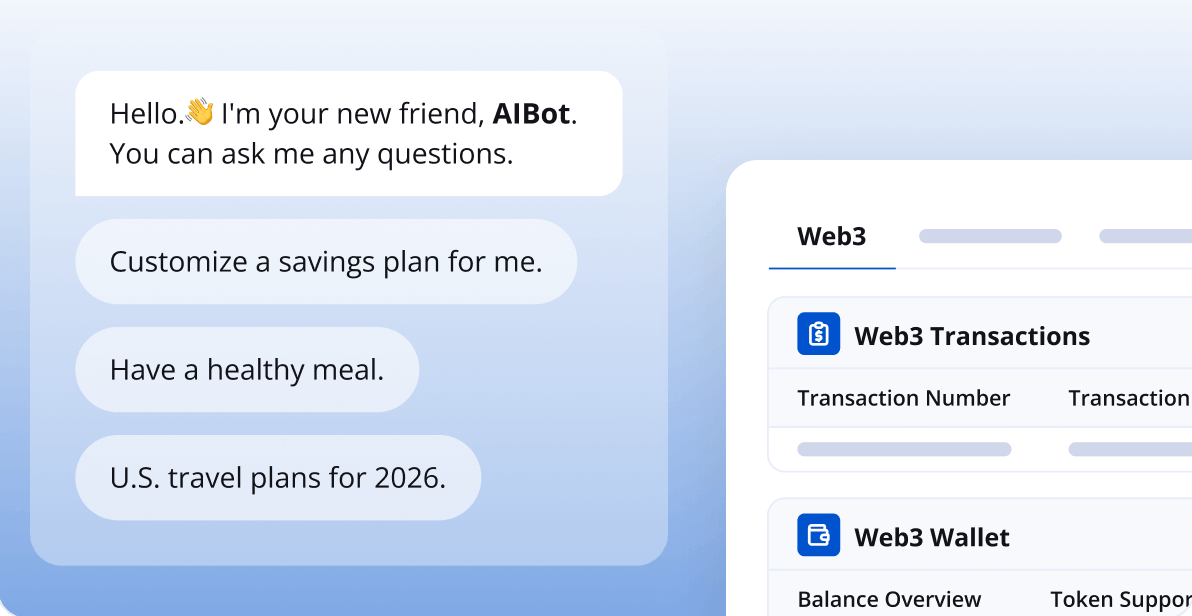
Get your own AI agent app running with full Model Context Protocol across private and group chats. Leverage our pre-built AI bots, connect OpenAI or your self-hosted LLM.
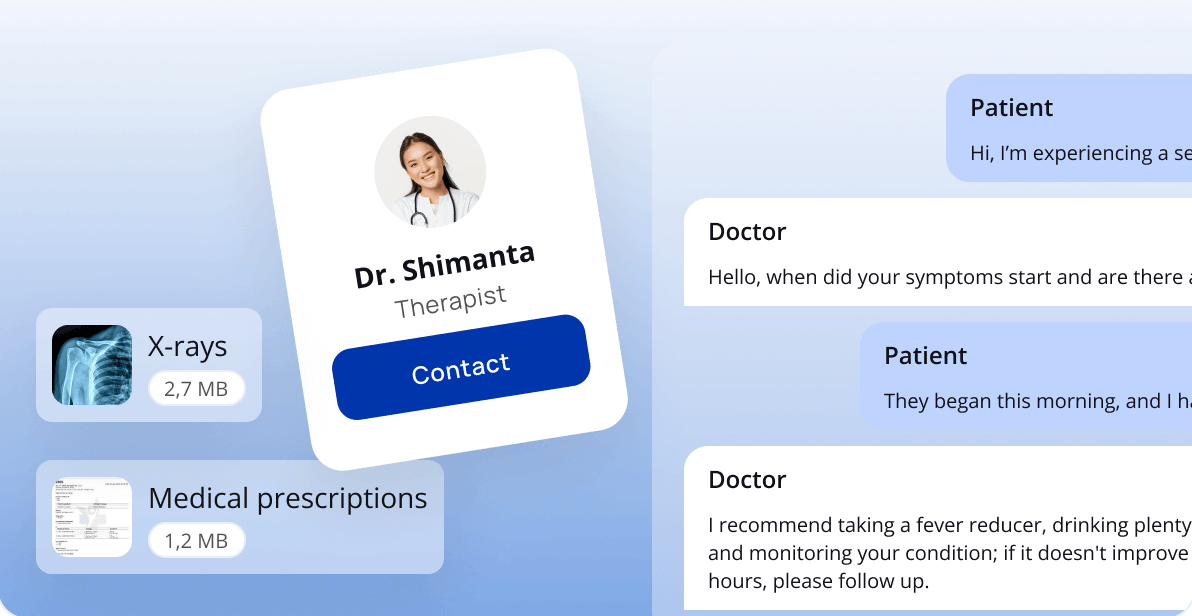
Healthcare
Enable fast HIPAA-compliant communication for healthcare providers, caseworkers, and patients. Embed seamlessly into legacy web portals for secure and efficient communication.
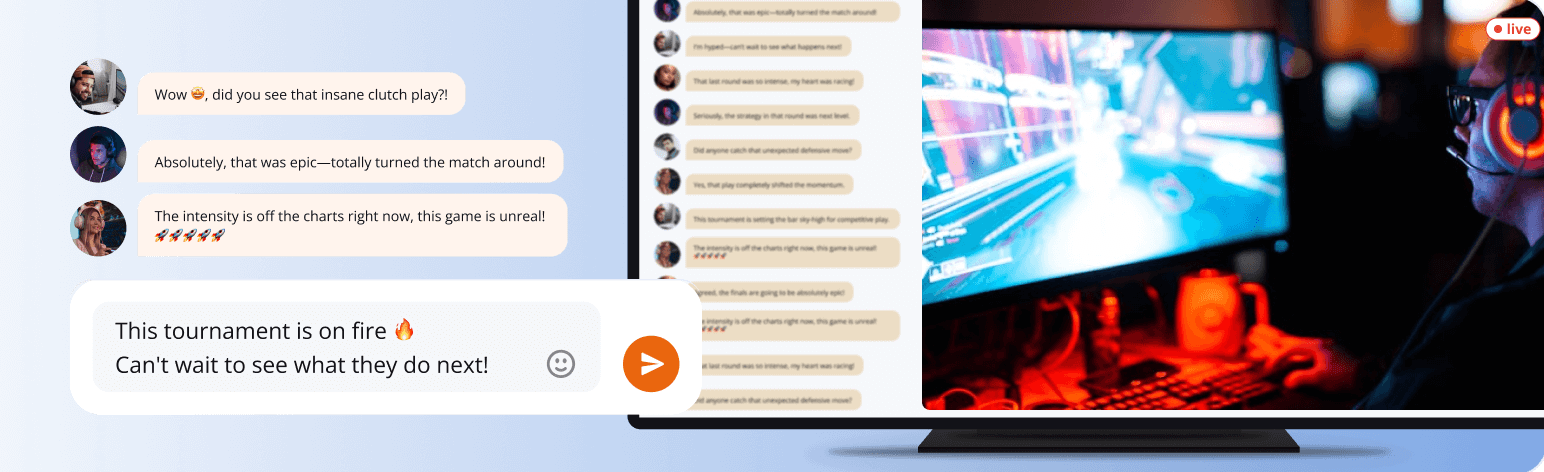
Live streaming and events
Real-time chat and networking for sports events, TV shows, conferences and live streams.
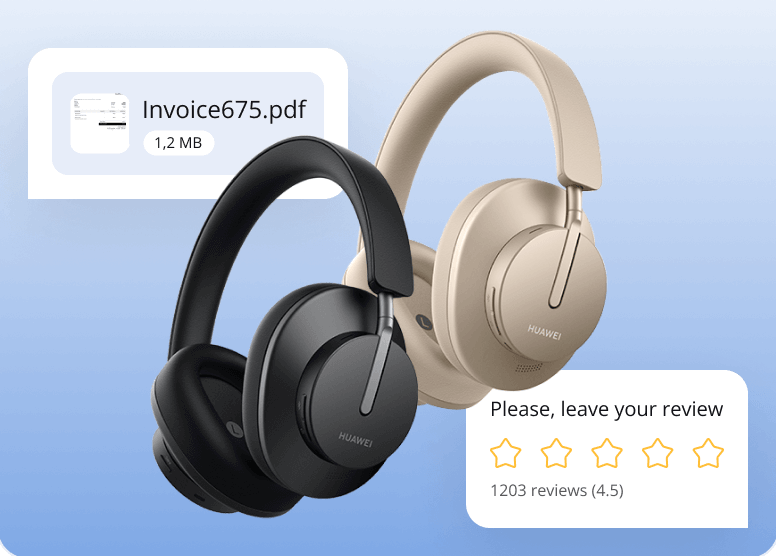
Marketplaces
Connect buyers and sellers using advanced communication tools. Private chats, group chats, and transaction confirmations - everything a marketplace may need.
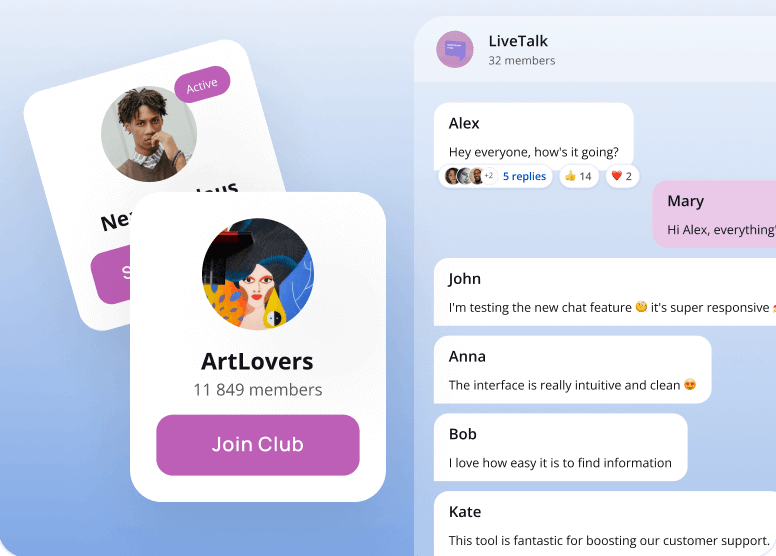
Social
Build your own community, social network or club retaining full control and ownership of your app, user base and custom experience of your platform.
Fintech and Banking
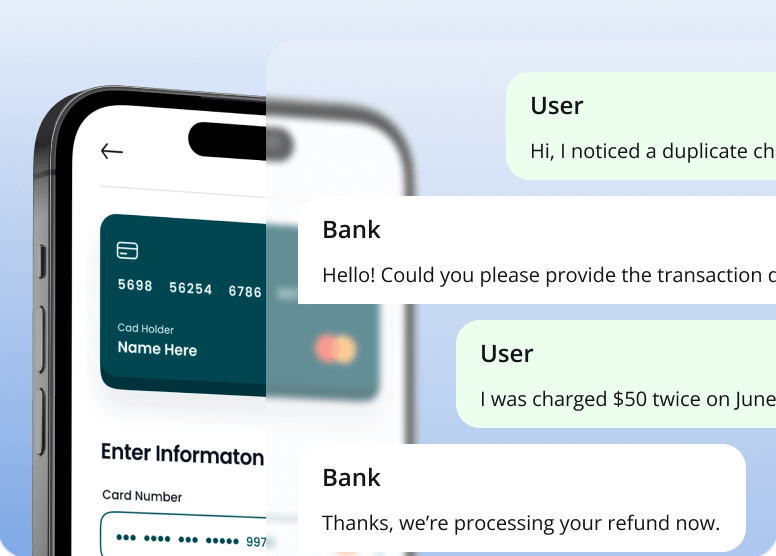
Embed cross-platform secure messaging and AI assisted customer support into your online and mobile banking customers. On-premise hosting supported.
 For developers
Add in-app chat with a few lines of code
Install the SDK for your stack, pass your app ID and render the chat. Web, iOS and Android apps share the same users and rooms. Quickstarts for every platform are in the developer docs.
// Install:  npm i @ethora/chat-component

import { Chat, XmppProvider } from "@ethora/chat-component";
import "./App.css";

export default function App() {
  return (
    <XmppProvider>
      <Chat />
    </XmppProvider>
  );
}
// implementation("com.github.dappros:ethora-sdk-android:v1.0.44")
import com.ethora.chat.Chat
import com.ethora.chat.core.config.*
@Composable
fun ChatScreen(chatToken: String) {
val config = ChatConfig(
appId = "YOUR_APP_ID",
baseUrl = "https://api.chat.ethora.com/v1",
xmppSettings = XMPPSettings("wss://xmpp.chat.ethora.com/ws",
"xmpp.chat.ethora.com", "conference.xmpp.chat.ethora.com"),
jwtLogin = JWTLoginConfig(chatToken, true)
)
Chat(config = config, modifier = Modifier.fillMaxSize())
}// SPM: github.com/dappros/ethora-sdk-swift
import SwiftUI
import XMPPChatCore
import XMPPChatUI
struct ChatScreen: View {
var body: some View {
var config = ChatConfig()
config.appId = "YOUR_APP_ID"
config.baseUrl = "https://api.chat.ethora.com/v1"
config.xmppSettings = XMPPSettings(
xmppServerUrl: "wss://xmpp.chat.ethora.com/ws",
host: "xmpp.chat.ethora.com",
conference: "conference.xmpp.chat.ethora.com")
return ChatWrapperView(config: config)
}
}// Install: npm install @ethora/chat-component-rn
import { Chat } from "@ethora/chat-component-rn";
export default function App() {
return <Chat config={{ appId: "YOUR_APP_ID" }} />;
}An Onboarding Call, Not a Sales Pitch
Free 15 minutes with the founder to get you up and running on Ethora.
-
1. Book a call
Pick a time for a 15 minute call with the Ethora CEO. One step, right on the next screen.
-
2. Get instant access
As soon as the call is booked you continue to signup and the admin panel. No waiting for the call.
-
3. Build your first prototype
On the call we walk through your use case and help you ship a first prototype for your stack.
Book your onboarding call
- Full access for free
- 15 minutes, not a pitch
- No credit card required
- Skip the call any time and sign up directly
Access is granted when you book, not when we talk.
Prefer to explore on your own? Sign up directly
Our Case Studies
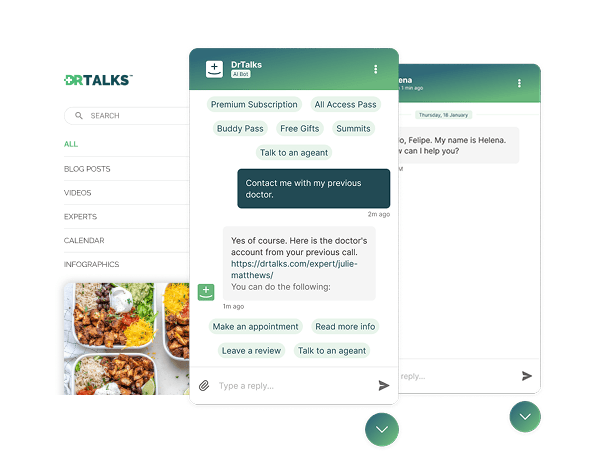

Healthcare: HIPAA-compliant AI assistant (RAG) over a medical video library
Dr. Talks is one of the most prominent organizers of online healthcare conferences and summits.
Ethora enabled them to create a context-aware AI-powered chatbot to help users navigate thousands of pages of medical content, correctly referencing pages, authors, videos and timestamps. 100% secure and HIPAA-compliant.
This assistant enhances user experience by simplifying interaction with the platform and reducing search time.
- 1000+ summits indexed by AI bot
- Instant user engagement
- Vector embeddings enable intelligent domain expert AI responses

Healthcare: self-hosted patient messaging for a multi-clinic digital health platform in Canada
VITALL is a Canadian digital health platform used by hospitals, clinics and private practices.
Ethora runs as a self-hosted chat server in VITALL’s own AWS account in Canada, with one isolated tenant per clinic, chat in the practitioner portal and in native iOS, Android and React Native patient apps.
Users, rooms and clinics are provisioned by VITALL’s backend through the Ethora API.
- Self-hosted in the customer’s AWS account in Canada
- One isolated tenant per clinic, created by API
- Web portal, iOS, Android and React Native SDKs
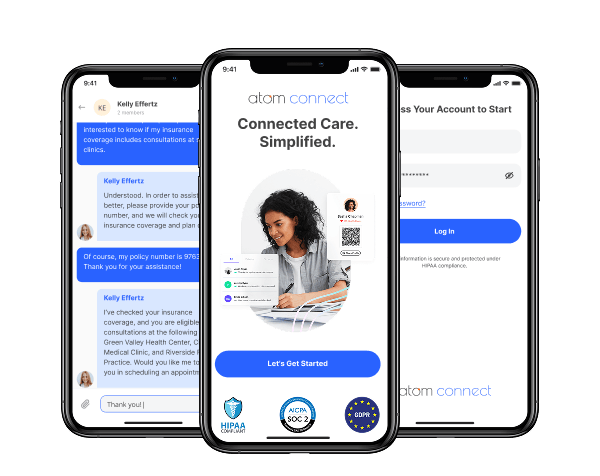

Insurance: in-app chat for a workers’ comp health insurance provider (HIPAA compliant)
Atom Advantage provides workers’ compensation and health insurance solutions in the United States.
On Ethora they built Atom Connect: secure, case-based chat between injured workers, nurses and case managers, embedded in their claims portal and a white-label mobile app. HIPAA and SOC 2 compatible.
Less manual work for case managers and a better experience for injured workers.
- Chat embedded in the case managers’ web portal
- White-label iOS and Android app for injured workers
- One secure room per claim, created automatically by API
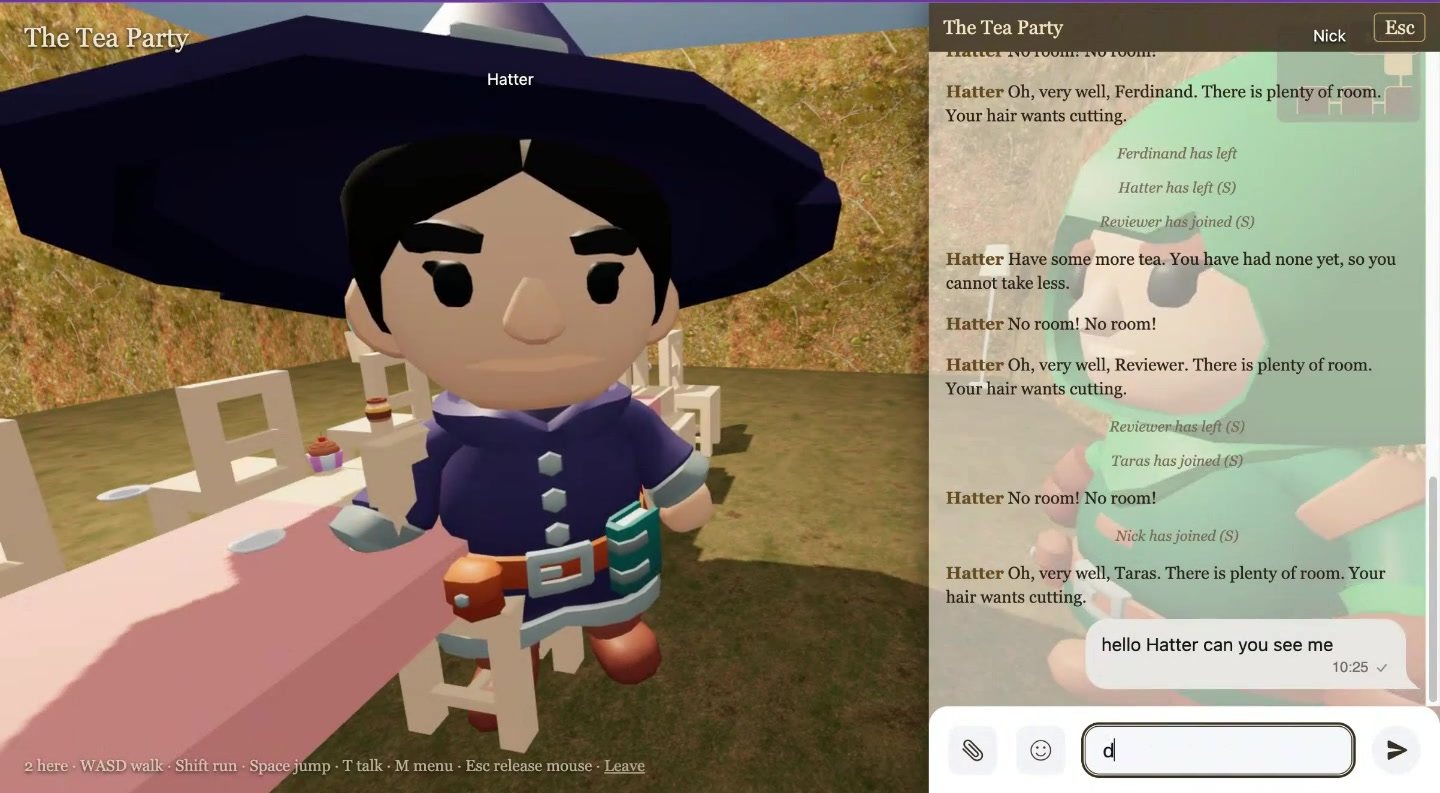
Virtual worlds: a 3D multiplayer world built from a book, with AI characters, in one weekend
An internal R&D showcase by Ethora’s founder: Alice in Wonderland, The Tempest and A Christmas Carol as 3D worlds you walk through in first person.
Each room is an Ethora chat, each character an Ethora AI agent with the book as its knowledge; a generator and the hosted MCP server build a new world from any book in about four minutes.
- Built in a weekend on the public SDK, API and MCP
- Characters answer in character from the text
- Daily AI budget keeps a public world affordable
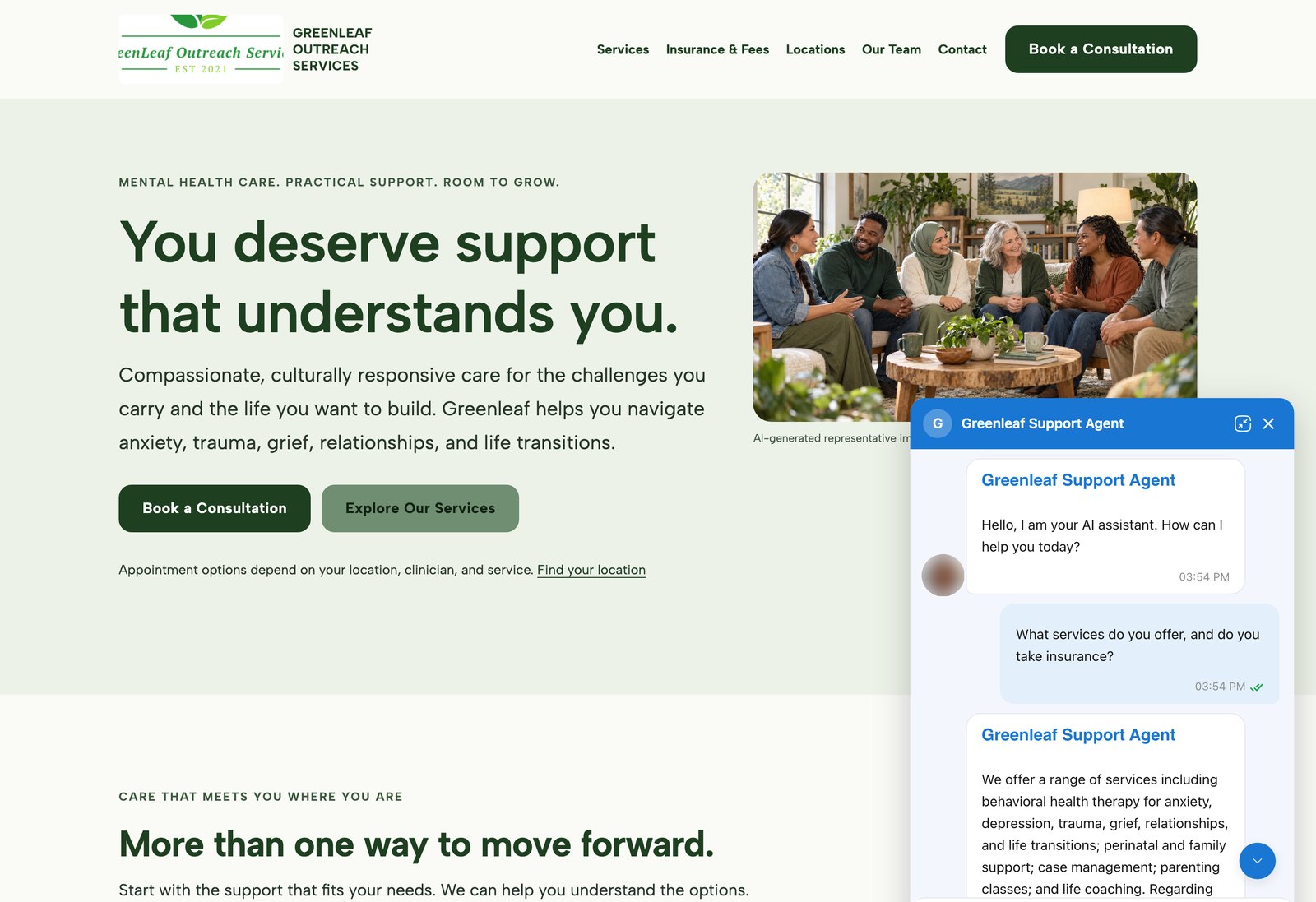
AI agents on customer websites: support, intake and teaching assistants
Clinics, schools and small businesses build AI agents on Ethora themselves and put them on their own websites, often on the day they sign up.
4 examples, from a US mental health provider and a wellness brand to a university pharmacology course.
- WordPress plugin or one script tag
- Answers from the customer’s own pages and documents
- Self-serve, no developer needed


Education: CRM-integrated member community app for an international honour society
Golden Key International Honour Society recognises high-achieving university students through chapters around the world. Its member app connects them across chapters and countries.
Social sign-on is bridged to existing CRM membership records, with verified email account linking and a verifiable trail for educational certificates.
- Cross-platform iOS and Android app
- CRM-linked member sign-in
- Verified email account linking
Recent ReviewsWhat our clients say about our services.

Taras and the Ethora team are a reliable partner in messaging, tokenization and AI. Great communication and products.

I have worked with Ethora and team since 2018. They have been absolutely amazing and life-saving across multiple of my portfolio projects.

We partnered with Dappros/Ethora on an EU project and they successfully delivered the technology component. Highly recommended.

Ethora has successfully helped us ideate and deliver multiple digital transformation projects in Qatar and the MENA region. A reliable and knowledgable partner.

Ethora technology and expertise were instrumental in delivering Atom Connect, our product for streamlined communication in the workers’ comp market.

Ethora helped us deliver our AI agent solution, letting subscribers access context-specific insights from our vast library of expert content. Their LLM and chat-bot expertise is an excellent match for our AI strategy.

Ethora has been an exceptional strategic development partner for Preshent. Not just a vendor, but a core contributor to the future of our platform and company.

Ethora helped us ideate and deliver multiple digital transformation projects across Qatar and the MENA region. A reliable, knowledgable partner.
 Pricing
Simple Pricing
Start free, upgrade when you grow. No credit card required.

Free
1000 MAU
100 Concurrent Connections

Small Business
5,000 MAU
250 Concurrent Connections

Enterprise
Unlimited MAU
Unlimited Connections
FAQ
Can I self-host Ethora?
Yes. Run Ethora in our cloud to start in minutes, or deploy it on your own servers or private cloud when you need full control over data residency, compliance or customization. See the self-hosted chat server option and our perpetual license plans.
Which stacks are supported?
Web: React via our NPM chat component, plus a plain JavaScript chat widget for any website or legacy portal. Mobile: React Native, iOS (Swift) and Android (Kotlin). AI agents: Python and Node.js via the AI SDK, and a WordPress plugin. Browse the Chat SDK section for the full list.
How to add chat to my app or website?
With Ethora, you can embed our Chat Widget, publish a template mobile or web app via our admin panel, or do a deeper custom integration using our SDK components such as NPM Chat Component. Check our in-app chat SDK section for an overview of options.
Can my users chat with an AI agent or assistant?
Yes. Add the AI chat widget to your website, or add AI agents to any chat room in your app. In the admin panel you write the agent’s instructions and add your website pages and documents, and the agent answers from them. To build agents in code, use the Python and Node.js SDK.
What are the core features of Ethora?
1-on-1 and group chats with files and documents, audio and video calls, voice messages, reactions, push notifications and optional end-to-end encryption for 1-to-1 chats. On top of that: AI agents that answer from your website and documents, an admin panel for users, rooms and branding, and white-label web and mobile apps. See all chat features by platform and the AI SDK.
Can I use Free plan for production live apps?
Yes, with Ethora you can continue to run live projects on our Free plan. This will work for small or hobby projects under 1,000 monthly active users (MAU) that do not have particular SLA demands. Alternatively, our paid plans are really affordable and there is a self-hosted and perpetual license options too.
Is Ethora open-source?
All of our front end code is open-source including React Native mobile app for iOS/Android, React.js web app, NPM chat component, Wordpress plugin, Javascript chat widget and AI chat bots. These can be found in our github repositories: https://github.com/dappros/ethora/. It is easy for stand-alone developers or internal tech teams to customize Ethora front end applications if required. The Backend code is closed source by default, but self-hosted and perpetual license options are available with access to backend sources for those customers who may require deep customization at the server side.
Is Ethora GDPR and HIPAA compliant?
Ethora signs a Business Associate Agreement (BAA) for HIPAA projects and a Data Processing Agreement for GDPR. Read more about HIPAA-compliant chat and our Chat Trust & Safety system. When you need full control over data residency, access and audit, run the self-hosted chat server in your own cloud or data centre.
How to embed chat into my React.js app?
To embed chat into your React.js app you just need to import our NPM chat component. Adding a chat component to your website in React is quite simple and you can configure it to your needs.
What’s the easiest way to add an AI assistant to my WordPress website?
The easiest way is to use our Ethora AI Agent WordPress plugin. You can install it directly from your WordPress admin panel and it does not require any coding on your part. Also, you can index your website pages or provide additional context for your AI agent via Ethora admin panel.
