Is WhatsApp HIPAA Compliant? What Healthcare Teams Need to Know
Healthcare
Updated on Sep 11, 2026
Is WhatsApp HIPAA Compliant? What Healthcare Teams Need to Know
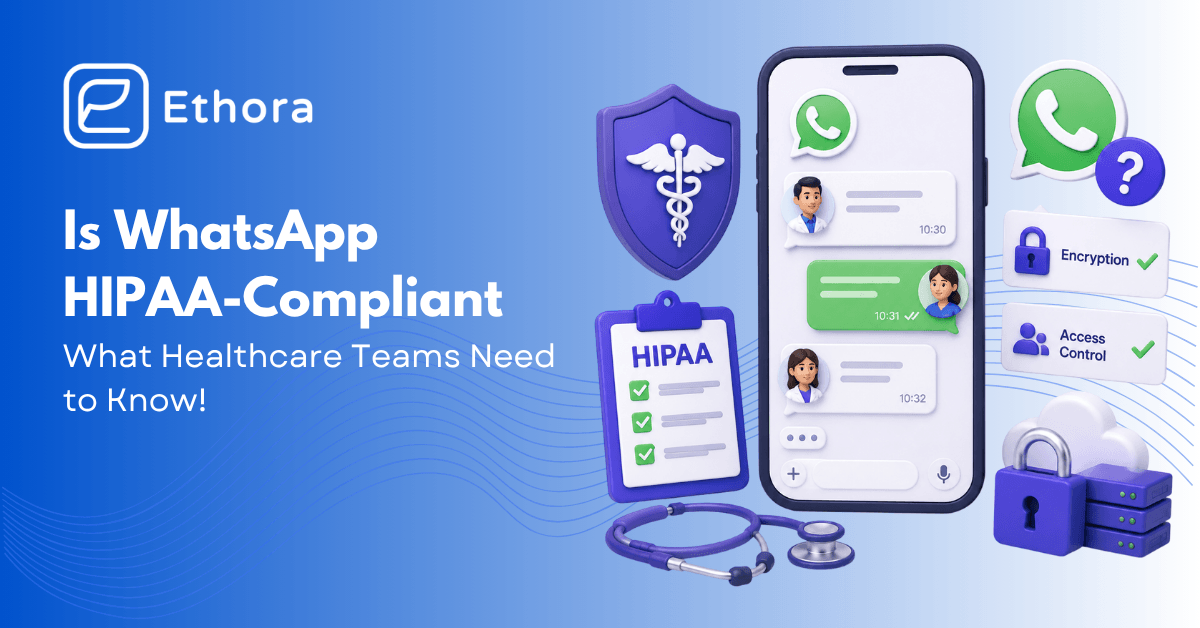
Short answer: No. Standard WhatsApp and the WhatsApp Business app are not HIPAA compliant, because Meta does not sign a Business Associate Agreement (BAA) for them, and they lack the access controls, audit logging, and retention a covered entity needs. Using them to send Protected Health Information (PHI) puts you at risk of a HIPAA violation.
Prefer to watch? The video version in about two minutes.
Why WhatsApp falls short
HIPAA does not ban any specific app; it requires safeguards. WhatsApp messages are end-to-end encrypted, which is good, but encryption alone is not enough. To handle PHI, a messaging tool needs four things: a signed BAA with the vendor, role-based access control, immutable audit trails, and appropriate retention. Meta will not sign a BAA for consumer WhatsApp or the Business app, so even encrypted messages are not covered. There is also no admin audit trail, no way to enforce who inside your organisation can see a conversation, and message data lives on personal devices.
What about the WhatsApp Business Platform (API)?
This is where nuance lives. Some businesses route WhatsApp through the official Business Platform via a solution provider. Even then, Meta’s terms generally do not include a BAA for PHI, and most compliance teams treat WhatsApp as out of scope for PHI. If you are considering it, get explicit written confirmation of BAA coverage before sending any PHI.
What to do instead
Use a messaging tool built for healthcare, one that signs a BAA and gives you access control, audit trails, and the option to keep data in your own environment.
A HIPAA-ready alternative: If you are building a patient or provider messaging experience, a purpose-built API handles the safeguards for you. Ethora offers a HIPAA-compliant chat and messaging API with encryption in transit and at rest, a signed BAA, audit trails, and a self-hosting option so PHI stays in your network. See the healthcare chat SDK.