


Case study · Higher education · AI teaching assistant
An AI teaching assistant for a university pharmacology course, added to the course site with one script tag
Pharmacology students have the same questions at the same points of every semester: how a drug works, what it is used for, what its side effects are. A lecturer at a Chinese medical university gave the course its own AI teaching assistant on Ethora, embedded in the course website and answering students in Chinese at any hour.
By the numbers
The project at a glance
1
script tag added to the course website, with the assistant’s name and greeting as attributes
50
course chapters on the site the assistant supports, from general principles to anticancer drugs
Aug 2026
in use by the course since then, through the start of the autumn semester
24/7
answers for students, including the night before an exam
One of several AI agents our customers built and put on their own websites. See them all, or start with the no-code agent builder.
Overview
A course website with its own teaching assistant
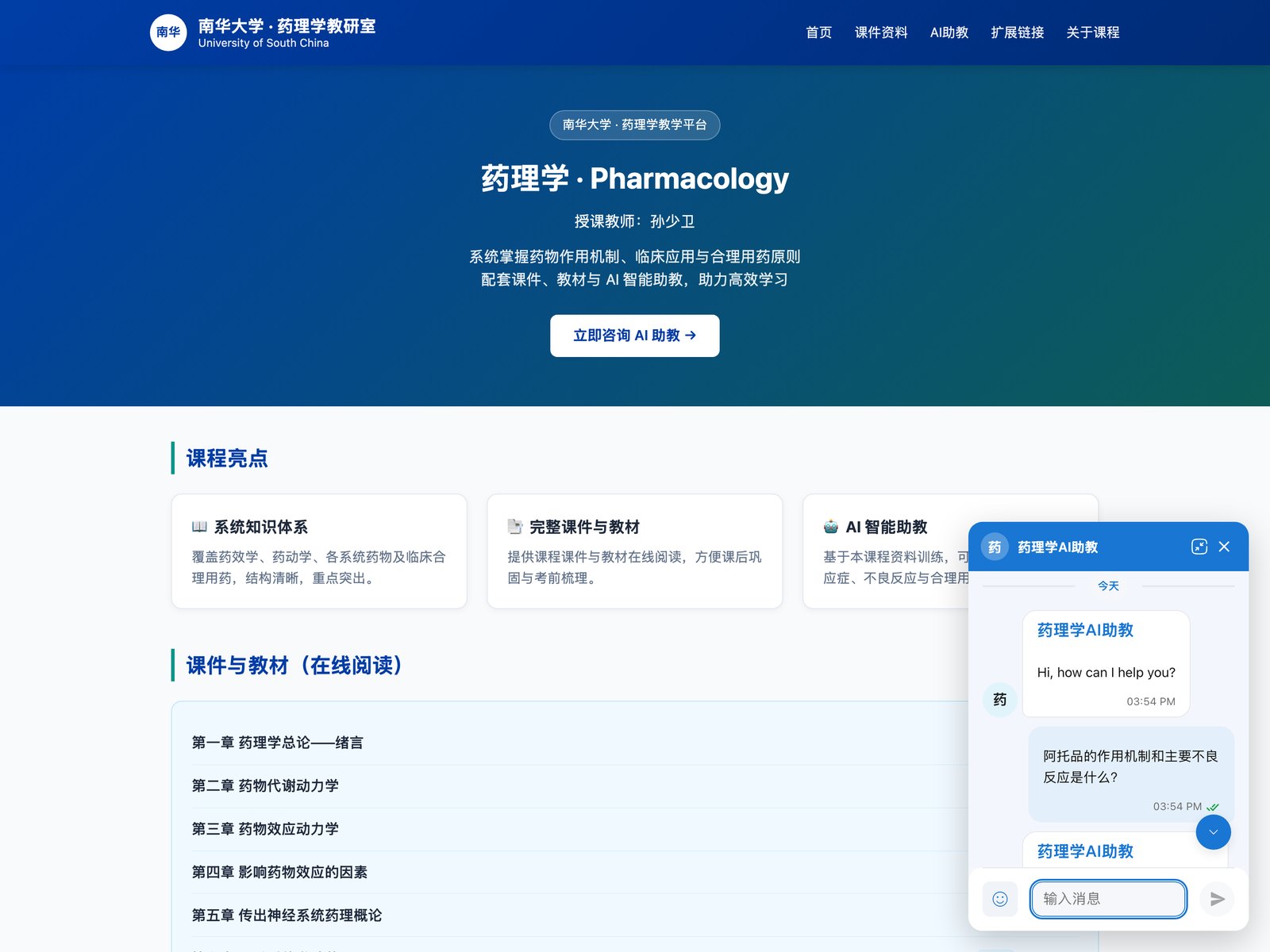
Sun Shaowei teaches pharmacology at the University of South China, in Hunan province. He runs a teaching platform for the course: slides and textbook chapters for all 50 chapters of the syllabus, from pharmacokinetics and the autonomic nervous system to antibiotics and anticancer drugs, links to drug regulators and literature databases, and an AI assistant, “药理学AI助教” (Pharmacology AI Teaching Assistant).
The challenge. A lecturer cannot answer every student question between classes, and generic chatbots are a poor fit for a course: they answer in whatever style they like, ignore the syllabus and are not on the page where students study. The assistant had to sit inside the course site, speak Chinese, and stay on pharmacology.
The approach. The lecturer created an Ethora account and an app for the course, set up the assistant’s name, instructions and a Chinese welcome message (“我是南华大学药理学AI助教,有什么药理学问题可以问我哦”: I am the pharmacology teaching assistant, ask me any pharmacology question), and pasted Ethora’s embeddable AI agent script into the course site. No server work and no help from our team were needed: the first students were chatting with it the day after he signed up.
Requirements
What the course needed, and how Ethora met it
Everything below is a standard Ethora feature that the lecturer configured himself.
Embed the assistant in a hand-built course site
The course site is a static page on low-cost hosting, not a CMS. One script tag from the Ethora dashboard adds the launcher and chat window, and its attributes set the assistant’s name, window title, greeting title and greeting text. The page itself points students to the chat button in the corner. See the embeddable AI agent script; WordPress sites can use the plugin instead.
Answers and interface in Chinese
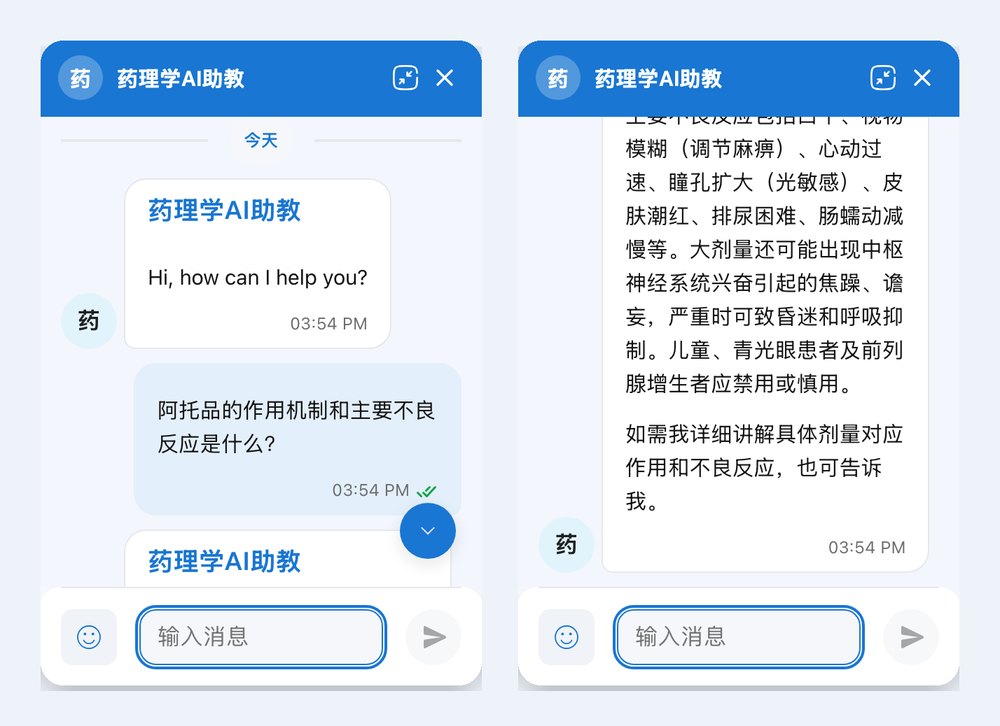
The assistant answers in the language the student writes in, and the widget interface shows its labels in Chinese (input box, date dividers), so students study and ask in the same language as the course.
A subject-matter assistant, not a general chatbot
The lecturer set the assistant up as a tutor for this course, for the topics the course page lists: mechanisms of action, indications, adverse effects, interactions and rational drug use. An agent’s instructions in Ethora set its subject, tone and limits, so its answers read like a teaching explanation and stay on the subject.
Room to grow into the course material
Ethora agents answer from knowledge their owner adds: uploaded documents such as lecture slides and textbook chapters, or crawled web pages, retrieved for each question (RAG). That lets a course assistant follow the lecturer’s own syllabus and terminology rather than general sources.
No accounts for students
Each visitor gets an anonymous chat session the moment they write, so students start asking without registering, and the lecturer can read the conversations in the dashboard to see which topics confuse the class.
Architecture
A script tag on the course page, Ethora’s agent platform behind it
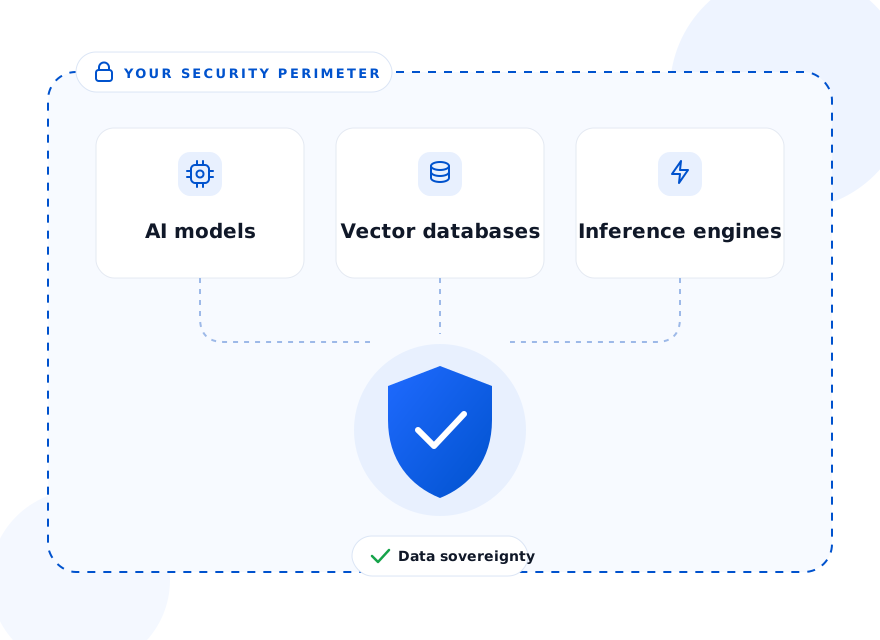
The course site only loads the widget. The conversations, the assistant, its knowledge and the language model run on Ethora, in Ethora’s cloud here. A university that needs everything on its own infrastructure can run the same stack self-hosted with a private language model.
Where students meet the assistant
The outcome
A teaching assistant that one lecturer set up alone
The course has had its own AI teaching assistant since August 2026, set up by the lecturer without a developer, a server or a budget line, and students have used it from the first days and into the autumn semester. It answers pharmacology questions in Chinese, on the page where students already read the slides, at any hour.
Any lecturer, department or online school can do the same: build the assistant with the no-code agent builder, give it the course material as knowledge, and add it to the course site with the embed script. For campus-wide chat, communities and apps, see Ethora for education.
FAQ
Can the assistant answer from my own slides and textbook?
Yes. Upload documents or point the agent at web pages, and Ethora retrieves the relevant passages for each question, so answers follow your course material and terminology.
Does it work in Chinese and other languages?
Yes. The assistant answers in the language the student writes in, and the widget interface is localised. This course runs entirely in Chinese.
Do students need to create accounts?
No. Each visitor gets an anonymous chat session when they first write, and the lecturer can read conversations in the dashboard.
Can a university host it on its own servers?
Yes. The same platform can be self-hosted with a private language model, so student conversations and course material stay on university infrastructure.
More case studies
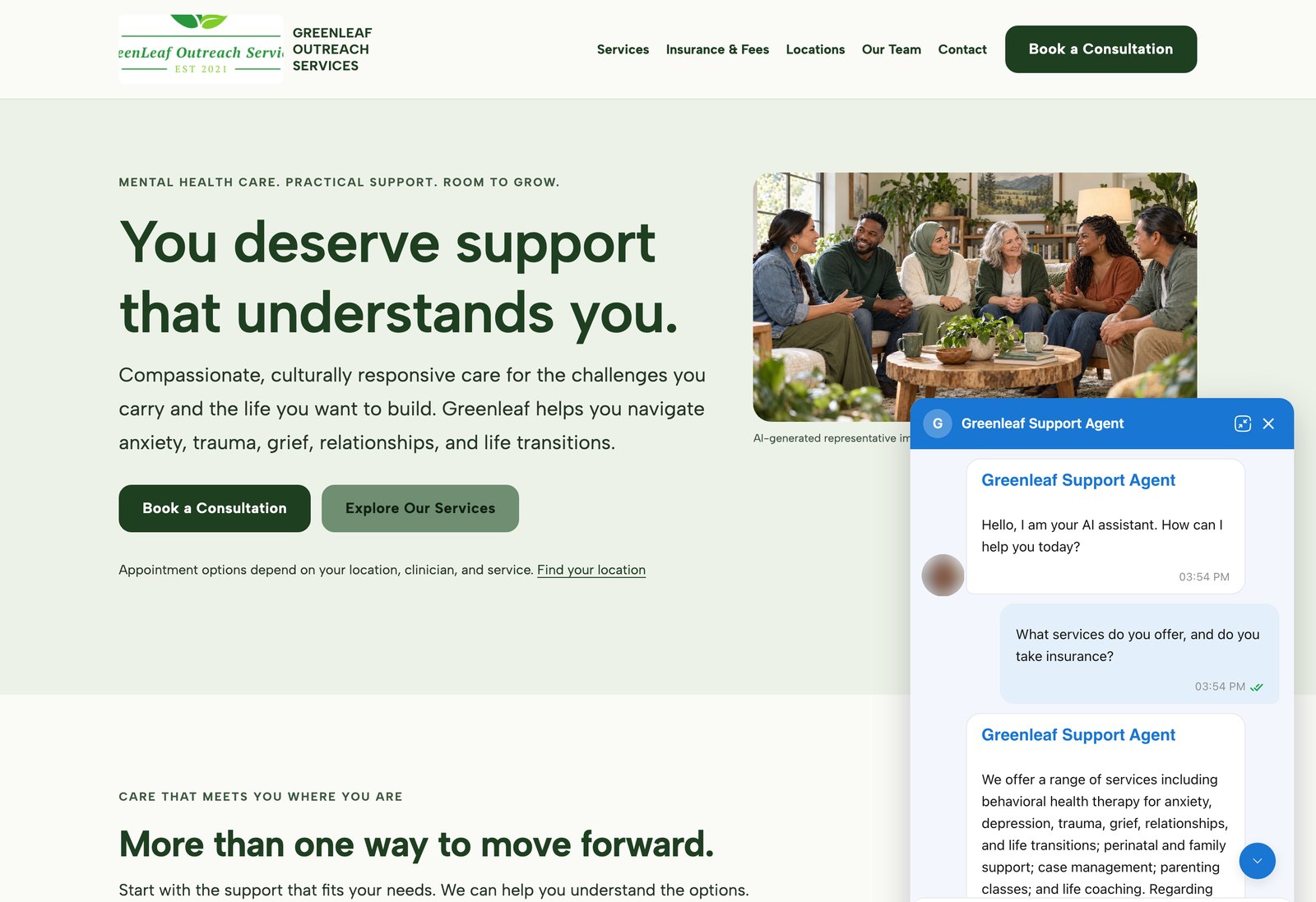
AI agents on customer websites: support, intake and teaching assistants
Clinics, schools and small businesses build AI agents on Ethora themselves and put them on their own websites, often on the day they sign up.
2 live examples, from a US mental health provider to a university pharmacology course.
- WordPress plugin or one script tag
- Answers from the customer’s own pages and documents
- Self-serve, no developer needed


Education: CRM-integrated member community app for an international honour society
Golden Key International Honour Society recognises high-achieving university students through chapters around the world. Its member app connects them across chapters and countries.
Social sign-on is bridged to existing CRM membership records, with verified email account linking and a verifiable trail for educational certificates.
- Cross-platform iOS and Android app
- CRM-linked member sign-in
- Verified email account linking
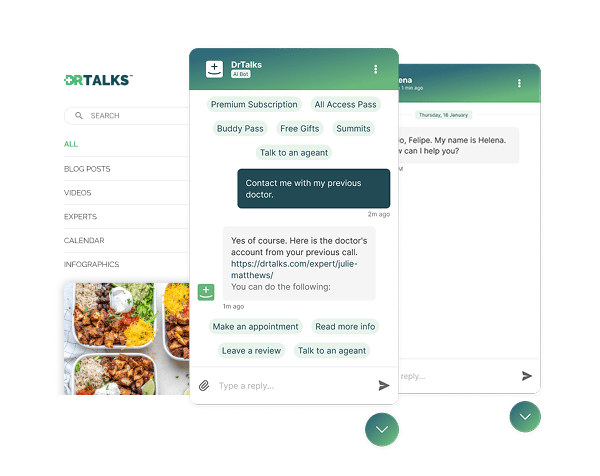

Healthcare: HIPAA-compliant AI assistant (RAG) over a medical video library
Dr. Talks is one of the most prominent organizers of online healthcare conferences and summits.
Ethora enabled them to create a context-aware AI-powered chatbot to help users navigate thousands of pages of medical content, correctly referencing pages, authors, videos and timestamps. 100% secure and HIPAA-compliant.
This assistant enhances user experience by simplifying interaction with the platform and reducing search time.
- 1000+ summits indexed by AI bot
- Instant user engagement
- Vector embeddings enable intelligent domain expert AI responses
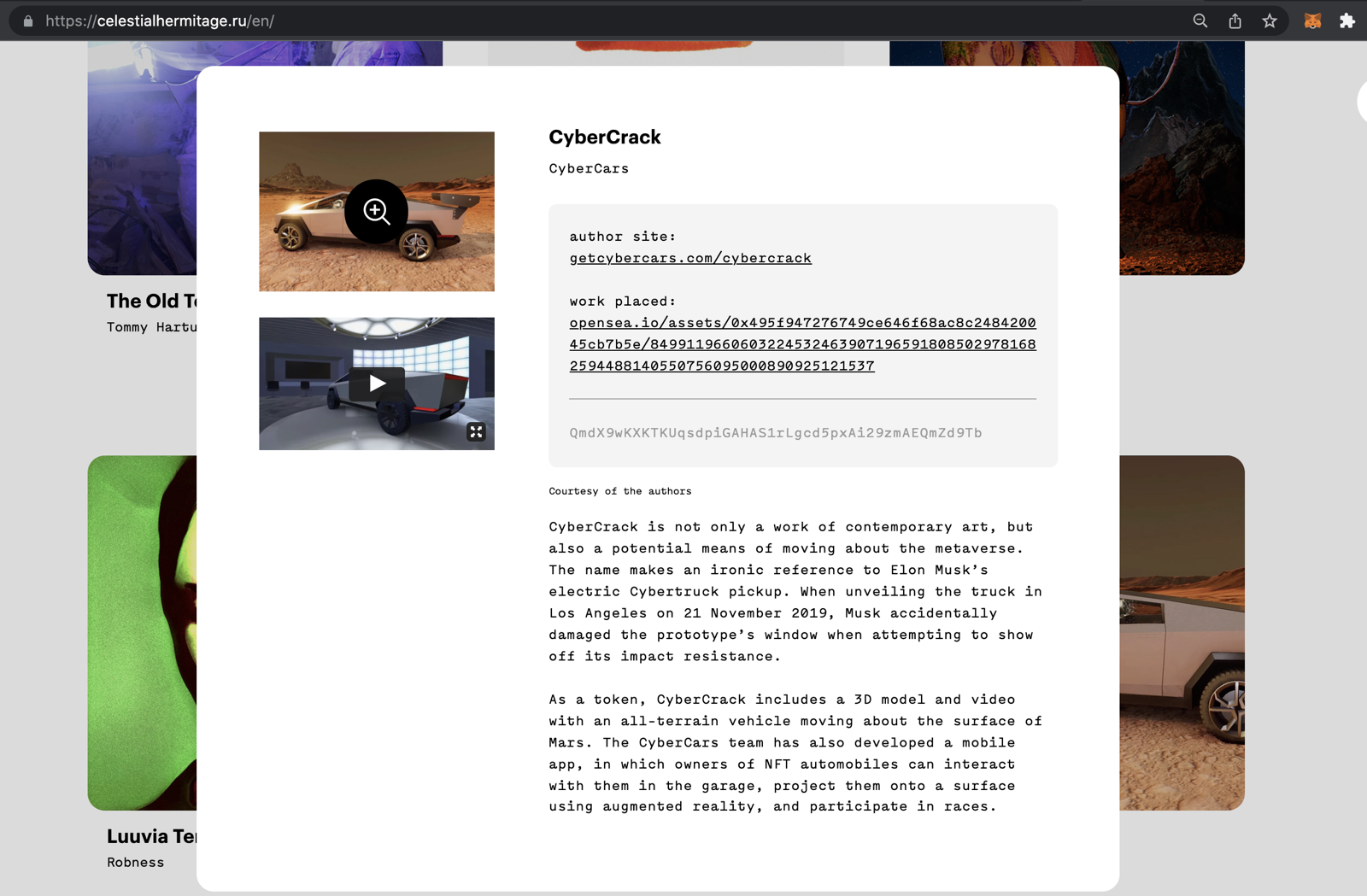

Communities: fan chat app with second-screen rooms and digital collectibles
A cross-platform social app uniting the automotive community around racing events.
Fan rooms for teams and drivers, second-screen events, and collectibles handed out and traded through chat bots.
- Cross-platform iOS and Android app
- Fan rooms and second-screen events
- Collectibles distributed in chat

Energy: dedicated chat server, AI-agent rooms and a React Native app for a procurement platform
Preshent is a US platform for energy-project procurement with AI-driven decision support.
Ethora provides the conversation layer: a chat room per project workspace shared by people and the AI agent, a dedicated chat server in Preshent’s own cloud, push notifications and a React Native app.
- 1,130 chat rooms, one per workspace
- AI agent as a participant in every room
- Dedicated chat server, 99.99%+ uptime
Give your course its own AI teaching assistant
Build it from your own material, add it to your course site with one script tag, and let students ask at any hour.
