
 Blog
Ethora Updates
Ethora Updates
What’s New in Ethora: Better Chat, More Control, and AI That Knows Your Business
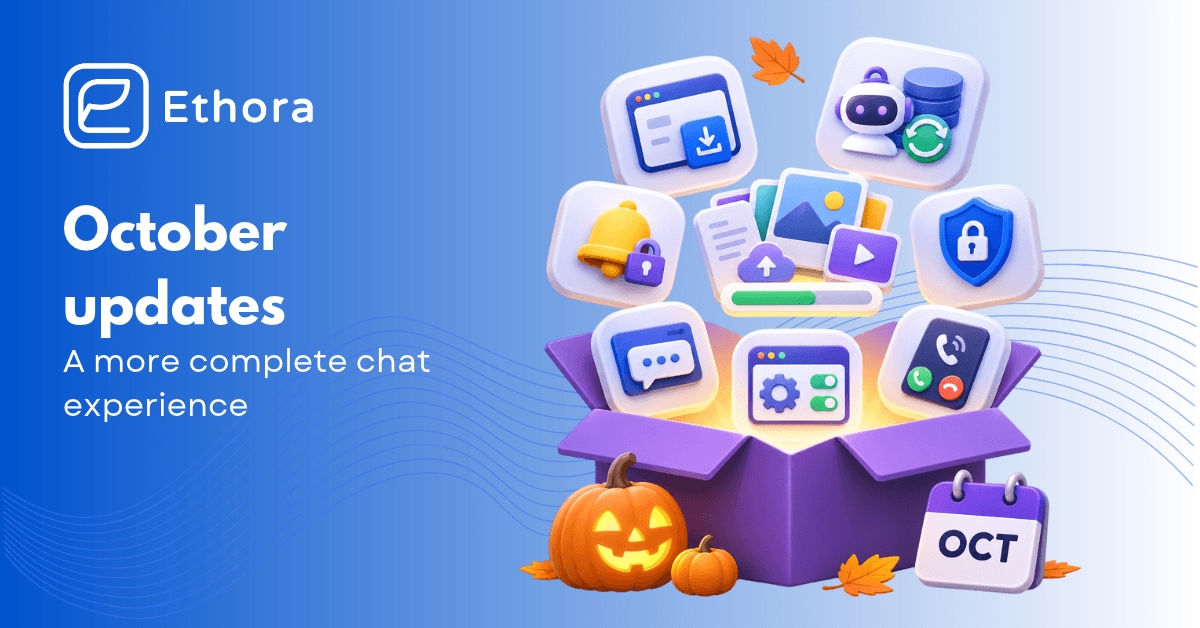
In October, Ethora Chat SDK has picked up a new set of messaging features, push notifications have become more flexible, and there is now an installable web app for teams that want to use Ethora without going through an app store.
There has also been much going on behind the scenes. Self-hosted administrators will have more control over their deployments, AI agents will be able to operate with well-maintained knowledge bases, and developers will have new ways to integrate their apps into the platform.
All of these changes are solving different problems, but they share one thing in common – they all make Ethora easier to use in real-world cases.
Here are the highlights.
A more complete chat experience
Some of the most visible changes are in the web and React Native chat SDKs.
File attachments
Now, users can attach up to ten files in a single message. Images and videos are sent in an album format, while documents will be shown as file cards below it. The text attached to the media will remain as its caption. Additionally, users will be able to see upload progress for each file and retry if sending failed.
Media viewer redesigned
Now media is displayed in a full-screen gallery with thumbnails, zoom, and keyboard navigation. If someone shared several PDFs with you, you can scroll and read them in a row, with no need to download each document first. A media thumbnail or file type for the latest message is now available in the room list without opening the conversation.
Read receipts
A single tick for a sent message, double ticks for delivery, and highlighted double ticks for read. In group chats, you can also see who has read your messages.
There is just one thing with receipts in a big room – they need a bit of moderation. Ethora aggregates all delivery receipts in order to not create extra load in bigger groups. This gives users useful feedback without turning every conversation into a stream of status updates.
Ethora is now available as an installable web app
For teams that want a straightforward way to access their workspace, Ethora now has an installable progressive web app.
It runs in browser, but if you like a more app-like experience it can be easily added to your device’s home screen without need to install a separate app. You can enter your workspace, log in with an email or Google account, and access chats via the web SDK.
Web push notifications, an unread badge on the icon, calls, inline translation, profile settings, and many other features are available. On mobile, the application handles browser navigation and the on-screen keyboard more naturally.
Workspace branding carries over as well. The app can use the tenant’s name, logo, primary color, and choose the workspace through a direct link. This is more convenient for branded or white-label deployments.
For iOS users, the app includes an Add to Home Screen guide. Android and desktop users get an installation prompt where supported.
It is a good compromise for companies that want their own chat space without including app store distribution in their projects.
Push notifications with more control over privacy
Now, you can choose whether your notifications show the full content of the message or just a “New message”. Grouping and unread counts still work as expected.
Child apps inherit the setting from their parent, so organisations managing several apps can apply the same choice across a tenant.
There are also smaller improvements, like notification text can follow device language (currently English, French, or Spanish), push can show the sender’s avatar, notifications about reactions to your messages, with controls at the installation level.
The mobile SDK also brings a further privacy update: encrypted push notifications. The device registers a key, and the push service encrypts the notification for that device before it is relayed through Apple or Google. These two services will have ciphertext instead of chat contents.
Additionally, when you have a call in an encrypted room and relevant configurations are enabled, end-to-end encryption for call media is now available. The media key is exchanged through the chat’s OMEMO channel, keeping it away from the server.
AI agents can work with better-maintained knowledge
If you want your AI assistant to keep up with changes on your website, you can now schedule recrawling for Ethora’s Website Crawler. It will update the information to ensure users get accurate information. Administrators can also trigger a refresh manually. The Ethora WordPress plugin can notify the platform when a page is published, edited, unpublished, or deleted, so updates don’t have to wait for the next scheduled crawl.
Knowledge search
Knowledge search now combines keywords and semantic matching. This helps when a question includes an exact name, product code, or other specific term. Near-duplicate excerpts are filtered out before the relevant material is passed to the model.
We also added new tools to check whether an agent’s knowledge is properly indexed, test answers against a conversation, and inspect the sources used in a response. Web excerpts retain their source URLs so answers can cite where information came from.
More control for people running their own installations
The latest changes in Ethora give you even more control over your self-hosting installations.
The Server settings console now organizes settings into categories for chats, users, AI, e-mail and reporting, system settings, and API. Admins no longer need to search through deployment files for each setting, as they can easily configure settings such as upload behavior, translation languages, and logs.
If you need to manage several apps under one installation and want a clear way to control what is available, there are installation-wide controls for such features as AI agents and app-level encryption.
The licensing and deployment experience has received further attention as well. The platform can report the status of Enterprise modules and show their installation details, while the deployment process checks whether required images are accessible before starting. Fresh installations also receive a super administrator from the first boot and are set up with standard agent templates.
A few smaller changes worth mentioning
These are smaller improvements, yet they make building easier. Here they are:
- The website AI widget now has a language picker, a resizable panel, and quick-reply buttons. You can configure its appearance in the admin panel.
- We added tracking for AI token usage by app, agent, model, and purpose – more visibility on what they were spent.
- Blocking has reached group chats: you can manage the blacklist in privacy settings, and messages from blocked users appear as placeholders rather than normal messages.
These add more flexibility for different products and teams.
Almost every layer of Ethora got some changes in this release: the chat interface, mobile notifications, AI knowledge, deployment, and integration tools. We’re continuing to work on more improvements. Stay tuned, and don’t hesitate to reach out if you have any questions.

Share with your community


More Articles
Embeddable AI Widget
Nov 9, 2026
Open Source Intercom Alternatives in 2026: 8 AI-Native Options and Honest Trade-offs
In this article, we compare eight of them, so you’ll be able to choose the best fit for your needs.

Content
Oct 29, 2026
Content Moderation for Chat and Community Apps: Tools, Regulations, and BYO LLM in 2026
Content moderation makes your platform safer for users. It dramatically impacts your app’s engagement and retention, as when it’s safe, more users will likely use it and stay longer. But it’s not the only reason content moderation is crucial for your business. If it was more of an optional thing recently, newly implemented regulations such […]

Try Out Ethora in Action
Experience Ethora's messaging with a dedicated demo from our CEO or start building your App right now!
