
 Blog
AI SDK
Blog
AI SDK
AI SDK
Ethora 26.10: Drive Your Chat App from an AI Assistant, Self-Host Free with Ethora Core, and Two-Step Sign-In for Every Account
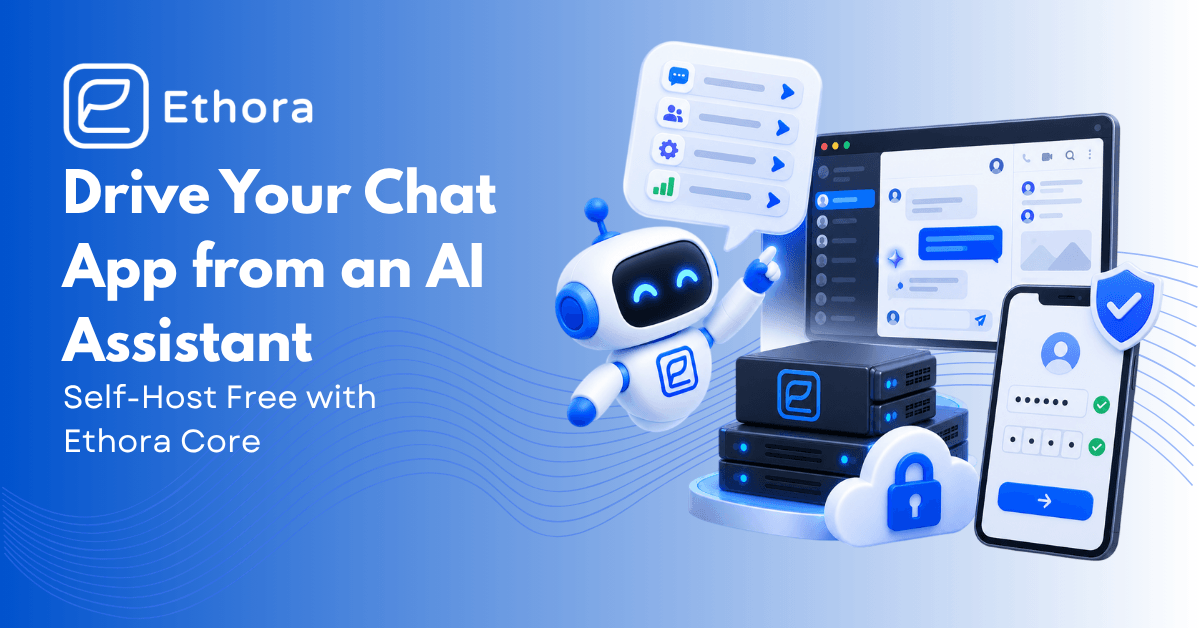
Version 26.10 of the Ethora platform shipped on 1 October. It collects our September development cycle, the busiest month of the year so far, and it moves Ethora in three directions at once: you can now build and run a chat app by talking to an AI assistant, you can run the whole platform on your own server for free, and every account can be protected with a second factor.
Here is what shipped and why it matters.
What is new in Ethora 26.10?
- A hosted MCP server: connect Claude, ChatGPT, Cursor or VS Code to your Ethora account and build with it
- OAuth sign-in, personal API keys and revocable server tokens for every automation client
- Ethora Core: a free self-hosted tier with no licence key and no expiry, packaged for a dozen one-click platforms
- Two-step verification for every account, a new Users page and permissions written in plain language
- Dark mode in the web chat SDK, the React Native SDK and the admin console
- Scripted AI agents with buttons, multi-agent rooms and agents that speak first
- End-to-end encrypted rooms as an opt-in choice per app
- Message search and a public chat directory in the web chat SDK, plus a speed pass across the platform
How do I connect Ethora to Claude or ChatGPT?
The Ethora MCP server is now a hosted service, not only a command-line tool you install. Add it as a connector in Claude.ai, ChatGPT, Claude Desktop, Cursor, VS Code or Claude Code and sign in on an Ethora consent page, with Google if you prefer. From there an assistant can create an app, add chats, set up AI agents with their own scripts, and hand you the snippet for a website chat widget.
Under the hood, 26.10 adds a full OAuth 2.1 authorization server to the platform, with dynamic client registration, PKCE, rotating refresh tokens and immediate revocation, and a connected-apps list so you can see and cut off any client. For clients that only accept a URL, you can create a personal connector link instead. The AI Assistants tab in your account walks through the exact steps for each client and shows which keys have actually been used.
The server itself got friendlier to work with. A session starts with a focused set of 24 core tools rather than every tool at once, and more are enabled on demand. Tool names follow one consistent pattern, old names keep working, and the server remembers your selected app between sessions, which matters for clients that open a fresh session on every call. There is also a built-in docs corpus, so an assistant looks things up instead of guessing.
Why it matters: an assistant is now a real way to build on Ethora, and your account stays in your control while it does.
What is Ethora Core?
Ethora Core is the free tier of the self-hosted platform. Install it on your own server with no licence key and you get the full chat and AI stack for up to five apps and 500 accounts, with no countdown and nothing locked. Register for a free Core key and the limits rise to ten apps and 5,000 accounts. There is no expiry. Enterprise keys add packages and support on top, and if an enterprise key lapses, the install falls back to Core rather than switching off.
Getting it running is now a single step on most platforms. 26.10 ships prebuilt images for the API, the admin console and the chat server, a one-line public installer, and packages for AWS Marketplace, DigitalOcean, Azure, Vultr, Linode, Kubernetes via a Helm chart, plain Docker Compose, and self-hosting stores such as Cloudron, Umbrel and CasaOS, with guides for Coolify, Dokploy and Portainer. The admin console has a License page that shows your edition and usage, and the licence texts are published at ethora.com/legal.
Why it matters: if data ownership is the reason you are looking at Ethora, you can now prove the platform on your own infrastructure before you talk to anyone. Our self-hosted chat server guide covers the architecture, and pricing shows what the enterprise tiers add.
How does two-step verification work in Ethora?
Every account can now turn on time-based one-time passwords (TOTP) from Account, Security: scan a QR code with any authenticator app, confirm with the first code, and save ten backup codes. The second step applies however you sign in, whether with a password, Google, Apple, Facebook or a wallet. Accounts that only ever used social sign-in can now set a password after confirming their identity, and anyone can change their password and sign out every other device in one go. App owners can require administrators to enrol before they continue.
For administrators, the Users page was rebuilt. It shows each person’s role and whether they have two-step verification on, filters down to everyone with admin access, and removes admin rights in bulk without touching the account. Permissions are now seven plain capabilities, such as view users, manage users or send push, instead of a grid of checkboxes.
Why it matters: these are the questions a security review asks first, and the answers are now on one screen. Teams in regulated industries can read more on our healthcare chat SDK page.
Do Ethora SDKs support dark mode?
Yes, everywhere at once. The React chat component takes colorScheme: 'light' | 'dark' | 'system', where system follows the operating system live. The React Native SDK has a full dark palette you can override colour by colour, and a Settings switch users can flip themselves. The admin console has an Appearance tab with the same three choices, and the chat embedded in it follows along.
The web SDK also had its biggest UX month of the year. Profile and settings panels now open as a third column instead of covering the conversation, the room list shows previews from the first paint, a new user no longer sees an empty “no chats yet” while their rooms load, and the default palette now meets WCAG AA contrast.
What can AI agents do in 26.10?
Agents can now follow a script. In a new Flows tab an operator writes the conversation as simple steps, such as greet, ask a question, offer buttons, branch on the answer, so intake questionnaires, appointment requests and opening menus behave the same way every time. Agents can reply with tappable buttons and react to messages.
Several agents can share a room and keep a conversation going, with guards so they never loop on each other. Agents now remember real room history, can use a different model each, and can speak first on a schedule: on an interval, after a quiet period, daily, or on a cron expression. Integrations can also ask an agent a single question over HTTP and get one answer back. Start at the Ethora AI SDK page.
Does Ethora support end-to-end encryption?
From 26.10, yes, as an opt-in per app. Ethora’s default is a compliance archive: messages are encrypted in transit and at rest and kept on your server, so they can be moderated, searched, exported and recovered. That is what most regulated teams need. Where an app needs the server to be unable to read messages, the app owner can now turn on end-to-end encrypted rooms in App Settings. An encrypted one-to-one chat sits next to the regular one, and files sent in it are sealed in the browser before upload.
The trade-off is stated in the product: an encrypted room gives up server-side moderation, search, export and recovery, which is why the setting is off by default and chosen per app.
What else is in 26.10?
- Mobile push overhaul: VoIP push so calls ring on iOS, direct delivery to Apple, notifications titled with the sender’s name and written in the receiver’s language, and self-serve Apple push credentials in app settings.
- Mute a chat for yourself, on web and mobile.
- Two language settings: the app’s interface language and the language incoming messages are translated into are now separate choices, and translations stay in the history.
- Message search and Discover chats arrived in the web SDK in the release week: search one chat or all of them with sender and date filters, jump straight to the hit, and browse an app’s public chats to join.
- A faster platform: sign-in responds in about half the time, the room list loads in three queries instead of one per room, the embeddable AI widget script is a fraction of its former size and only opens a session when a visitor reaches for the chat, and the admin console’s first load is lighter.
- Statistics now count chat messages and AI tokens per app.
How do I get 26.10?
Hosted apps are already on it. If you self-host, run the update through the deploy tooling, or start fresh with Ethora Core. Package versions: @ethora/chat-component 26.9.x, @ethora/chat-component-rn 26.8.x, @ethora/mcp-server 26.10.0. Commit-level notes for every week of the cycle are on GitHub: https://github.com/dappros/ethora/blob/main/RELEASE-NOTES.md
Try this now on the free tier: add the Ethora connector to Claude or ChatGPT from the AI Assistants tab in your account, then ask it to “create an app with a support chat and an AI agent that greets visitors”. Open the app in the dashboard and see what it built.
Building something in a regulated space? Book a call and we will walk through Ethora Core, the enterprise tiers and your deployment.

Share with your community


More Articles
AI SDK
Oct 19, 2026
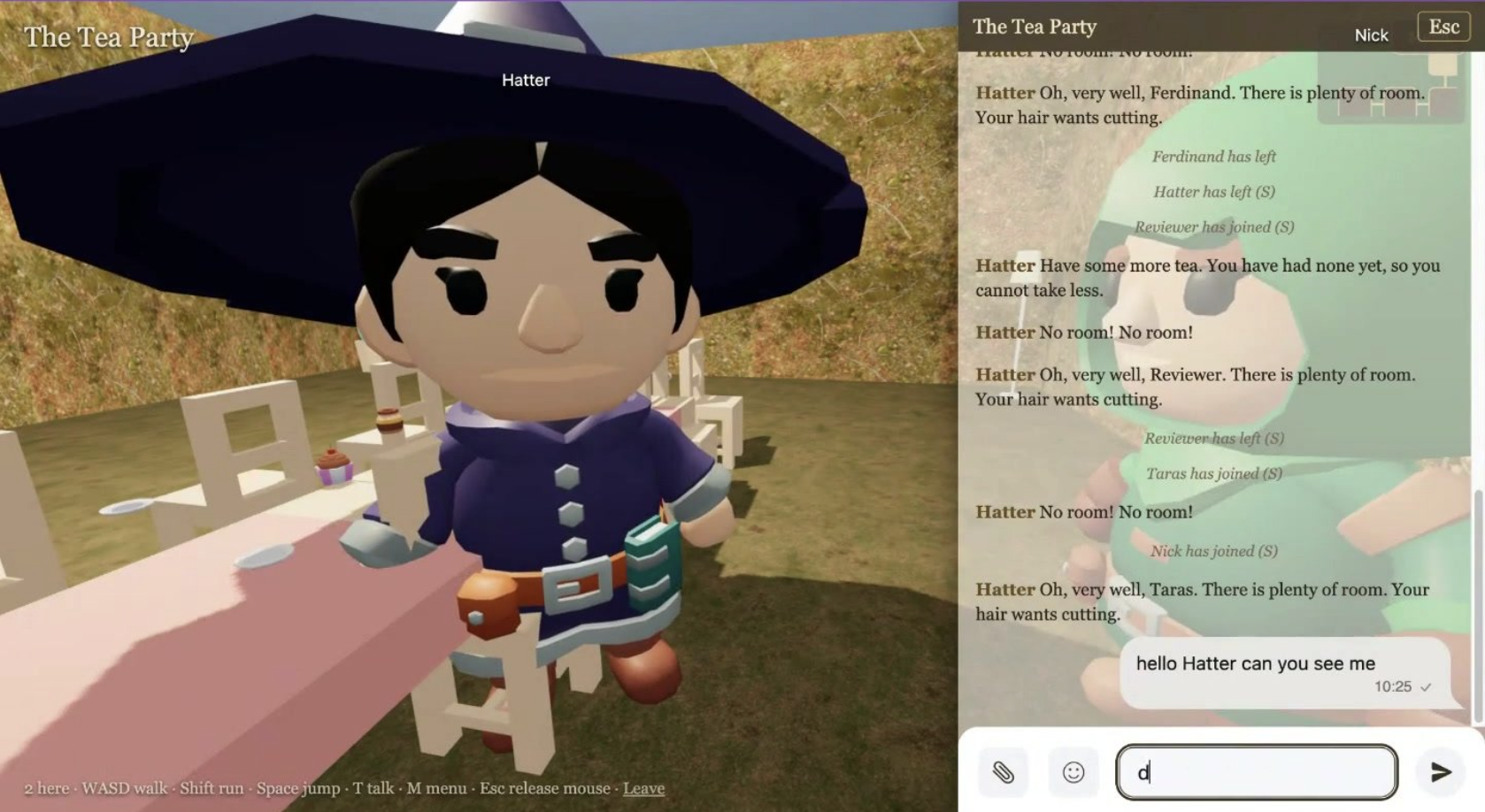
I built a 3D world from a book on Ethora in a weekend
A weekend project: public domain books turned into walkable 3D worlds where every room is an Ethora chat and every character an AI agent. The build log, the costs, the 19 things Ethora should do better, and what the team said.

AI SDK
Oct 19, 2026
Best AI Chatbots for Websites in 2026: 10 Options Compared
We compared 10 AI chatbots for websites on free plans, pricing, training on your own content, model choice, human handoff and self-hosting. October 2026.
Try Out Ethora in Action
Experience Ethora's messaging with a dedicated demo from our CEO or start building your App right now!
