Swift-Native UI Components
Native UI
Build beautiful chat screens with native SwiftUI components. They integrate smoothly into any iOS interface and are easily themed and customized to feel native to your app.

Add in-app messaging to your iOS app with Ethora’s open source iOS chat SDK for Swift. Modular, secure, and built for performance. Supports SwiftUI and UIKit, with 1:1 chat, group messaging, AI chatbots, and push notifications included, plus a free tier to start.
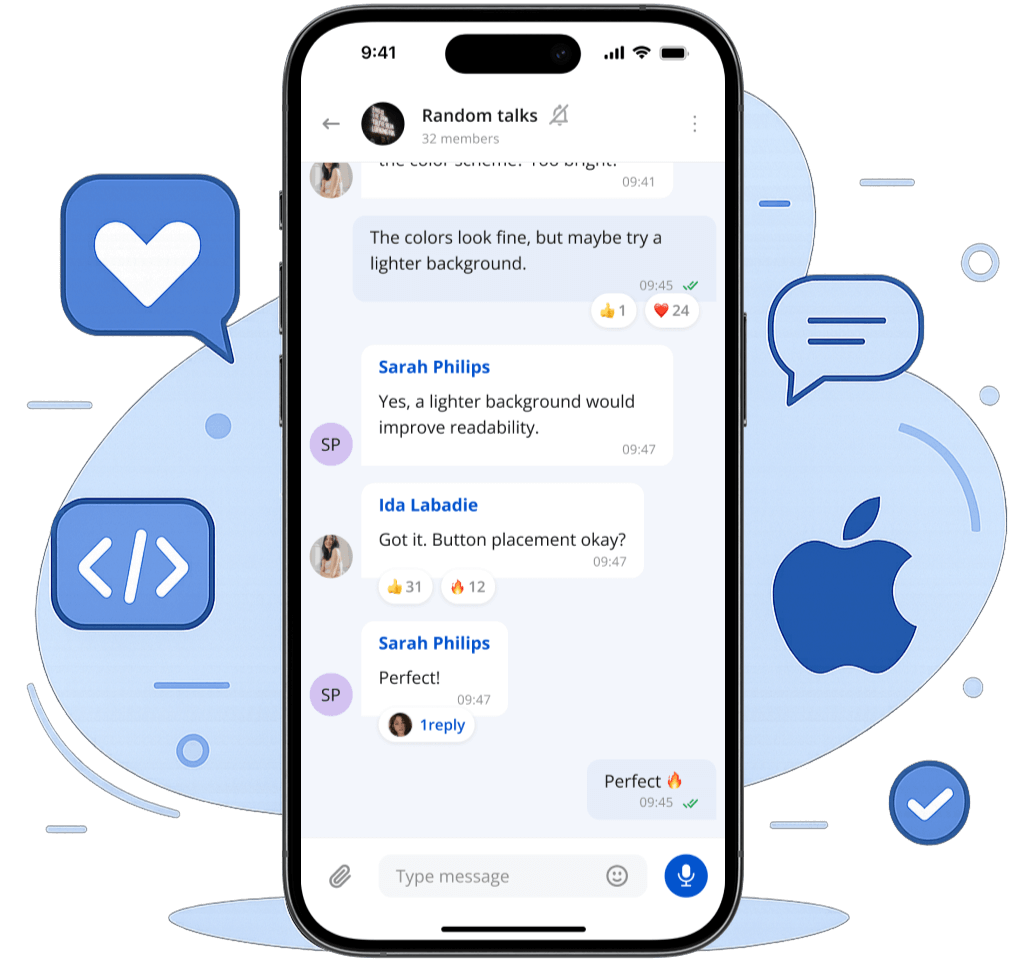
Everything you need to ship a native-feeling chat experience on iOS — fast, secure, and reliable.
Native UI
Build beautiful chat screens with native SwiftUI components. They integrate smoothly into any iOS interface and are easily themed and customized to feel native to your app.
Realtime
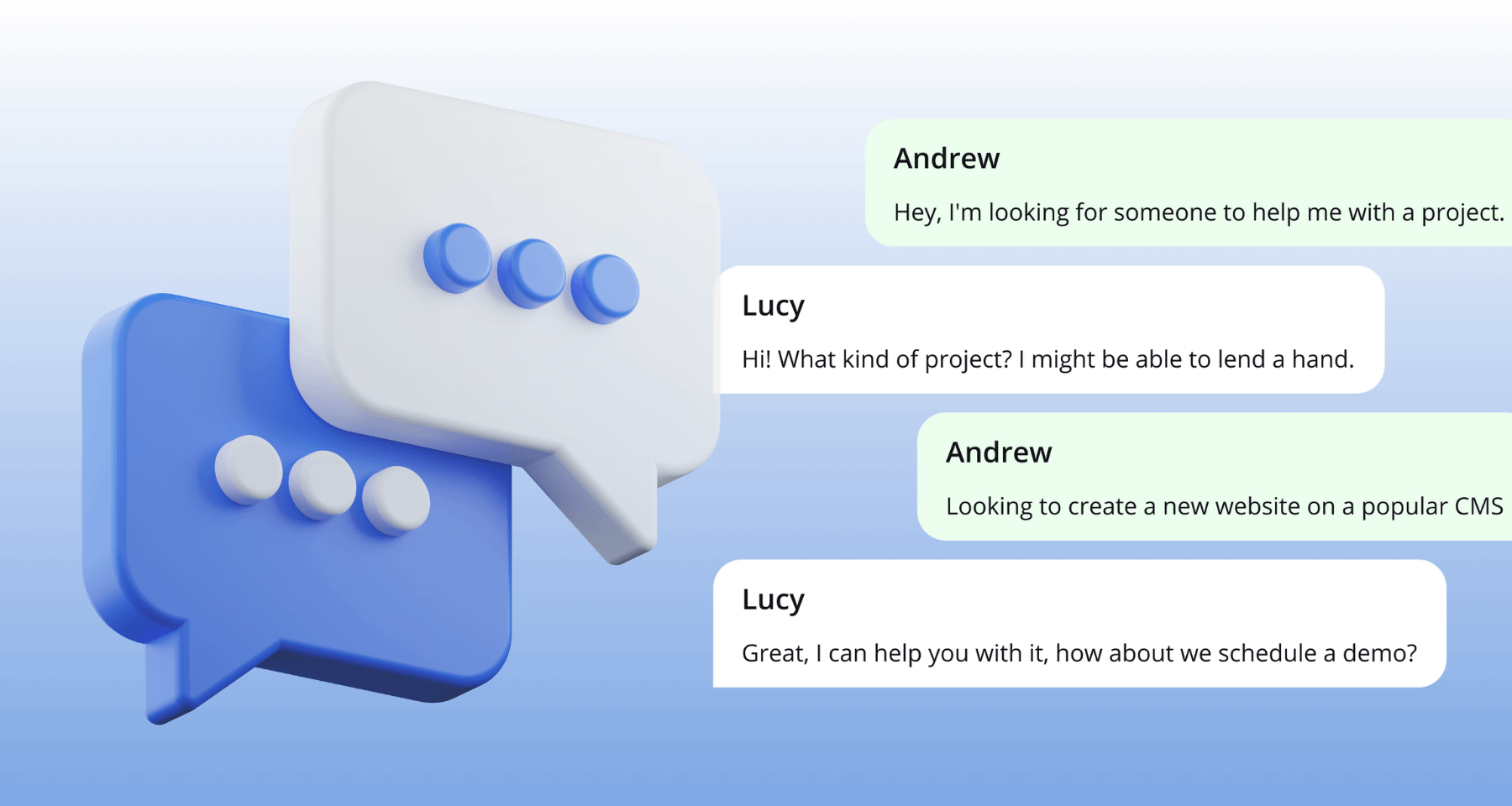
Give your users an engaging live chat for iOS. Power your app with lightning-fast messages, real-time status syncing, read receipts, and typing indicators.
Security
A smart choice for any app handling sensitive data. Our secure iOS chat SDK encrypts messages at rest and in transit, ensuring data privacy and compliance.

Scale
Ethora grows with your app, scaling effortlessly as your user base expands. Whether you have 10 or 100,000 users, the SDK handles any userbase without performance loss.

Reliability
A reliable iOS chat SDK works even with poor connectivity. Ethora leverages local caching and sync so your app keeps working when the connection is spotty.
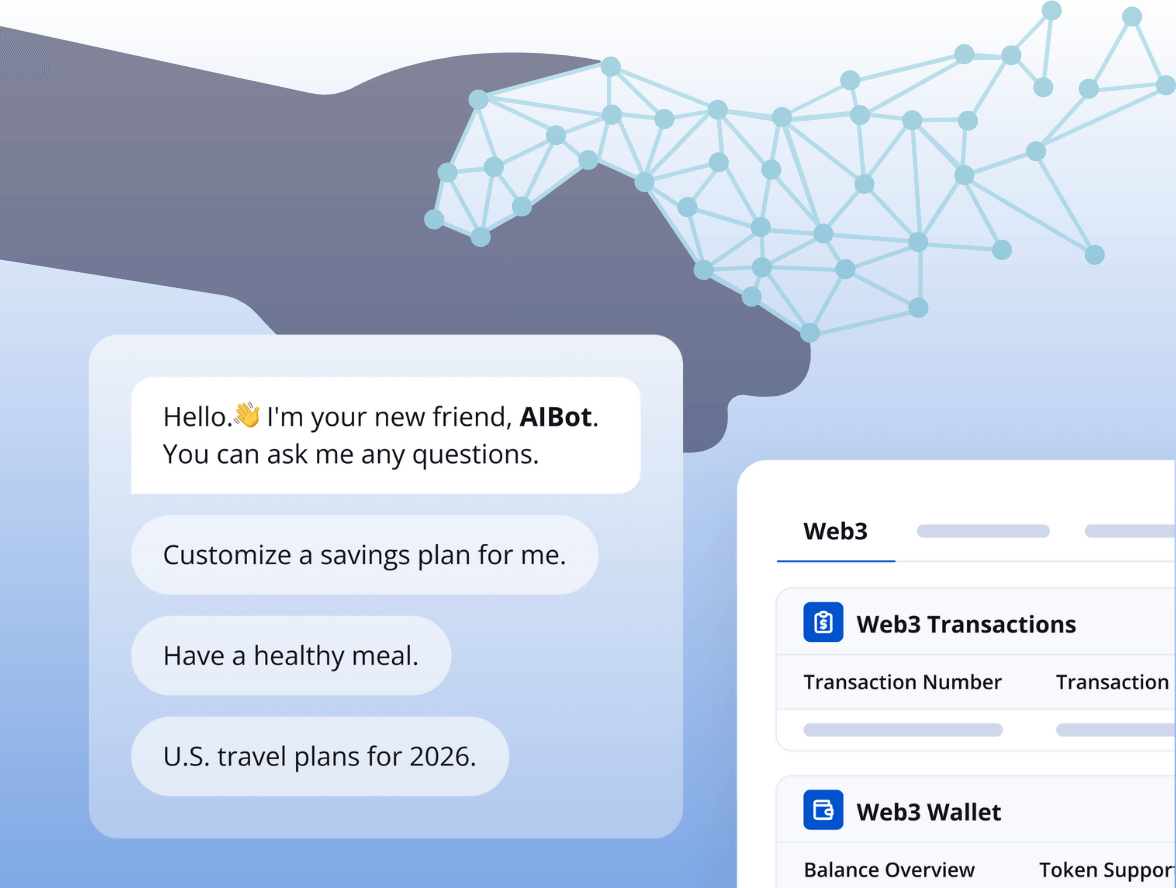
Our iOS chat SDK is an open-source solution allowing fast integration while maintaining full customization. It provides a full-stack iOS chat framework that is:
Built to handle a growing number of users without re-architecting.
Fits any app architecture, from a simple messenger to a complex product.
Integrates with Xcode, Swift, SwiftUI, UIKit and Swift Package Manager.
Clear documentation and idiomatic Swift APIs get your team productive fast.
Whether you’re building a simple messenger or an advanced chat interface, Ethora’s iOS messaging SDK has all the features you may need. Select any feature to see the details.
Add a layer of real-time interaction to your communication. See when another person is composing a message for a natural, conversational feel.
Track the conversation flow and always know when your message was seen — an integral feature of any modern messenger.
Enter a request and quickly find what you need — irreplaceable when you need to locate specific messages, important links, or media.
Make conversations more dynamic by sharing rich media directly within the chat interface — photos, videos, documents, and more.
Apple Push Notification service (APNs) keeps users updated about the latest messages and activity, driving engagement even when the app is closed.
Support both private messages and group conversations, with built-in flexibility for business chats and social apps.
Improve the communication flow with presence indicators — display online/offline status and last activity time for each user.
Let users react to specific messages or media with emoji for quick, expressive feedback.

Add secure, real-time messaging to your iOS app today — no credit card required.
Ethora’s iOS chat SDK installs via Swift Package Manager and requires iOS 15.0+ with Swift 5.9+. The full source code is open-source on GitHub.
In Xcode, go to File → Add Package Dependencies and enter:
https://github.com/dappros/ethora-sdk-swiftSelect the XMPPChatCore and XMPPChatUI modules when prompted.
Create a ChatConfig with your App ID and the server addresses — Ethora Cloud below, or your own self-hosted server:
import XMPPChatCore

// Ethora Cloud values; use your own URLs when self-hosted
var config = ChatConfig()
config.appId = "YOUR_APP_ID"
config.baseUrl = "https://api.chat.ethora.com/v1"
config.xmppSettings = XMPPSettings(
    xmppServerUrl: "wss://xmpp.chat.ethora.com/ws",
    host: "xmpp.chat.ethora.com",
    conference: "conference.xmpp.chat.ethora.com"
)
// sign the user in with a client JWT from your backend
config.jwtLogin = JWTLoginConfig(token: chatToken, enabled: true)Show the ready-made SwiftUI chat, or build your own views on top of XMPPChatCore. Full walkthrough: iOS quickstart.
import SwiftUI
import XMPPChatCore
import XMPPChatUI

struct ChatScreen: View {
    let config: ChatConfig

    var body: some View {
        // room list + rooms; badge your tab with the unread count
        ChatWrapperView(config: config, onUnreadCountChanged: { total in
            print("unread:", total)
        })
    }
}Run on a simulator or device, test with TestFlight for beta feedback, then publish to the App Store. Ethora handles the messaging infrastructure so you can focus on your app.
Using Claude Code or Codex?
Our open-source skill for Claude Code and Codex does the steps above for you: it adds the Swift package to your Xcode project from the terminal, signs in to Ethora to create or pick an app, writes EthoraEnv.swift and, with your OK, adds the sign-in token route to your backend. Then it checks the setup before you run the app.
/plugin marketplace add dappros/chat-ethora-skill /plugin install ethora-skill@ethora
codex plugin marketplace add dappros/chat-ethora-skill codex plugin add ethora-skill@ethora
Then ask your agent to add Ethora chat to this app. Cursor and other agents: npx skills add dappros/chat-ethora-skill.
The Ethora iOS SDK is written natively in Swift and organized into two modules. The ready-made chat UI is built in SwiftUI, and existing UIKit apps host it through the standard SwiftUI bridge — requiring iOS 15.0+ and Swift 5.9+.
Native view components that integrate with the SwiftUI lifecycle and state management. Drop in ChatWrapperView and customize colours, fonts, and layout to match your brand.
Wrap ChatWrapperView in a UIHostingController and push it onto your navigation stack, like any other SwiftUI screen.
XMPPChatCore handles XMPP connections, transport, and API integration; XMPPChatUI ships ready-made screens. Use them together, or build entirely custom UI on the core.
All features are included in every plan. Higher plans add infrastructure capacity and support options.
| Feature | Free $0/mo | Most popular Business $149/mo | Enterprise Custom |
|---|---|---|---|
| 1:1 and group messaging | Included | Included | Included |
| Typing indicators & read receipts | Included | Included | Included |
| Push notifications (APNs) | Included | Included | Included |
| Media & file sharing | Included | Included | Included |
| Message reactions | Included | Included | Included |
| User presence & status | Included | Included | Included |
| Message search | Included | Included | Included |
| SwiftUI & UIKit components | Included | Included | Included |
| AI chatbots | Included | Included | Included |
| End-to-end encryption | Included | Included | Included |
| Monthly active users | 1,000 | 5,000 | Unlimited |
| Concurrent connections | 100 | 250 | Unlimited |
| Tech support & SLA | Community | 99.9% SLA | 24/7 + dedicated |
| Self-hosted deployment | Not available | Not available | Included |
| Source code access (server) | Not available | Not available | Optional |
 Ethora
Stream and Sendbird ship SwiftUI UI kits and have large developer communities; CometChat’s iOS kit is UIKit-based. Their paid plans start at $239–$399 a month, they run in the vendor’s cloud, and on-premises deployment is at best an Enterprise add-on. Ethora starts free, then $149 a month, includes AI agents on every plan and can be self-hosted for regulated industries like healthcare and finance. Prices are entry plans billed annually, as listed on each vendor’s pricing page in November 2026.
From regulated industries to consumer apps, Ethora adapts to how your users communicate.
HIPAA-compliant patient-provider messaging, appointment coordination, and AI triage assistants in iOS health apps.
Explore healthcareSecure advisor-client communication, transaction alerts, and document sharing within wealth management and banking apps.
Explore financeStudent-teacher messaging, study group chats, and AI tutoring assistants in e-learning platforms.
Explore educationBuyer-seller communication, order updates, and support chat in commerce apps.
Explore marketplacesInternal team messaging with SSO integration, role-based access, and self-hosted deployment for full data control.
Explore enterpriseLive chat between patients and care teams, with encrypted media sharing and EHR integration.
Explore telehealthEthora’s iOS SDK connects to a proven backend stack designed for enterprise-grade messaging. The source code is available at github.com/dappros/ethora-sdk-swift — requires iOS 15.0+, macOS 12.0+, and Swift 5.9+.
XMPP (ejabberd) for real-time messaging over WebSocket transport — reliable delivery and presence management.
Node.js / TypeScript REST API for users, rooms, authentication, file uploads, and push registration.
MongoDB for message history and user data, Redis for caching and session management.
MinIO (S3-compatible) for media attachments, documents, and profile images.
Native Apple Push Notification service (APNs) integration via Ethora’s push service, with rich notifications.
Real-time communication in 1-on-1 or group chats — typing indicators, read receipts, emojis, media sharing, and more.
Simple user onboarding via Sign in with Apple, Google, and other providers.
Instant APNs notifications about new messages, mentions, or other in-app activity.
Match chats with your branding quickly and easily through SwiftUI configuration objects.
Enhanced user experience with personalized replies, chatbots, and smart content moderation.
Building for multiple platforms? Ethora offers SDKs for every stack.
Kotlin & Java messaging library for Android apps.
Read moreCross-platform mobile chat with a single codebase.
Read moreOpen-source chat component for web apps.
Read moreDeploy on AWS, Azure, GCP or on-premises for enterprise-grade control.
Read moreAdd AI chatbots to your iOS app with full data privacy.
Read moreSee pricing plans to get started.
Ready-made app
Not ready to build yet? Ethora is also a ready-made chat app. The iPhone app is in App Store review; until then iPhone users can install the web app from Safari. Your users sign in to your workspace and get your branding.
In Xcode choose File → Add Package Dependencies and enter https://github.com/dappros/ethora-sdk-swift. Add the XMPPChatCore product for messaging without UI and XMPPChatUI for the ready-made SwiftUI chat screens. You can also declare the package in Package.swift. The SDK needs iOS 15 or later and Swift 5.9 or later.
Yes, Ethora’s SDK supports both group and one-on-one chats. You can also add typing indicators, read receipts, emojis, media sharing, and other features to both. Everything depends on your needs and vision.
Our SDK integrates with Apple Push Notification service (APNs) and supports real-time alerts for new messages, mentions, and other in-app activity.
The XMPPChatUI module provides ready-made SwiftUI views for room lists, message bubbles, input bars, and media pickers. You can customize colours, fonts, spacing, and layout through configuration objects. For deeper customization, you can use the XMPPChatCore module directly and build entirely custom views on top of the messaging layer, giving you full control over every pixel.
Ethora iOS SDK supports offline messaging by caching and local messaging. This enables users to compose and read messages even without an internet connection. When the connection is restored the SDK automatically syncs all updates in the chat history.
Ethora is compliant with both GDPR and HIPAA. We designed it to align with regulatory requirements and be suitable for different industries including those where privacy is paramount (e.g., healthcare, finance). Our solution supports security features like end-to-end encryption and secure user authentication.
Yes. Ethora offers self-hosted deployment on AWS, Azure, GCP, or your own on-premises infrastructure. Your iOS app connects to your dedicated server instead of the shared cloud, giving you full control over data, compliance, and security. Enterprise plans include managed deployment by Ethora TechOps with an SLA.
Start building your iOS chat experience today — free to get started.