

Self-hosted Chat Server
Observability for a Self-Hosted Chat Server with OpenTelemetry
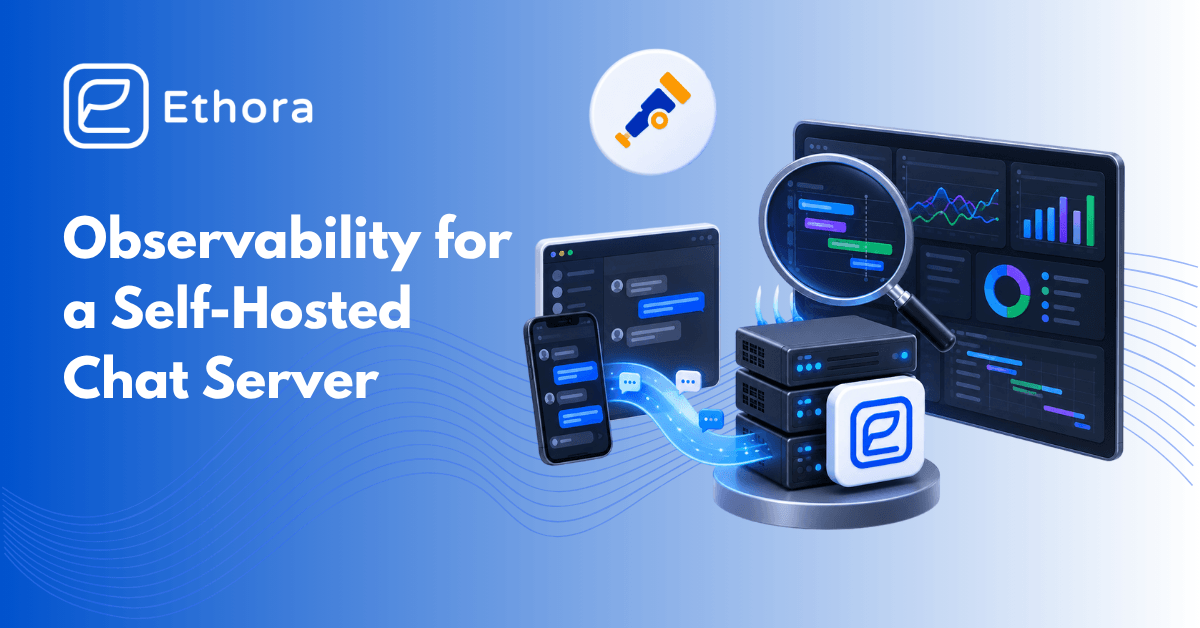
A self-hosted chat server is a small distributed system: a web front end, an HTTP API with background workers, an XMPP server, MongoDB, MySQL, Redis, object storage and a reverse proxy. When a customer says “messages are slow”, you want one place that shows where the time went. OpenTelemetry (OTel) is the vendor-neutral way to get there: one collector that scrapes, receives and forwards metrics, logs and traces to whatever backend you use, from Grafana to Datadog to a managed OTLP endpoint.
This post adds an OpenTelemetry Collector to the Ethora Core Docker Compose stack, scrapes every component that already exposes metrics, ships container logs, and ends with the three dashboards that matter for chat.
What already emits metrics
Before adding anything, take stock of what the stack exposes:
- The Ethora API publishes a Prometheus endpoint at /metrics on api:8080. The compose README tells you to block it at the proxy for a reason: scrape it from inside the Docker network only.
- Caddy exposes metrics on its admin endpoint when enabled (metrics on localhost:2019).
- ejabberd can export Prometheus metrics via its mod_prometheus module; check the dappros/ethora-xmpp image configuration before relying on it (R&D note).
- MongoDB, MySQL and Redis do not speak Prometheus natively; the standard exporters (mongodb_exporter, mysqld_exporter, redis_exporter) do.
- cAdvisor or the collector’s docker_stats receiver gives per-container CPU, memory and network.
Add the collector
Create a compose override next to the Ethora project so the stack file stays untouched:
# docker-compose.observability.yml
services:
  otel-collector:
    image: otel/opentelemetry-collector-contrib:latest
    command: ["--config=/etc/otelcol/config.yaml"]
    volumes:
      - ./otel-config.yaml:/etc/otelcol/config.yaml:ro
      - /var/run/docker.sock:/var/run/docker.sock:ro
    networks: [default]
  mongodb-exporter:
    image: percona/mongodb_exporter:0.40
    command: ["--mongodb.uri=mongodb://mongo:27017", "--collect-all"]
  redis-exporter:
    image: oliver006/redis_exporter
    environment: [REDIS_ADDR=redis://redis:6379]
  mysqld-exporter:
    image: prom/mysqld-exporter
    environment: [DATA_SOURCE_NAME=exporter:password@(mysql:3306)/]
Start it with both files: docker compose -f docker-compose.yml -f docker-compose.observability.yml up -d. Create the read-only MySQL user for the exporter first; MongoDB and Redis exporters work without credentials on an internal network.
Collector configuration
receivers:
  prometheus:
    config:
      scrape_configs:
        - job_name: ethora-api
          static_configs: [{ targets: ["api:8080"] }]
        - job_name: mongodb
          static_configs: [{ targets: ["mongodb-exporter:9216"] }]
        - job_name: redis
          static_configs: [{ targets: ["redis-exporter:9121"] }]
        - job_name: mysql
          static_configs: [{ targets: ["mysqld-exporter:9104"] }]
  docker_stats:
    endpoint: unix:///var/run/docker.sock
    collection_interval: 15s
  filelog:
    include: [/var/lib/docker/containers/*/*.log]
    operators:
      - type: json_parser
processors:
  batch: {}
  resourcedetection:
    detectors: [env, system]
exporters:
  otlphttp:
    endpoint: https://your-otlp-endpoint:4318
  debug: {}
service:
  pipelines:
    metrics:
      receivers: [prometheus, docker_stats]
      processors: [resourcedetection, batch]
      exporters: [otlphttp]
    logs:
      receivers: [filelog]
      processors: [batch]
      exporters: [otlphttp]
Point otlphttp at Grafana Cloud, a self-hosted Grafana stack (Mimir or Prometheus with remote write, Loki for logs) or any vendor that accepts OTLP. For a fully self-hosted setup, swap the exporter for prometheusremotewrite and loki.
The three dashboards that matter for chat
- Message path latency. API request duration by route (the send-message and room endpoints first), queue depth for the jobs worker, and XMPP session counts. A rising p95 on the send endpoint with flat CPU usually means a database wait.
- Connections and presence. Active WebSocket sessions on the XMPP server, reconnect rate, and Centrifugo connection counts. A reconnect storm after a deploy is the most common self-inflicted incident.
- Storage and queues. MongoDB operation latency and replica lag, MySQL slow queries, Redis memory and evictions, MinIO request errors. Retention jobs and archive exports show up here first.
Add alerts on certificate expiry (Caddy renews automatically, but an alert catches a blocked port 80), disk usage on the Docker volumes, and a synthetic check that logs in and sends a message every few minutes, which is exactly what the stack’s own verify profile does by hand.
Traces and AI agents
Metrics and logs cover the server. If you run AI agents on the stack, the conversation itself becomes the thing to observe: which model answered, how many tokens, how long to first token, which documents the retrieval step pulled. The OpenTelemetry GenAI semantic conventions define attribute names for exactly this (model, token counts, finish reasons), and the collector forwards those spans like any other. Keep the raw prompts and completions out of the trace unless the deployment is inside your own environment, which is one of the quieter arguments for self-hosting the whole stack.
Privacy note
Logs from a chat server contain message metadata and sometimes message bodies. Decide before you ship anything to a third-party backend: redact bodies at the collector (the transform and redaction processors exist for this), keep a short retention on the log pipeline, and treat the observability backend as part of the system under your data-processing agreement.
Summary
One override file, one collector config, three exporters. From there every component of a self-hosted Ethora stack is visible in the backend you already use, with the same OpenTelemetry pipeline your application teams run elsewhere. The companion post covers the Compose install itself.

Share with your community


More Articles
AI SDK
Oct 19, 2026
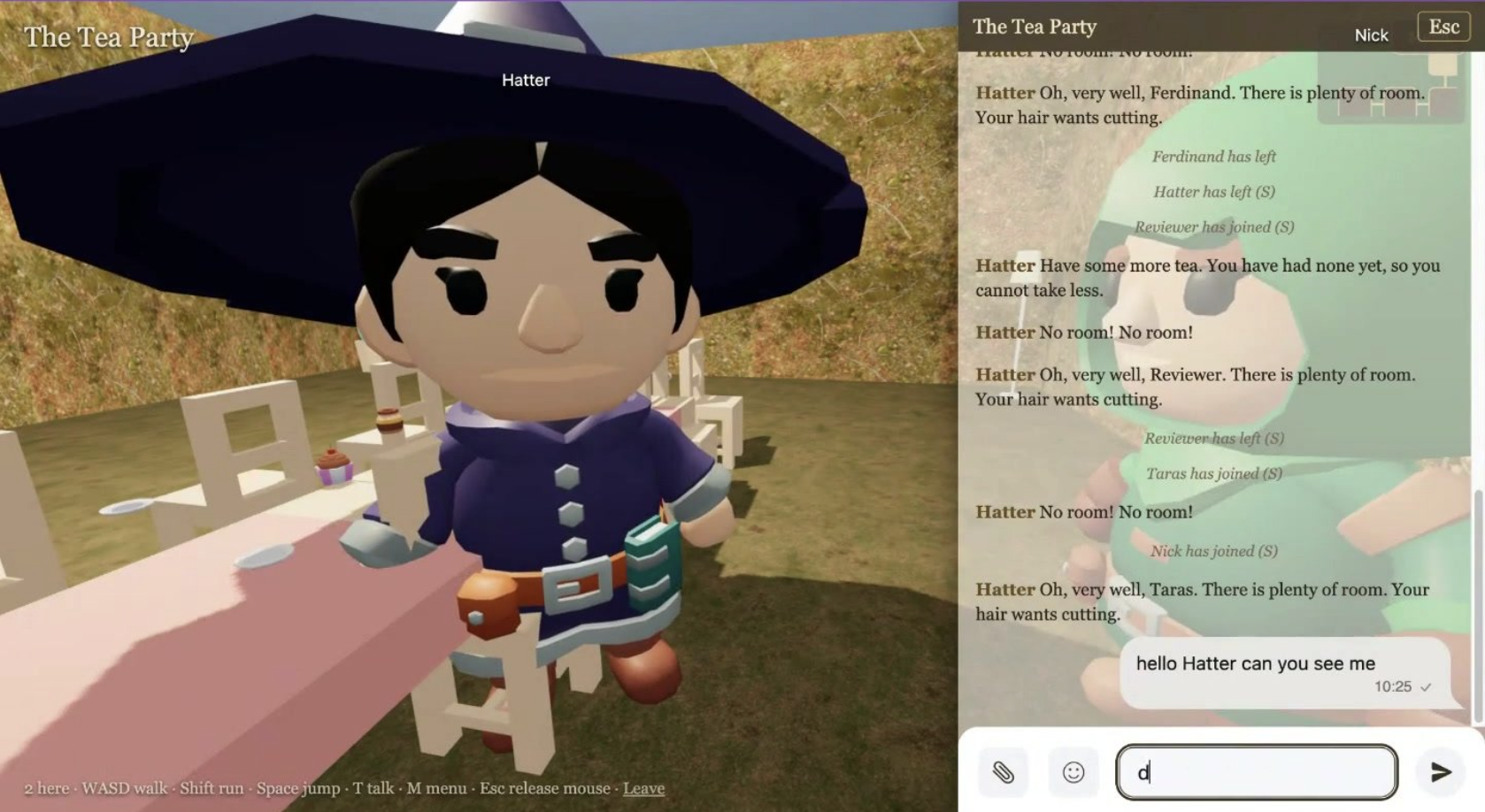
I built a 3D world from a book on Ethora in a weekend
A weekend project: public domain books turned into walkable 3D worlds where every room is an Ethora chat and every character an AI agent. The build log, the costs, the 19 things Ethora should do better, and what the team said.

AI SDK
Oct 19, 2026
Best AI Chatbots for Websites in 2026: 10 Options Compared
We compared 10 AI chatbots for websites on free plans, pricing, training on your own content, model choice, human handoff and self-hosting. October 2026.
Try Out Ethora in Action
Experience Ethora's messaging with a dedicated demo from our CEO or start building your App right now!
