

Development
No-Code App Development: Build Mobile Apps with Ethora
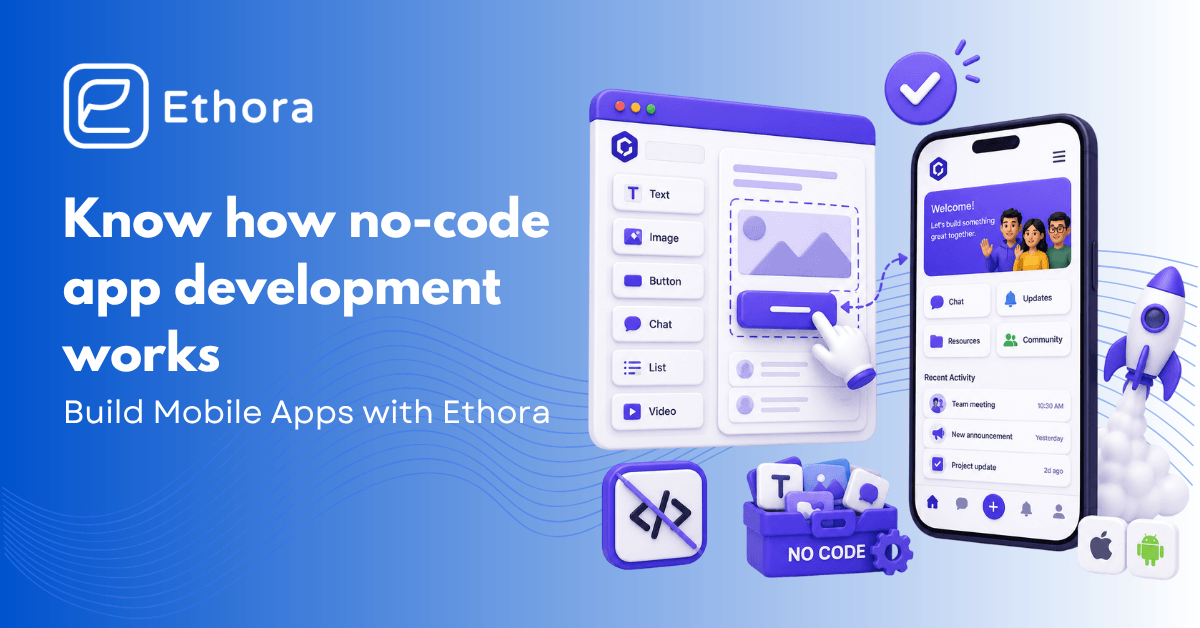
Not so long ago, it seemed impossible to build an app without knowing code or having a big dev team. The engineering barrier was real and expensive, which could have forced many to give up on their ideas.
This barrier hasn’t fully disappeared, yet today you don’t have to seek investment or learn programming languages to build an app. No-code builders enable you to build a fully functional application or part of its infrastructure without a single line of code. For example, Ethora’s no-code solution handles the communication layer – messaging, AI bots, voice and video, real-time presence, etc., can be built in just a few days, instead of months.
Read on if you’re working on the next WhatsApp, need to integrate real-time messaging into your solution, or just want to know how no-code app development works.
In this blog:
- What is no-code development and how it works
- How to build an app using no-code solutions
- Maintaining, testing, and managing data
Understanding No-Code App Development and Its Benefits
Let’s start by answering the question: What is no-code app development? No-code development means building software through visual tools, using drag-and-drop interfaces, pre-built components, and configuration panels that produce real application logic underneath.
The code is still there – you just don’t need to write it. The platform generates it based on what you’ve configured, which means the entry requirement shifts from “can you program” to “can you describe clearly what you want.”
That shift is bigger than it sounds. A product manager who understands the user’s problem better than any engineer on the team can now build directly rather than translating requirements through someone else. A healthcare operator who knows exactly what a clinician needs from a messaging interface doesn’t need to brief a developer and wait six weeks – they can build and test a version in days. Domain expertise matters more relative to technical skill, which tends to produce better early products, not worse ones. Quick note: In the case of the healthcare industry, it’s also important to choose the HIPAA-compliant chat builder.
The Benefits of No-Code Development
The practical benefits of no-code development fall into three buckets:
- Time
- Cost
- Iteration speed
Development timelines that used to run six to twelve months have compressed to weeks. Budgets that required a full engineering team shrink to the cost of the platform and the people using it. And the iteration loop – the gap between “we think users want this” and “we’ve tested whether they actually do” – tightens dramatically, because changing a workflow configuration is orders of magnitude faster than refactoring code.
The no-code and low-code development gains mainstream adoption, Gartner proves it, predicting that 75% of applications in 2026 will be built this way. Market size is also growing and is expected to reach more than $102 billion by 2030.
How No-Code Development Works
The mechanics of how no-code development works are quite simple. You assemble screens from pre-built components – a message list here, an input field there, a button that triggers an action. You define data models by filling out forms rather than writing schema migrations. You set up workflows by connecting triggers to actions (“when a user sends a message, notify these recipients”) rather than writing the event handler yourself. External services connect through pre-built integrations rather than hand-written API calls. The platform turns all of this into working software.
Where Ethora differs from a typical no-code tool is in depth. Most visual app builders handle the frontend and leave you to manage your own backend. Ethora provides the backend layer too – the messaging infrastructure, real-time data sync, authentication, push notification routing, and AI integration hooks.
Once you have set up the chat functionality using the Ethora SDK, you haven’t simply placed an element on the screen – you’ve connected a full messaging engine that includes all WebSocket operations, queueing messages, delivery receipts, and offline caching. You made a configuration decision; the platform did the rest. Yes, we took care of the backend, not only the frontend.
Building and Launching Mobile Apps Without Coding
To create an app without coding, you need to pick a platform that handles what you don’t want to build, scope to one thing first, and resist everything that doesn’t touch that one thing for at least the first month.
No-code tools make adding features fast. That’s the benefit and the hazard in the same breath. The scope discipline that would have been enforced by the friction of writing code has to become a deliberate choice instead.
Figuring out how to build a mobile app with Ethora starts before the platform. You need to know the single most important thing your app does – not the five things you’d like it to eventually do, the one thing. For a healthcare tool, maybe that’s encrypted messaging between a nurse and a patient. For a marketplace, maybe that’s a buyer initiating a conversation tied to a specific listing. That thing gets built first. The profile editing screen, the onboarding tutorial, the notification preferences – none of those exist in version one unless your hypothesis requires them.
Once that’s clear, Ethora’s no-code solution gives you a concrete path:
- Set up your project. Create an account and configure your app’s name, branding, etc. Then choose whether you want to deploy it to Ethora’s cloud or self-host it on your own infrastructure.
- Define your user model. Who are the users, their roles, and permissions? Ethora’s role-based access configuration handles this without a database schema change.
- Build your core flow. Use the React UI Kits to assemble the screens your core hypothesis requires. For most communication-heavy apps, this means conversation lists, message threads, and the actions available within a conversation.
- Connect the features. AI bots, push notifications, voice and video calls, file sharing – configure through the SDK rather than implementing from scratch.
- Test on real devices. Ethora’s SDKs support iOS and Android from the same codebase, which means device testing is straightforward rather than requiring platform-specific builds.
- Deploy and iterate. Go live on App Store and Play Store. Analyze the app performance and monitor your key metrics. Improve your application and add features that users actually need, not when you think they might need them.
Building an app is just a part of the job. You don’t write the code, yet mistakes are still possible. Keep reading to learn what to avoid.
Common Mistakes and Limitations in No-Code Development
No-code solutions are easier and have fewer limitations than building everything from scratch. But this doesn’t mean there are no risks. Let’s consider the most common pitfalls people make during no-code app creation.
Scope creep
A feature that would have taken a developer two days to build may take a few hours to configure in Ethora. That speed is the point, but it also removes one of the few natural brakes on feature additions.
Teams add things because they’re easy to add, not because they’ve tested whether users need them. Six weeks in, the product has ten features, and none of them has been validated. The discipline that writing code once provided – the small tax on every addition – has to be replaced by a deliberate decision-making process.
Decision-free development
No code simplifies the process, but you still have to understand your data model, map the user’s actual flow through the product, and decide what happens in the edge cases. A visual builder executes what you configure – if the configuration reflects fuzzy thinking, so does the app. The tool is a faster path to expressing decisions, not a substitute for making them.
Limitations
Now, let’s move to the limitations that no-code development has. Custom business logic that doesn’t fit the platform’s built-in workflow types almost always needs a code escape hatch – Ethora provides this through its SDK layer, so you’re not permanently boxed in, but it means some requirements will eventually need an engineer even if they didn’t at launch.
Extreme-scale performance may call for architectural decisions that the no-code abstraction model was not intended to reveal. And there is never any possibility of escaping the vendor lock-in, because if the platform decides to change its pricing strategy, depreciate some feature, or get acquired, the move to become independent will be more difficult than otherwise. Self-hosted deployment, which Ethora supports, mitigates the last one – your infrastructure isn’t going anywhere unless you move it.
Maintaining and Testing No-Code Mobile Apps
Shipping is where most no-code guides stop. The question of how to maintain no-code apps typically doesn’t arrive until six months later, usually prompted by something breaking – a platform update that changed how a component works, a configuration that made sense when you built it but nobody can interpret now, a backup you never set up because it didn’t seem urgent.
Platform updates are the most common source of unwanted surprises. A no-code platform updates its own dependencies and component APIs on a schedule you don’t set, and sometimes those updates break behavior you’d quietly relied on. The teams that handle this well are the ones that build periodic update reviews into their calendar – not reactive fire-fighting when something breaks, but proactive checks before an update lands in production. With a self-hosted option, you control when updates get applied, which gives you a testing window that cloud-only deployments don’t provide.
Documentation of your own configuration is something almost nobody does at first, and almost everybody regrets. Code is at least self-documenting to a degree – you can read what it does even if you can’t immediately understand why. A no-code configuration panel doesn’t explain its own history. Six months after building something, the reason you connected that trigger to that action, or why that access rule is set the way it is, can be genuinely opaque even to the person who set it up. A simple change log – a few lines per significant configuration change, date-stamped, kept somewhere obvious – is enough to fix this completely.
Make sure to set up monitoring before you have users, not when they start complaining. Understanding the “normal” from the very beginning lets you know whether it’s just a bump or a new trend.
Managing Data in No-Code Apps
Understanding how to test no-code mobile apps means adjusting what you’re testing for, not abandoning testing. When you write code, you test whether the code does what you intended. When you configure a no-code app, you test whether the configuration produces the behavior you intended. That sounds like a trivial distinction, but it isn’t – misconfigured workflows can have consequences just as serious as buggy code, and they can be harder to diagnose because there’s no stack trace to read.
Real device testing is non-negotiable regardless of how the app was built. Emulators catch obvious problems, but notification behavior on a locked Android device, camera access on an older iPhone, and network handling over a spotty mobile connection all differ from what emulators model. Ethora’s cross-platform SDK means a single build covers iOS and Android, which simplifies this somewhat – you’re not maintaining separate test suites for two codebases – but the device testing itself can’t be skipped.
For communication apps specifically, test the flows that cross device and platform boundaries explicitly. A message sent from an Android device to an iOS device over 4G, with the iOS device waking from a locked screen – does it arrive, does the notification fire, does the thread update correctly when the app opens? These are the failure modes that users actually encounter and that pure unit testing will never surface.
Compliance testing deserves its own checklist for regulated apps. Verify that messages are encrypted in transit and at rest. Check that your audit logs capture what they’re supposed to capture in actual usage flows, not just in theory. Test that a data deletion request cascades correctly through all the places that the user’s data lives. None of this is especially difficult with Ethora’s built-in compliance tooling, but it needs explicit verification rather than assumption.
How to Manage Data in No-Code Mobile Apps
How to manage data in no-code mobile apps? This question has three sub-questions that come up in order: where does the data live, who can touch it, and what happens when it needs to go away?
The “where” question matters more than teams often realize at the start. European users have GDPR rights about where their data is processed. Healthcare data in the US triggers HIPAA requirements. A no-code platform that offers only cloud hosting in one region can fail both of these tests regardless of its other features.
Ethora’s self-hosted deployment is the clearest solution here – when you’re running on your own infrastructure, whether that’s an AWS environment, a private cloud, or an on-premises server, you’re the one who answers the data residency question, not the platform vendor. For teams in healthcare and fintech specifically, this often determines whether Ethora is on the table at all.
Access control
Model the access control by answering these questions:
- Which conversations can a user see?
- Can they export the history?
- Can they access metadata about other users?
- What happens when they delete their account?
With Ethora, you don’t need coding to configure the access control, but to configure it correctly, you have to decide what you want.
Backup and recovery
Backup and recovery is the one everyone skips until they wish they hadn’t. The question isn’t whether you need backups, you do, it’s whether the free or starter tier of your platform provides them automatically, and what their retention period is. On self-hosted Ethora deployments, backup setup is part of the infrastructure configuration you own. It requires deliberate setup, not an assumption that the platform handles it, but once it’s done, it’s done on terms you control. Know your recovery time objective before you need to use it, not while you’re in the middle of needing to use it.
Encryption
Encryption deserves explicit attention rather than assumed coverage. Ethora encrypts messages in transit and supports end-to-end encryption configurations for sensitive contexts. For apps handling health data or financial information, verify explicitly that the encryption configuration you’ve set up covers the data flows that regulations require, and document that verification for any future compliance review.
Conclusion
No-code development has moved from being a prototyping shortcut to a legitimate path for production applications across a widening range of use cases. The teams using it well aren’t the ones who chose it because it was easier – they’re the ones who understood what it was good at, built within those strengths, and applied the same discipline around scope, testing, and data management that any serious software project requires.
Ethora provides the infrastructure layer that most communication-heavy no-code apps need but don’t want to build: real-time messaging, AI integration, compliance-ready data handling, and deployment flexibility. It allows you to go live faster, while not limiting your app when you grow.
You can try it now to see how easy it is to build an app with Ethora, or drop us a line if you have any questions left or want to talk about other Ethora capabilities.

Share with your community


More Articles
Chat SDK
Aug 28, 2026
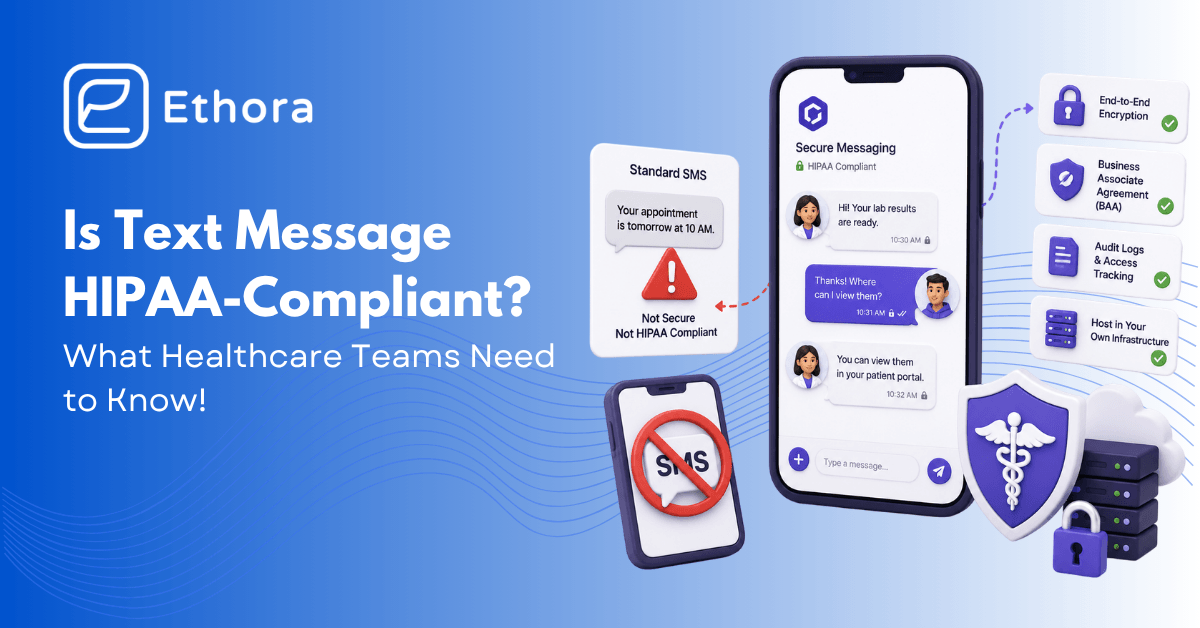
Is Text Messaging (SMS) HIPAA Compliant? What to Use Instead
Is SMS text messaging HIPAA compliant? Standard SMS is not - no encryption, no BAA, no audit trail. Here is a compliant way to message patients.

Healthcare
Aug 21, 2026
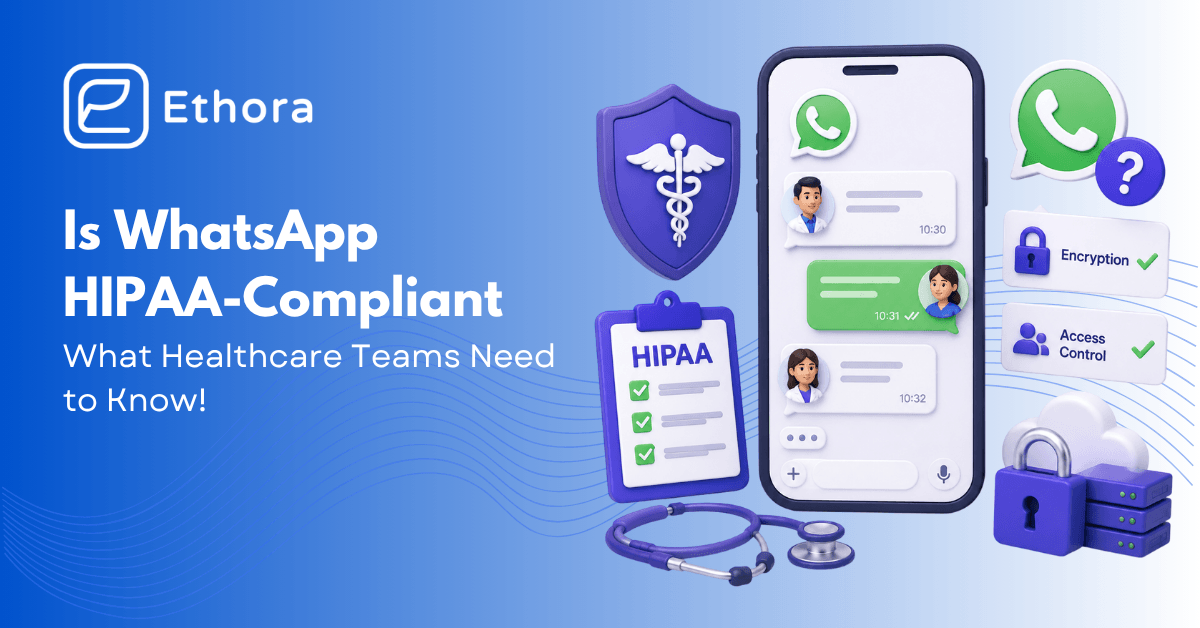
Is WhatsApp HIPAA Compliant? What Healthcare Teams Need to Know
You can use WhatsApp for general tasks like scheduling, sharing admin announcements, as long as no patient health data is shared.
Try Out Ethora in Action
Experience Ethora's messaging with a dedicated demo from our CEO or start building your App right now!
