Android Chat SDK: Messaging Library for Kotlin & Java Apps

Add real-time messaging to your Android app with Ethora’s open-source chat SDK. Supports both Kotlin and Java, with 1:1 and group chat, AI chatbots, push notifications, file sharing, and full UI customization. Install via Gradle and start building in minutes.

Start Free
Kotlin & Java Open-source (AGPL) 1,000 MAU free
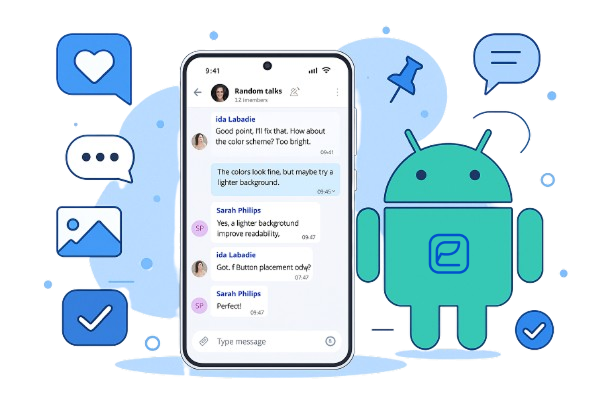
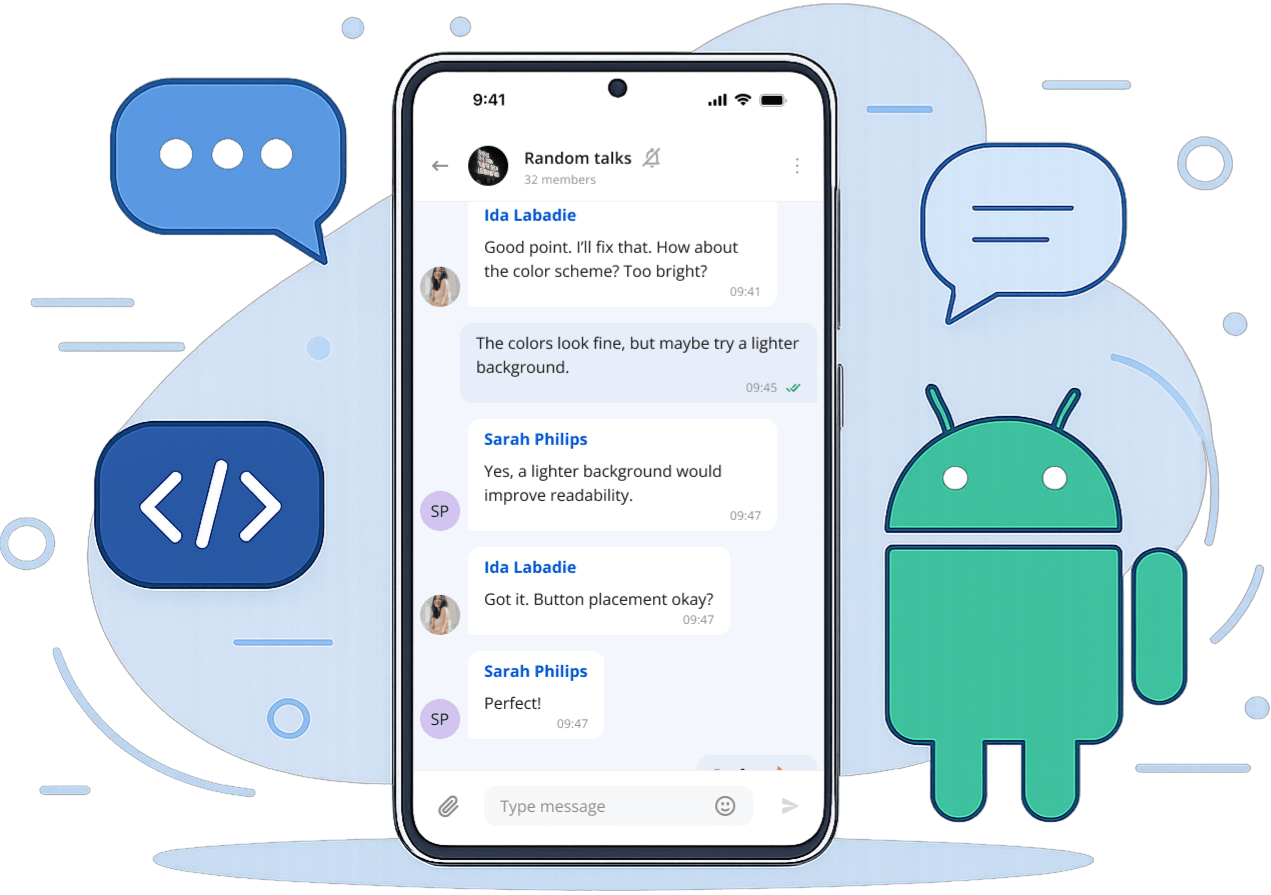
Ethora Android chat SDK running on phone screens
Kotlin & JavaInstall via Gradle
AI chatbots includedWith push notifications built in
Secure by default, at every layer.
End-to-end encryptionGDPR & CCPAHIPAA-ready

Key Benefits of Ethora Chat SDK for Android

Everything you need to ship a native-feeling chat experience on Android — fast, secure, and reliable.

Modular UI Components

Native UI

In our SDK, you’ll find message bubbles, typing indicators, conversation lists, and other UI components. All of them are fully configurable, making it ideal for building in-app chat Android experiences that feel native to your app.
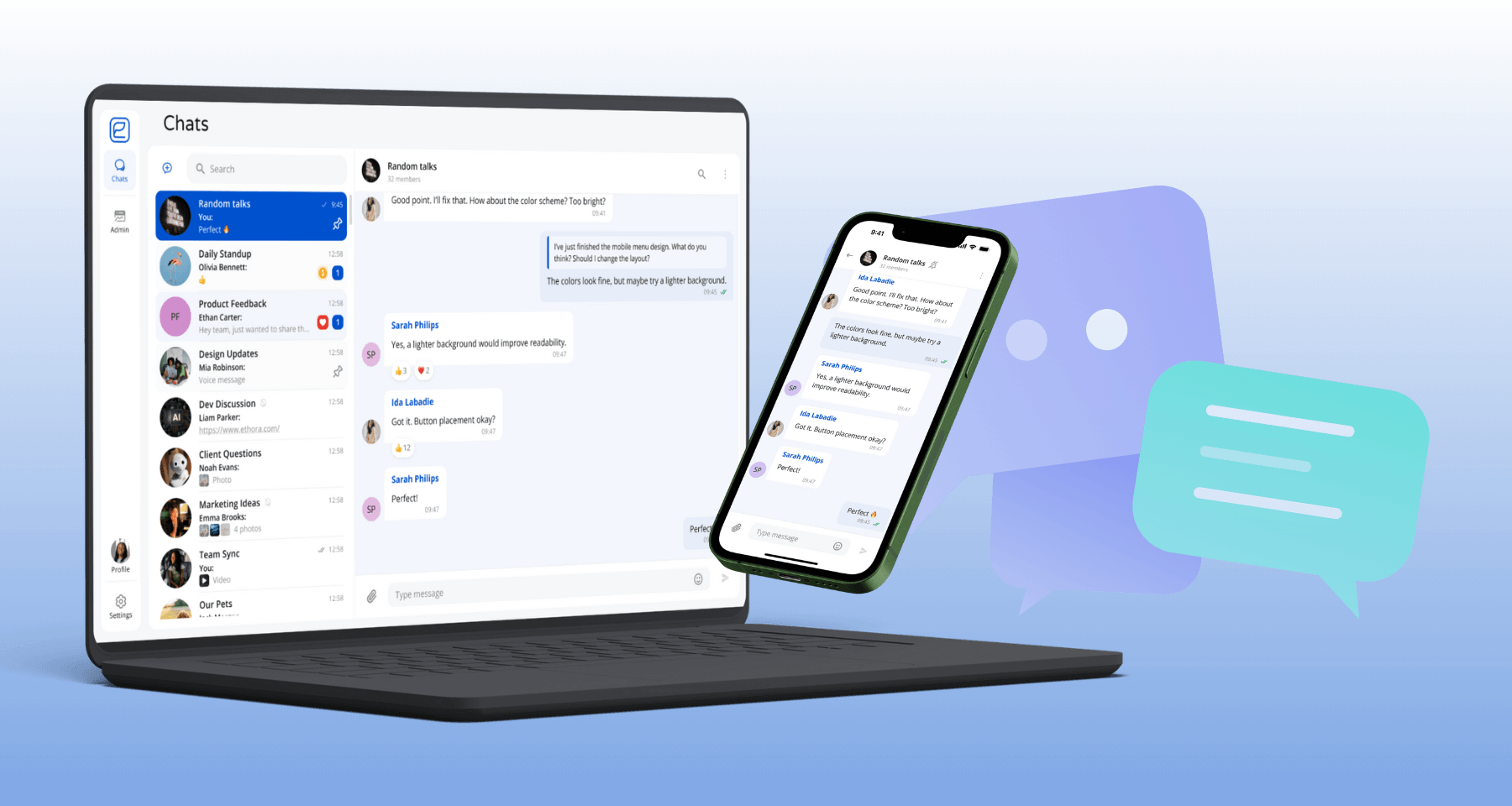
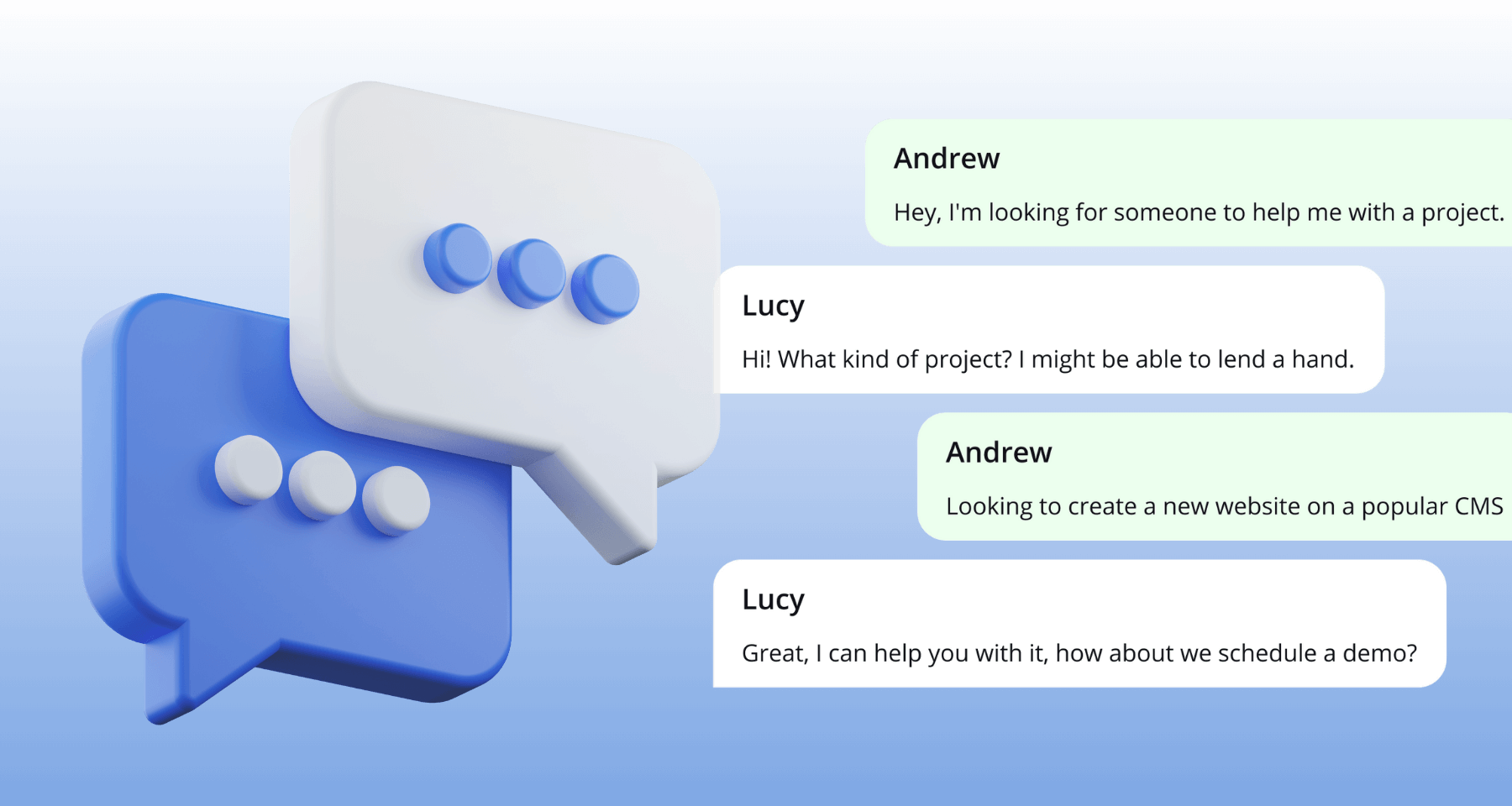
Configurable Android chat UI components

Real-Time Messaging Engine

Realtime

Real-time chat for Android apps guarantees the instant delivery of messages and synchronization across devices, as well as eliminates lags during communication.

Real-time instant messaging on Android

Secure Data Transmission

Security

End-to-end encryption, compliance with data privacy requirements (GDPR/CCPA), and options for message auditing and moderation make Ethora a fully secure chat SDK for Android.

End-to-end encrypted, compliant Android messaging

Offline Support

Reliability

Ethora includes local message caching and synchronization to provide communication even if you’re in a place without a stable internet connection.

Offline message caching and synchronization

Lightweight & Fast

Performance

Our SDK runs efficiently even on low-spec devices. Its optimized codebase allows you to build a live chat for Android apps without slowing it down or draining the battery life.

Optimized, lightweight SDK for low-spec devices

Build High-Performance Chat with Our Android Chat SDK

Our Android chat SDK is an open-source solution allowing fast integration while maintaining full customization. It provides a full-stack Android chat framework that is:

Scalable

Built to handle a growing number of users without re-architecting.

Adaptable

Fits any app architecture, from a simple messenger to a complex product.

Native Android tooling

Integrates with Android Studio, Kotlin, Java and standard Android libraries.

Developer-friendly

Clear documentation and idiomatic APIs get your team productive fast.

Supported Features of Ethora Android SDK

Whether you’re building a simple messenger or an advanced chat interface, Ethora’s Android messages SDK has all the features you may need. Select any feature to see the details.

Let users react to messages with emoji for quick, expressive feedback.

Show when someone is composing a message for a real-time, conversational feel.

Share images, files and documents directly within a conversation.

Firebase Cloud Messaging (FCM) delivers instant alerts for new messages and activity.

Support both 1:1 conversations and group chats with member and admin controls.

Keep conversations organized with threaded replies to specific messages.

Show delivery and read status so users always know when a message was seen.

Ethora Android SDK supported chat features
Get started

Transform communication into a powerful tool with Ethora’s best chat SDK for Android.

Add secure, real-time messaging to your Android app today — no credit card required.

Sign up for free
Free tier available Enterprise SLA No vendor lock-in

Quick Start: Add Chat to Your Android App

Ethora’s Android SDK installs via Gradle and supports both Kotlin and Java projects. The full source code is open-source on GitHub.

  1. Add the Gradle dependency

    Add the Ethora SDK to your module-level build.gradle:

    gradle
    dependencies {
        implementation ‘com.ethora:chat-sdk:latest’
    }

    Sync your project and ensure you have minSdkVersion 24 or higher.

  2. Initialize the SDK

    In your Application class or main Activity, configure the connection to your Ethora backend — either cloud-hosted or self-hosted:

    kotlin
    // Kotlin
    val config = EthoraConfig.Builder()
        .setHost("your-server.ethora.com")
        .setAppId("your-app-id")
        .build()
    
    EthoraChat.initialize(applicationContext, config)
    java
    // Java
    EthoraConfig config = new EthoraConfig.Builder()
        .setHost("your-server.ethora.com")
        .setAppId("your-app-id")
        .build();
    
    EthoraChat.initialize(getApplicationContext(), config);
  3. Launch the chat screen

    Use the pre-built chat Activity or Fragment, or build custom UI on top of the messaging core:

    kotlin
    // Launch the chat room list
    val intent = EthoraChatActivity.newIntent(this)
    startActivity(intent)
    
    // Or embed as a Fragment
    supportFragmentManager.beginTransaction()
        .replace(R.id.container, EthoraChatFragment())
        .commit()
  4. Test and publish

    Run on emulators and physical devices, distribute beta builds via Firebase App Distribution or Google Play internal testing, then publish to Google Play. Ethora handles the messaging infrastructure so you can focus on your app.

Kotlin and Java: Both Fully Supported

The Ethora Android SDK is written in Kotlin but provides full Java interoperability. Whether your project uses Kotlin, Java, or a mix of both, the SDK integrates without friction. It supports Android API level 24+ (Android 7.0 Nougat and above), covering 97%+ of active devices, and works with Android Studio, Gradle, and ProGuard/R8.

Kotlin developers

Idiomatic Kotlin APIs with coroutine support for async messaging, extension functions, and sealed classes for type-safe event handling.

Java developers

Java-friendly interfaces with callback patterns, Builder classes for configuration, and standard Android lifecycle integration.

Jetpack Compose

Compose-compatible components for modern Android UIs. Use composable chat screens alongside traditional XML layouts in the same project.

Android Chat SDK Feature Matrix

All features are included in every plan. Higher plans add infrastructure capacity and support options.

Feature Free $0/mo Most popular Business $99/mo Enterprise Custom
1:1 and group messaging Included Included Included
Typing indicators & read receipts Included Included Included
Push notifications (FCM) Included Included Included
Media & file sharing Included Included Included
Message reactions Included Included Included
User presence & status Included Included Included
Message threading Included Included Included
Kotlin & Java support Included Included Included
AI chatbots Included Included Included
End-to-end encryption Included Included Included
Monthly active users 1,000 5,000 Unlimited
Concurrent connections 100 250 Unlimited
Tech support & SLA Community 99.9% SLA 24/7 + dedicated
Self-hosted deployment Not available Not available Included
Source code access (server) Not available Not available Optional
Included Included Not available

How Ethora Compares to Other Android Chat SDKs

Ethora
Open-source · self-hostable
StreamCloud only
SendbirdCloud only
CometChatCloud only
Android SDK language
Kotlin (+ Java)
Kotlin
Kotlin / Java
Kotlin / Java
Jetpack Compose
Yes
Yes
Limited
Limited
Open source SDK
Yes (AGPL)
Yes (partial)
No
No
Self-hosted option
Yes
No
No
No
AI chatbots built-in
Yes (RAG, LLM)
No
No
No
Free tier
1,000 MAU
100 MAU (trial)
1,000 MAU
50 users
Paid plans from
$99/mo
$499/mo
$399/mo
$149/mo
HIPAA compliance
Yes
Enterprise only
Enterprise only
Enterprise only
Managed hosting
Yes (Ethora TechOps)
Cloud only
Cloud only
Cloud only
Where Ethora wins
7 of 9 categories
2 / 9
1 / 9
1 / 9

The bottom line

Stream and Sendbird are well-known Android chat SDKs, but their entry pricing is 4–5x higher and neither offers self-hosted deployment or built-in AI features. Ethora provides the same core messaging at a fraction of the cost, with the flexibility to self-host for compliance-sensitive industries like healthcare and finance.

Use Cases for an Android Chat SDK

From regulated industries to consumer apps, Ethora adapts to how your users communicate.

Healthcare

HIPAA-compliant patient-provider messaging, care coordination, and AI triage assistants in Android health apps.

Explore healthcare

Finance & insurance

Secure advisor-client communication, transaction alerts, and document sharing within banking and wealth apps.

Explore finance

Education

Student-teacher messaging, study group chats, and AI tutoring assistants in e-learning platforms.

Explore education

Gaming

Real-time team chat, lobby messaging, and community features in mobile games.

Explore gaming

Marketplaces

Buyer-seller communication, order updates, and support chat in commerce apps.

Explore marketplaces

Enterprise

Internal team messaging with SSO integration, role-based access, and self-hosted deployment for full data control.

Explore enterprise

On-demand services

Driver-rider or provider-customer chat in delivery, ride-hailing, and field service apps.

Explore on-demand

Architecture and Technology

Ethora’s Android SDK connects to a proven backend stack designed for enterprise-grade messaging.

Chat protocol

XMPP (ejabberd) for real-time messaging over WebSocket transport — reliable delivery and presence management.

API layer

Node.js / TypeScript REST API for users, rooms, authentication, file uploads, and push registration.

Database

MongoDB for message history and user data, Redis for caching and session management.

File storage

MinIO (S3-compatible) for media attachments, documents, and profile images.

Push notifications

Firebase Cloud Messaging (FCM) integration via Ethora’s push service.

AI layer

Optional RAG chatbots, self-hosted LLM agents, and MCP server for intelligent assistants.

Feature Availability & Customization

Chat / Messaging

Real-time communication in 1-on-1 or group chats — typing indicators, read receipts, emojis, media sharing, and more.

Available Customizable

Social Sign-On

Simple user onboarding via Google, Facebook, and other providers.

Available Customizable

Push Notifications

Instant notifications about new messages or other in-app activity.

Available Customizable

Theming and Styling

Match chats with your branding quickly and easily.

Available Customizable

AI Capabilities

Enhanced user experience with personalized replies and smart content moderation.

Available Customizable

FAQ

Does Ethora Android SDK work with both Kotlin and Java?

Yes. The Ethora Android SDK is written in Kotlin and provides full Java interoperability. Kotlin developers get idiomatic APIs with coroutine support, while Java developers use callback-based interfaces and Builder patterns. The SDK also includes Jetpack Compose components alongside traditional XML layout support. Both languages connect to the same XMPP messaging layer and backend infrastructure.

Is the SDK open-source?

Yes. The Ethora Android SDK is open-source and available at github.com/dappros/ethora-sdk-kotlin. You can inspect, fork, and modify the code. The SDK is licensed under AGPL. Commercial licenses are available for projects that require different terms — see pricing for details.

Can I use Ethora SDK for group chat?

Our Android chat SDK supports both 1-on-1 chats and group chats, as well as additional features for conversations like group creation, member management, admin controls, media sharing, etc.

Is offline messaging supported?

Yes, we support caching and local messaging to provide the ability to access messaging history and queue messages even without connection to the internet. Once the connection is restored, messages will be delivered.

Does it support message encryption?

We use end-to-end encryption to ensure secure data transmission. With Ethora your communications remain completely private.

Can I self-host the backend?

Yes. Ethora offers self-hosted deployment on AWS, Azure, GCP, or your own on-premises infrastructure. Your Android app connects to your dedicated server instead of the shared cloud, giving you full control over data, compliance, and security. Enterprise plans include managed deployment by Ethora TechOps with an SLA.

Are UI components fully customizable?

Yes, you can modify them according to your needs. Style, extend, or replace any element to match the app’s design and UX requirements.

Get started

Sign Up on Ethora

Start building your Android chat experience today — free to get started.

Start building
Free tier available Enterprise SLA No vendor lock-in