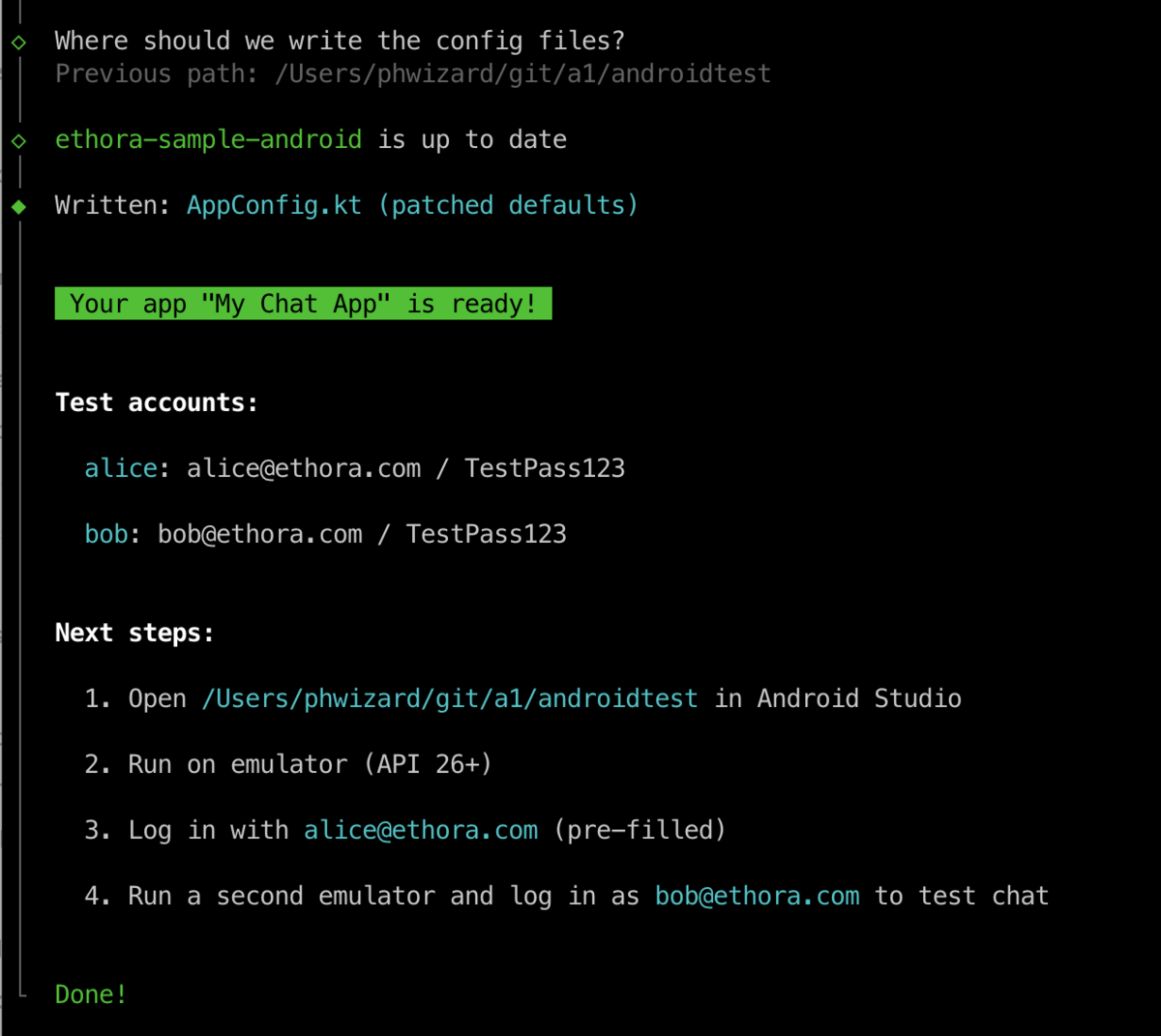
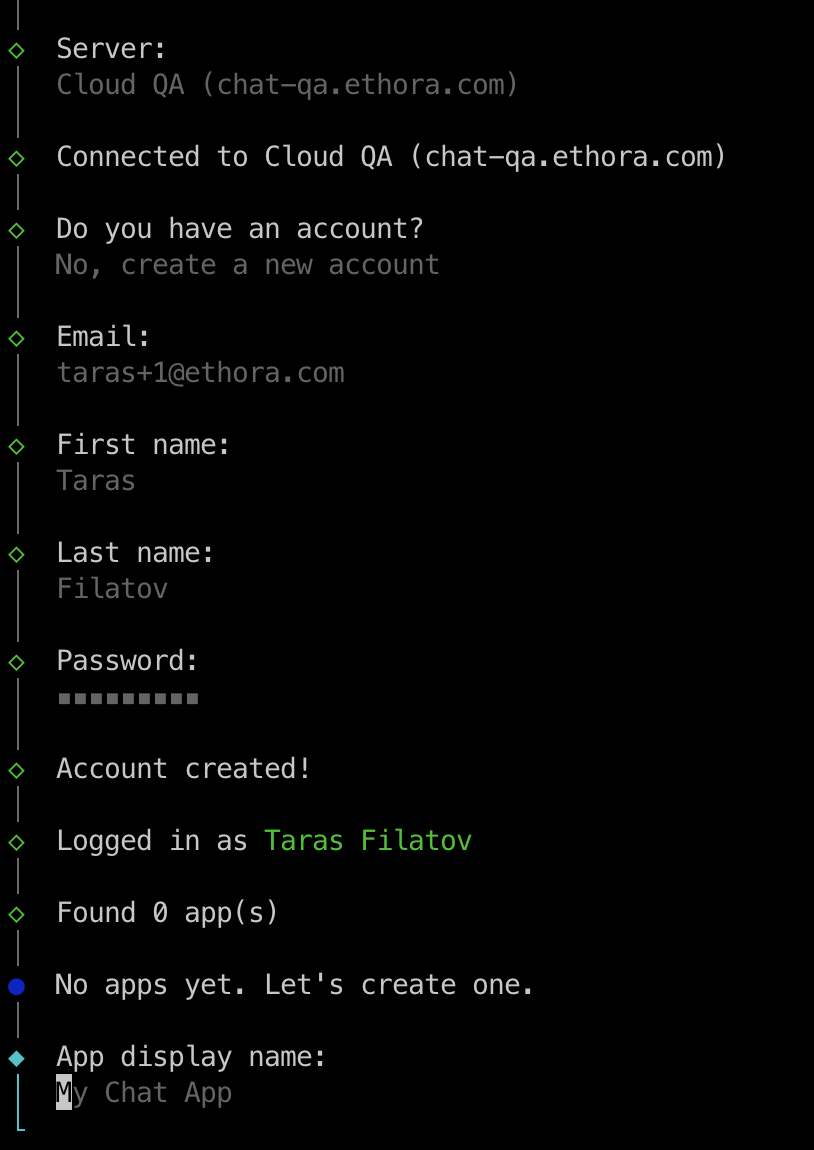
Ethora SDK setup tool simplifies your work with Ethora SDK and code samples.
See examples below.
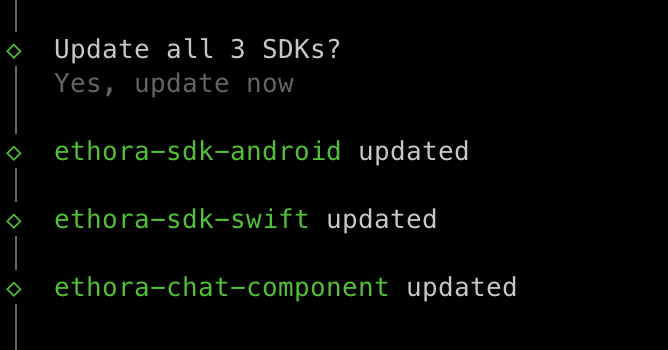
Automatic download and updates of your Ethora SDK suite
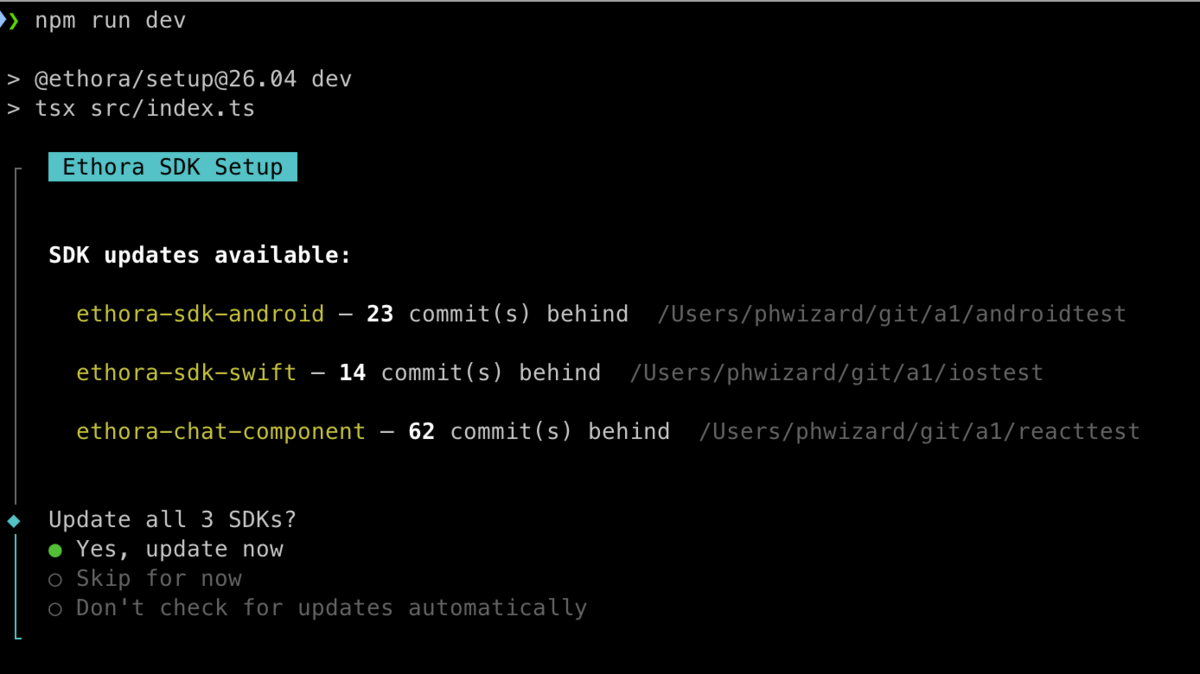
System updates your SDKs locally:
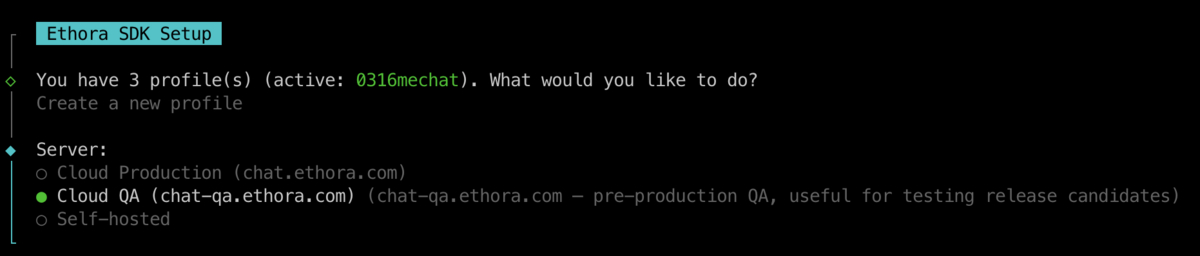
Creating new profiles
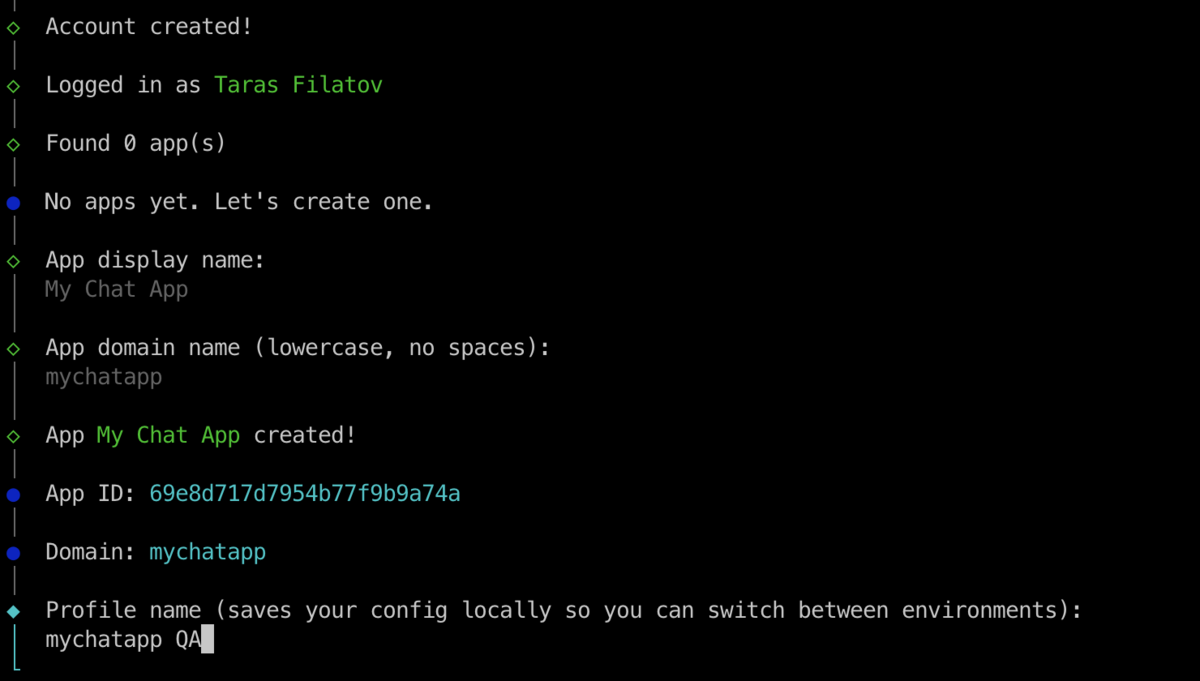
Setup tool keeps your Ethora server endpoints settings and your tenant accounts in locally stored profiles.
The profiles are used to:
Switch between different environments (e.g. Ethora Cloud Prod, Ethora Cloud QA, your own self-hosted Dev/QA/Prod servers)
Automatically generate and apply config files for your local Ethora SDK libraries and code sample apps, including adjusting corresponding server endpoints, tenant account and App credentials
Choose the target server for your profile:
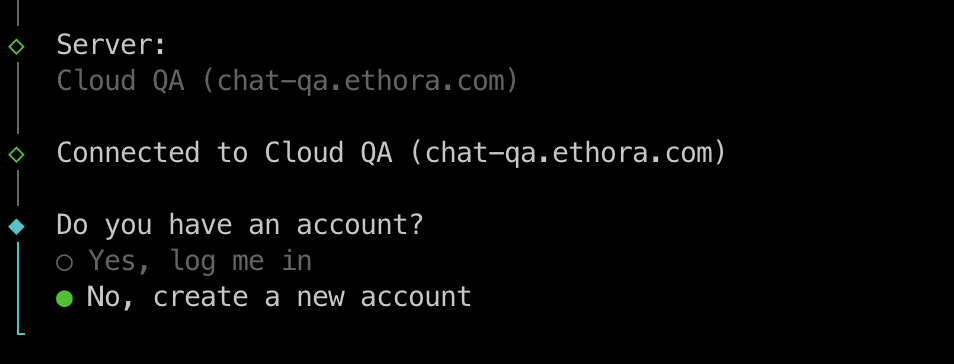
(optional) Create a new Ethora tenant account
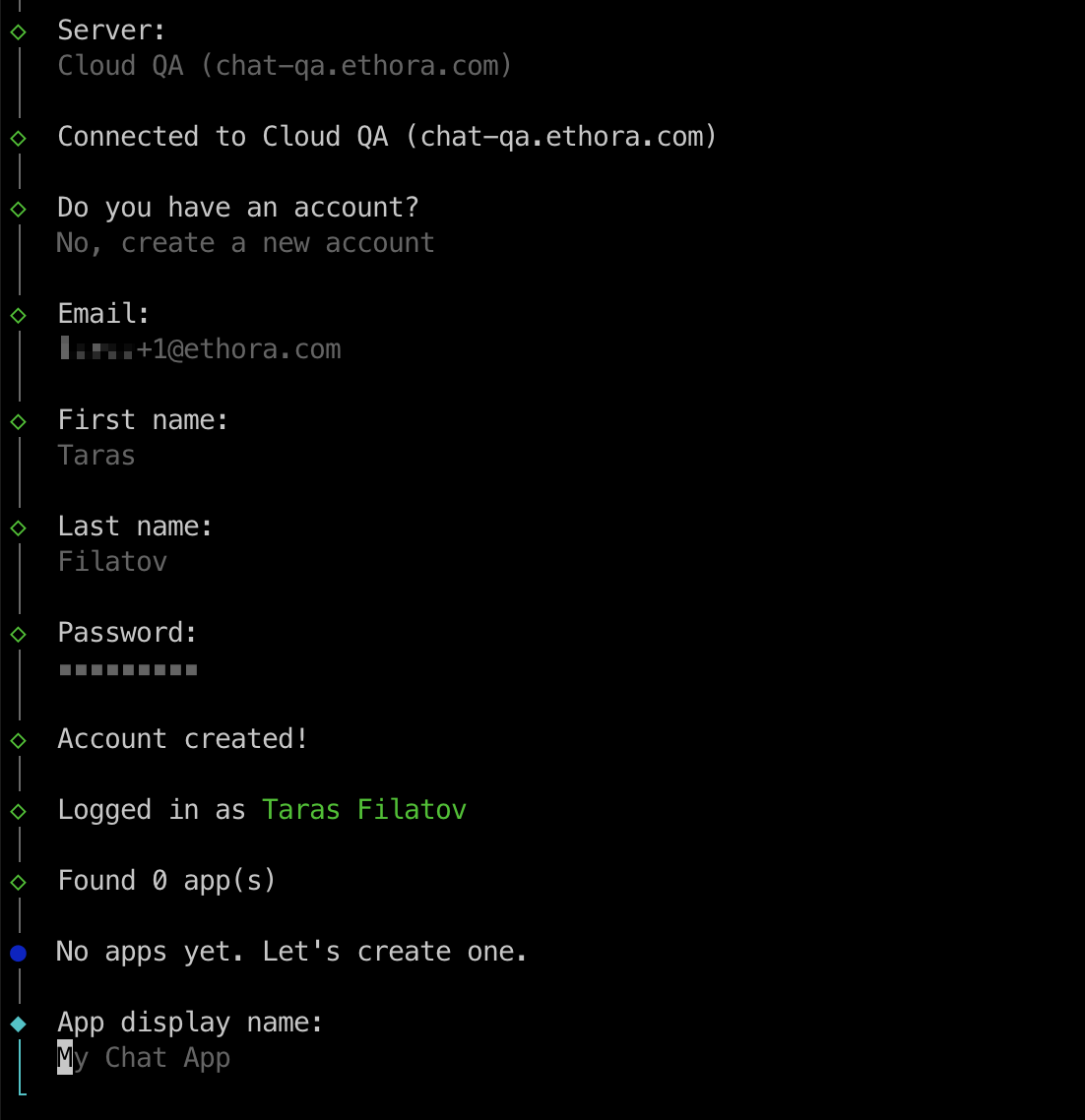
(optional) Create a new app
App and profile created:
(optional) Create test users
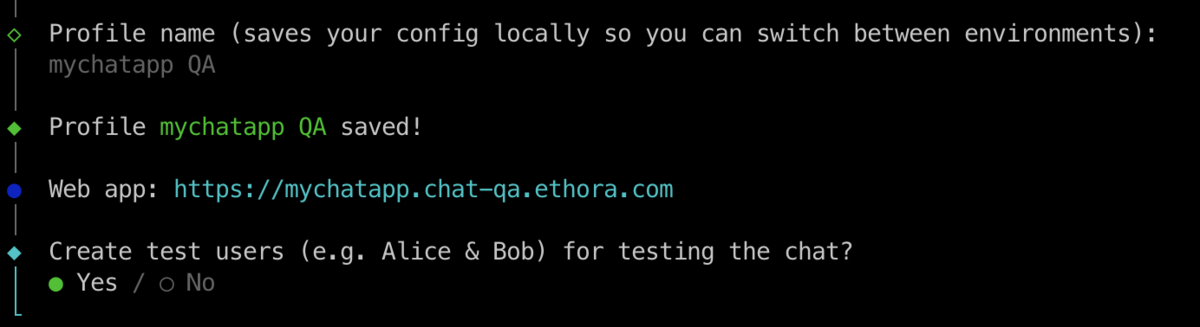
Result:
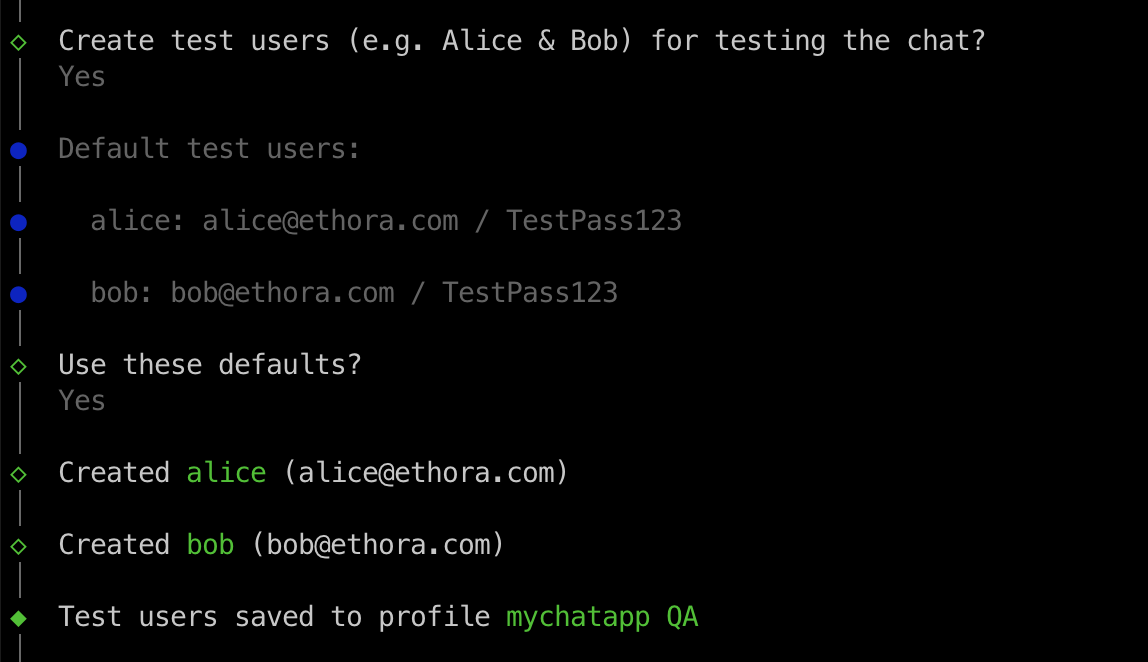
Generating SDK files
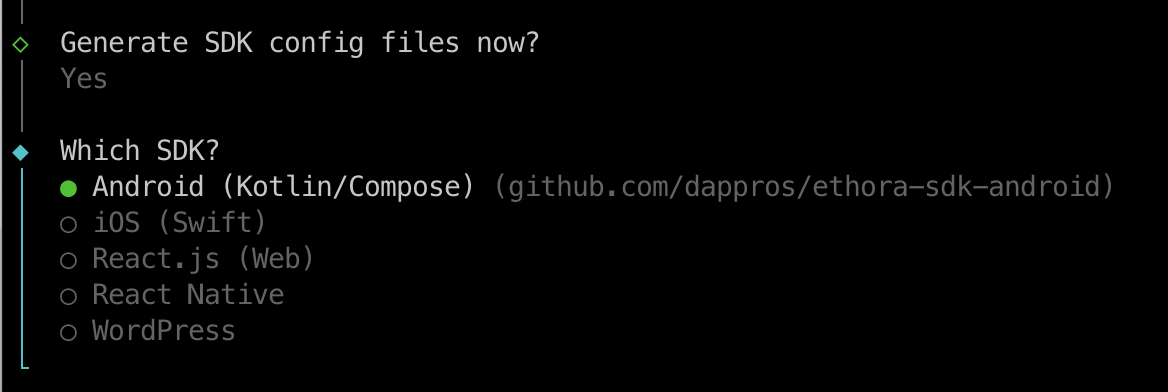
(optional) Clone SDK
You may either generate / update config files at the path where you have already cloned Ethora SDK, or the Setup tool can clone SDK for you:
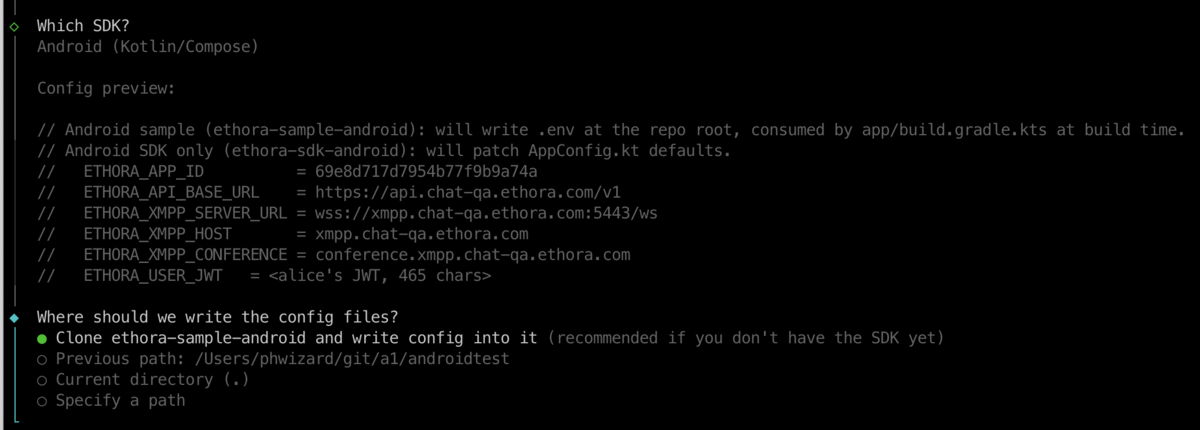
Result: SDK is cloned and config files updated.
Follow the instructions to test your build: