Setting up mobile (iOS, Android via React Native) push notifications for your Ethora chats
iOS / Android / React Native
This guide explains how to connect your mobile application to Firebase in order to receive push notifications for Ethora chats.
The instructions below cover only the client-side setup.
Backend configuration and admin dashboard setup are handled separately.
Assumptions
This guide assumes that:
Your mobile project already supports push notifications
Firebase SDK dependencies are already installed in your project
You only need to connect your app to Firebase and add the required config files
Step 1. Create a Firebase project
Open Firebase Console
Click Create project
Enter a project name
Complete project creation
Typically, one Firebase project corresponds to one mobile application and contains both iOS and Android apps.
Step 2. Add iOS app in Firebase
Open Project Settings in Firebase Console
In the Your apps section click Add app
Select iOS
Enter your iOS Bundle ID
(must exactly match the Bundle ID of your app)Click Register app
Step 3. Download iOS configuration file
After registering the iOS app, download the file:
GoogleService-Info.plist
This file is generated specifically for your Bundle ID.
Step 4. Add iOS config file to the project
Place the downloaded file into:
ios/GoogleService-Info.plist
Make sure that the file is:
included in the Xcode project
added to the correct app target
No additional iOS changes are required.
Step 5. Add Android app in Firebase
Open Project Settings in Firebase Console
Click Add app
Select Android
Enter your Android package name
(must exactly matchapplicationId)Click Register app
SHA-1 is not required for basic push notifications.
Step 6. Download Android configuration file
After registering the Android app, download the file:
google-services.json
Step 7. Add Android config file to the project
Place the downloaded file into:
android/app/google-services.json
The file location must be exact.
No additional Android changes are required.
Step 8. Build and run the app
After adding the configuration files:
Build and run the iOS app
Build and run the Android app
At this point Firebase initializes successfully and the application can receive push notifications.
Important notes
GoogleService-Info.plistandgoogle-services.jsonare client-side filesThese files belong to your mobile application repository
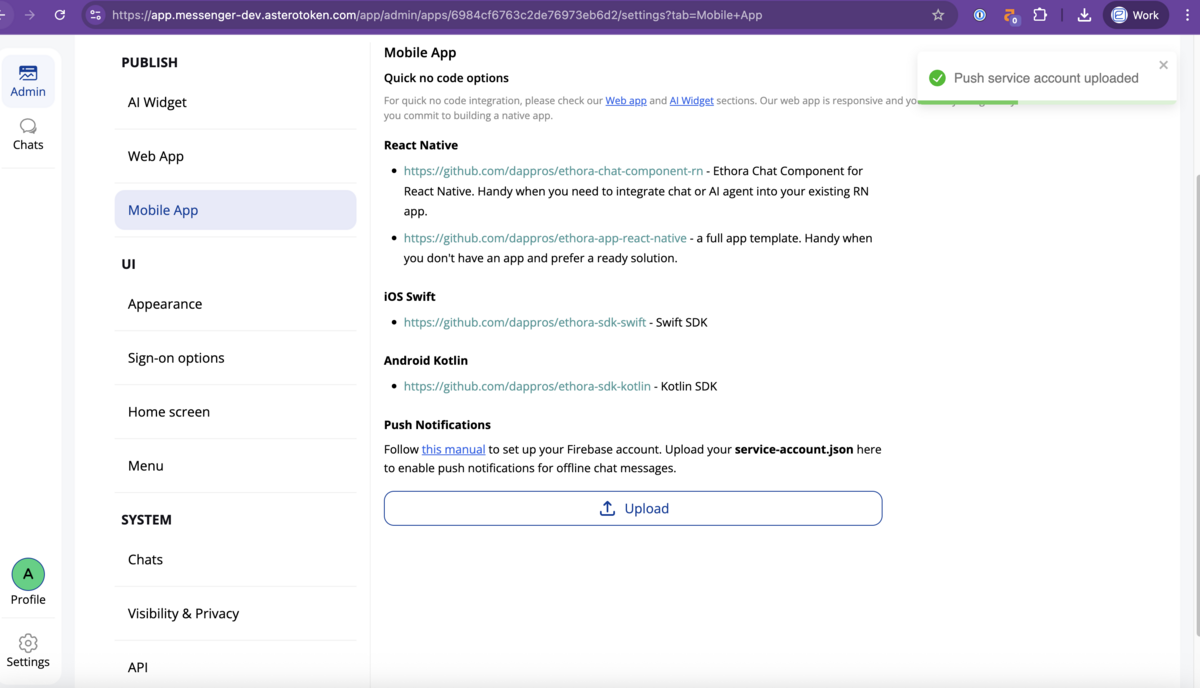
They are not uploaded to Ethora admin panel or backend services
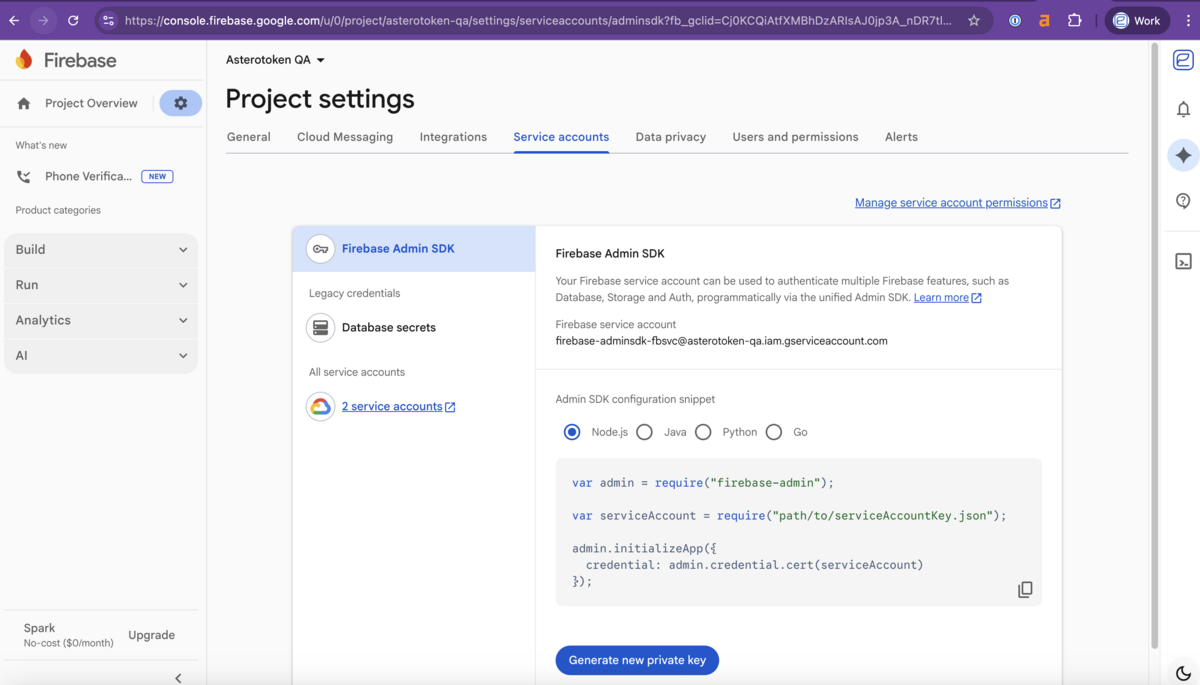
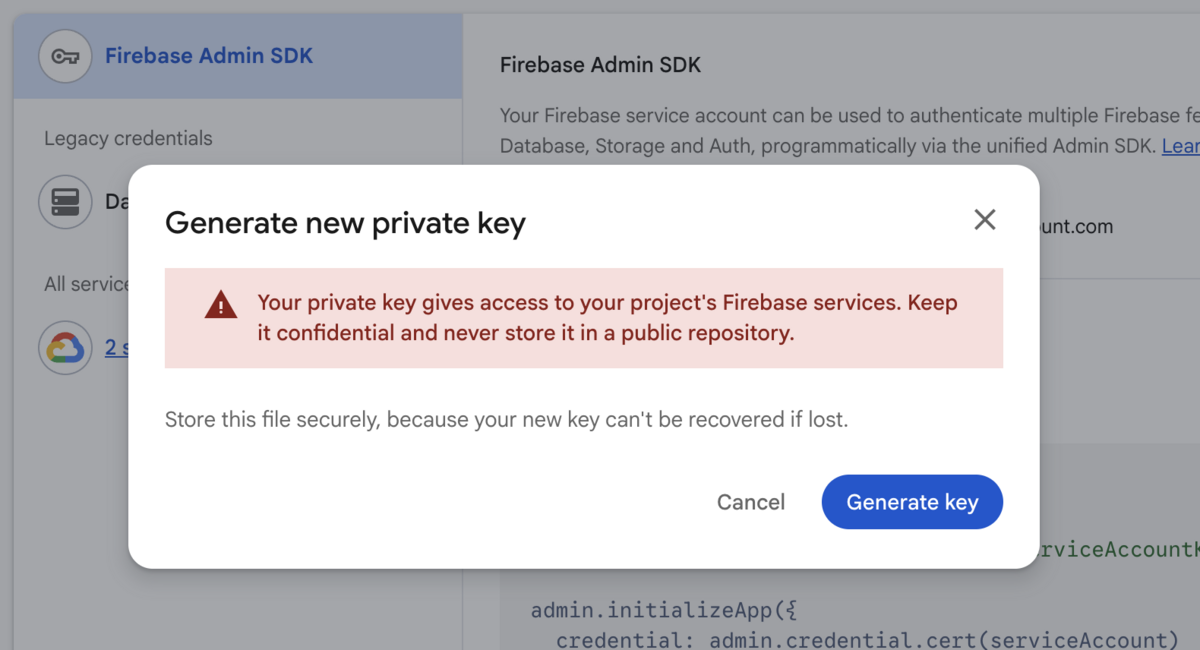
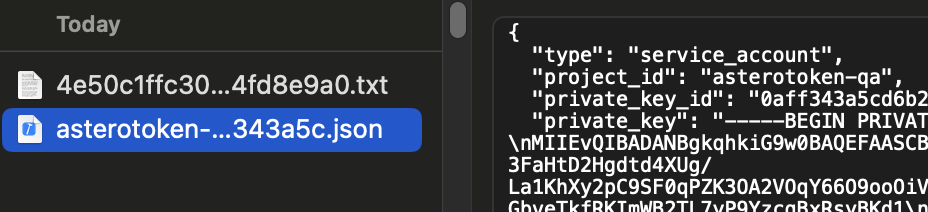
Push delivery infrastructure (Firebase Admin SDK, service accounts, APNs keys) is configured separately.
Final checklist
Firebase project created
iOS app added in Firebase
Android app added in Firebase
GoogleService-Info.plistadded toios/google-services.jsonadded toandroid/app/Application builds successfully